1. Destpêk
This manual provides essential instructions for setting up, operating, and maintaining your KOORUI G2511P 24.5-inch Gaming Monitor. Designed for an optimal gaming and viewing experience, this monitor features a 200Hz refresh rate, 1ms GTG response time, Full HD IPS panel with 90% DCI-P3 color gamut, HDR400 support, and Adaptive Sync technology. Please read this manual thoroughly before use to ensure proper functionality and longevity of your device.
2. Naveroka pakêtê
Piştrast bike ku hemû tiştên ku li jêr hatine navnîş kirin di pakêta te de hene:
- 24.5 monitor inch
- kabloya HDMI
- Power Adapter
- Manual Bikarhêner (ev belge)
3. Sazkirin
3.1 Komkirina Standê
The monitor stand consists of two parts: the base and the upright arm. These parts slide together. Once assembled, the stand then slips into a dedicated slot at the back of the monitor. Ensure the stand is securely locked into place before placing the monitor on a surface to prevent accidental detachment.

Wêne 3.1: Pêşî view of the KOORUI G2511P monitor with its stand.

jimar 3.2: Paş view highlighting the stand attachment and control joystick.
3.2 Girêdana bi Amûrên
The KOORUI G2511P monitor offers multiple connectivity options for various devices:
- HDMI: Connect your PC, gaming console, or other HDMI-enabled devices using the provided HDMI cable. The monitor features two HDMI 2.0 ports.
- DisplayPort (DP): For optimal gaming performance, connect your PC's graphics card to the monitor's DisplayPort 1.4 input.
- Derketina Dengê: Use the 3.5mm audio jack to connect external headphones or speakers, as the monitor does not have built-in speakers.
- Erk: Connect the power adapter to the monitor's DC input and then to a power outlet.

Figure 3.3: Monitor connectivity ports.
3.3 Çêkirina VESA
The monitor is VESA 75x75mm compatible, allowing it to be mounted on a wall or an adjustable monitor arm (sold separately). This provides flexibility for optimizing your workspace and viewing angles.

Figure 3.4: VESA mounting points on the monitor's rear.
4. Telîmatên Operating
4.1 Power On / Off
Press the power button/joystick located on the back of the monitor to turn it on or off. A brief press typically powers it on, while a longer press will power it off.
4.2 Navîgasyona Menûya Nîşandana Li Ser Ekranê (OSD)
The monitor's settings are adjusted using a single joystick control located on the back. Push the joystick in to confirm selections, and move it up, down, left, or right to navigate through the menu options and adjust values.
- Bişkînin hundir: Select item / Confirm setting
- Jor jêr: Navigate menu / Adjust value
- Çep rast: Select item / Adjust value
4.3 Display Settings and Features
Xwe xweştir bikin viewezmûna ing bi rêya menuyê OSD:
- Rêjeya Nûjenkirinê (200Hz): Ensures ultra-smooth motion, reducing blur in fast-paced content.
- Dema Bersivê (1ms GTG): Minimizes ghosting and input lag for competitive gaming.
- Resolution (FHD 1080p): Provides crisp and clear Full High Definition visuals.
- Panela IPS: Berfireh pêşkêş dike viewing angles (178°) and vibrant, accurate colors (90% DCI-P3).
- HDR400: Enhances contrast and color depth for a more immersive visual experience in compatible content.
- Hevdengkirina Adaptive: Rêjeya nûvekirina monitorê bi rêjeya çarçoveyê ya karta grafîkê re senkronîze dike da ku çirîn û lerizîna ekranê ji holê rake.
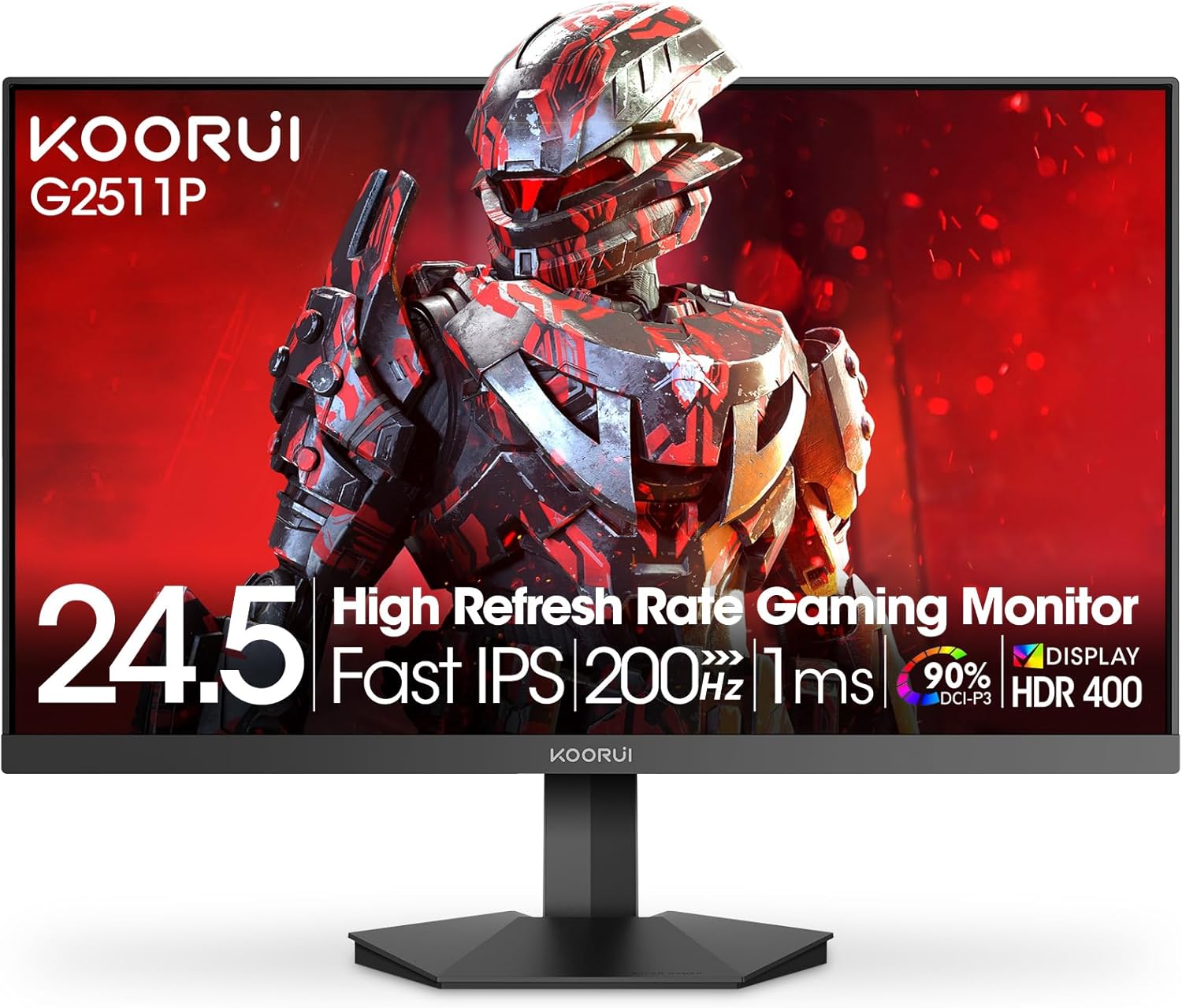
Figure 4.1: Key features of the KOORUI G2511P monitor.

Figure 4.2: Visual representation of high refresh rate benefits.
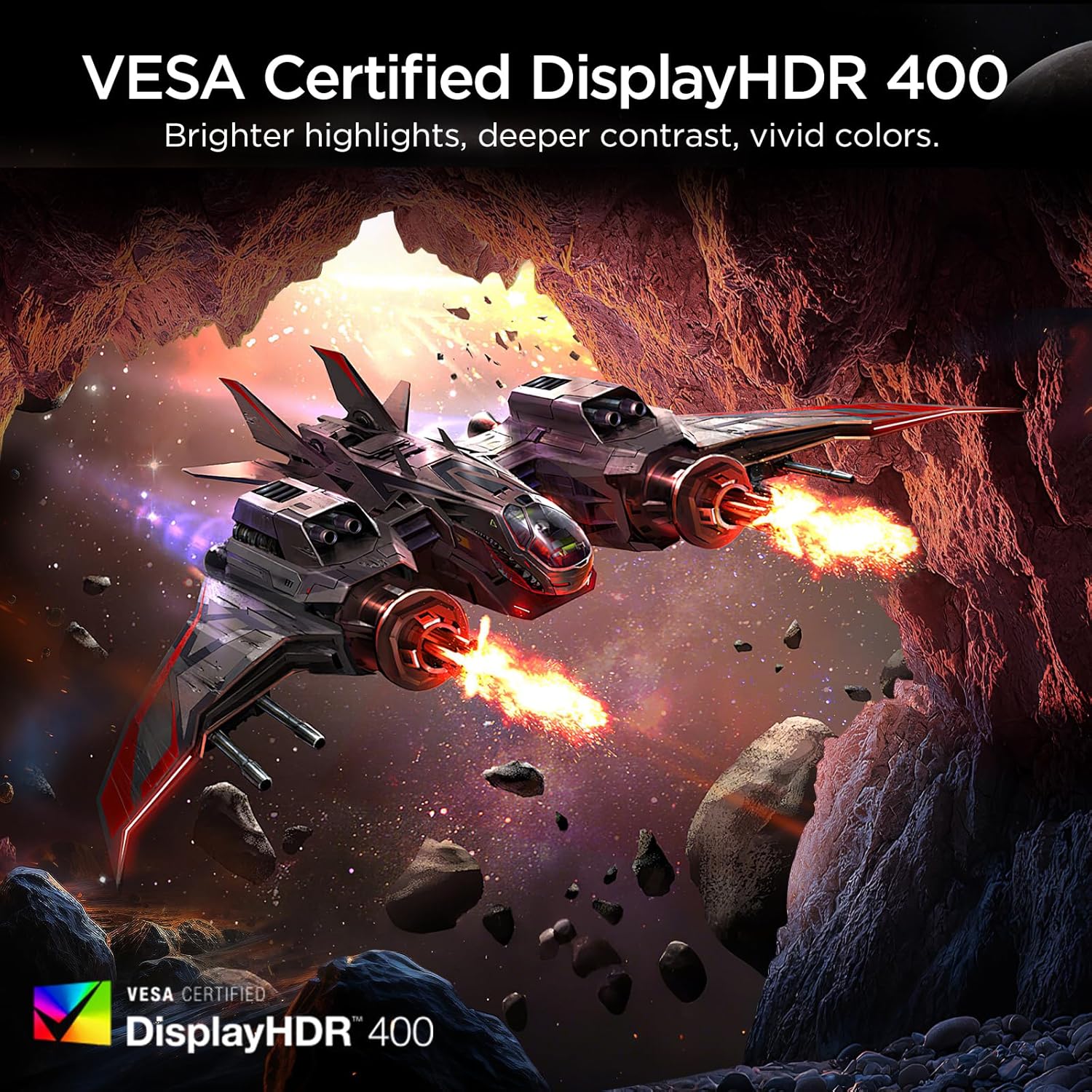
Figure 4.3: HDR400 for enhanced visual quality.
Figure 4.4: Adaptive Sync in action.
4.4 Pro-Gaming Enhancements
Access specialized gaming tools via the OSD menu:
- FPS Display Modes: Optimize visual settings for First-Person Shooter games.
- Adjustable On-Screen Timer: Track in-game events or personal bests.
- Customizable Crosshair Overlay: Improve aiming precision.

Figure 4.5: Pro-gaming enhancements for competitive play.
4.5 Taybetmendiyên lênêrîna çavan
The KOORUI G2511P monitor incorporates features designed to reduce eye strain during extended use:
- Teknolojiya Bê-Flicker: Reduces screen flickering that can cause eye fatigue.
- Moda Ronahiya Şîn a Kêm: Ji bo parastina çavên we, emîsyonên ronahiya şîn ên zirardar fîltre dike.
5. Maintenance
Ji bo ku hûn temendirêj û performansa çêtirîn a monitora xwe misoger bikin, van rêbernameyên lênêrînê bişopînin:
- Paqijkirina ekranê: Ekranê bi qumaşek nerm û bê lîf bi nermî paqij bikin. Ji bo şopên serhişk, bi sivikî paqij bikin.ampQumaşê bi av an jî paqijkerek ekranê ya bê amonyak û bê alkol bişon. Paqijkerê rasterast li ser ekranê nerijînin.
- Paqijkirina Casing: Ji bo paqijkirina ekrana monitorê qumaşek nerm û hişk bikar bînin.asing. Ji paqijker an çareserkerên aşındêr dûr bisekinin.
- Perwanekirin: Ji bo rêgirtina li germbûna zêde, piştrast bikin ku vebûnên hewakirinê yên li ser monitorê nehatine girtin.
- Embarkirinî: Dema ku monîtorê ji bo demek dirêj neyê bikaranîn, li cîhekî sar û hişk, dûr ji tîrêjên rojê yên rasterast û germahiyên zêde hilînin.
6. Destpêkirin
Eger hûn bi çavdêriya xwe re rastî pirsgirêkan werin, li gavên çareserkirina pirsgirêkên hevpar ên jêrîn binêrin:
| Pirsegirêk | Çareseriya gengaz |
|---|---|
| Hêz tune | Check if the power cable is securely connected to both the monitor and the power outlet. Ensure the power adapter is functioning. |
| No Signal | Verify that the HDMI or DisplayPort cable is correctly connected to both the monitor and your device. Ensure the correct input source is selected in the OSD menu. |
| Ekrana lerzok | Check the cable connections. Ensure your graphics card drivers are up to date. Adjust the refresh rate in your device's display settings. |
| Qalîteya Wêne ya Xirab | Adjust brightness, contrast, and color settings in the OSD menu. Ensure the display resolution on your device matches the monitor's native resolution (1920x1080). |
| Adaptive Sync Not Working | Ensure Adaptive Sync is enabled in the monitor's OSD menu and in your graphics card's control panel. Use a DisplayPort cable for optimal performance. |
7. Specifications
| Taybetî | Specification |
|---|---|
| Hejmara Model | G2511P |
| Mezinahiya Screen | 24.5 Inches |
| Tîpa Panelê | IPS |
| Resolution | 1920 x 1080 (FHD 1080p) |
| Refresh Rate | 200Hz |
| Dema bersivê | 1 ms (GTG) |
| Piştgiriya HDR | HDR400 |
| Gamut Reng | 90% DCI-P3 |
| Ronahiya Wêne | 350 Candela per Square Meter |
| Rêjeya Berevajiya Wêne | 1200:1 |
| Têkilî | 2x HDMI 2.0, 1x DisplayPort 1.4, Audio Out |
| Compatibility VESA | 75x75mm |
| Mezinahiya Hilberê | 8.84 x 22.05 x 17.52 inches |
| Babetê Weight | 9.63 lîre |
8. Garantî û Piştgirî
KOORUI monitors are manufactured with a focus on quality and reliable performance. This product comes with a 3-Sal Garantiya Limited. For any questions, technical assistance, or warranty claims, please contact KOORUI's dedicated support team. Refer to the contact information provided on the KOORUI official webmalper an belgeya kirîna we.
9. Vîdyoya Fermî ya Berhemê
Ji bo ravekirinek dîtbarî vîdyoya fermî ya hilberê temaşe bikinview of the KOORUI G2511P Gaming Monitor's features and capabilities.
Vîdyoya 9.1: Pêşandana vîdyoyî ya fermî ya hilberêasing the KOORUI G2511P Gaming Monitor's features, including its 200Hz refresh rate, 1ms response time, HDR400, and Adaptive Sync technology.


