1. Destpêk
This manual provides essential information for the proper setup, operation, and maintenance of your SANSUI 24 Inch Gaming Monitor. Please read this manual thoroughly before using the product to ensure optimal performance and safety.
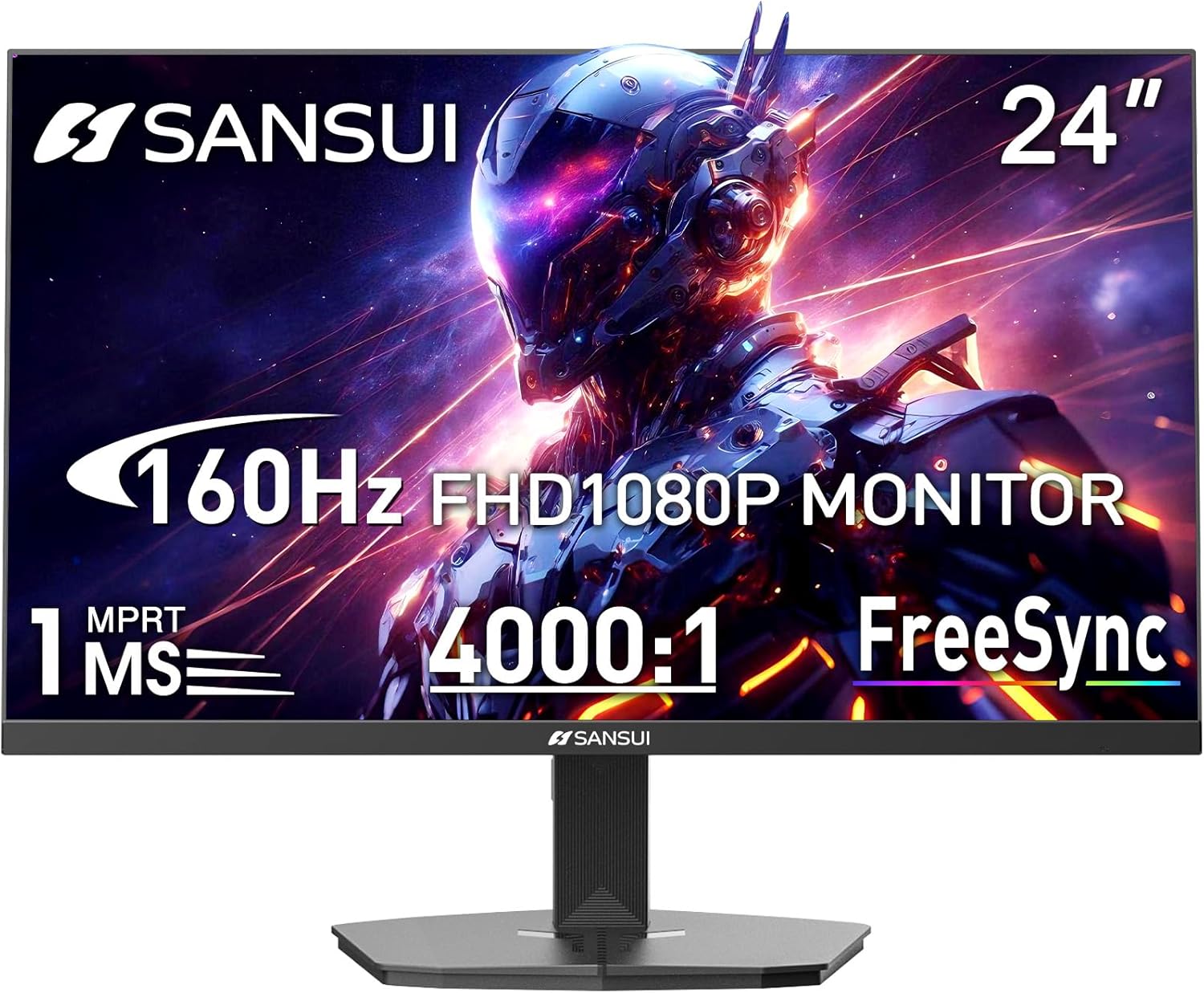
Image 1.1: SANSUI 24 Inch Gaming Monitor (Model ES-G24F4M)
2. Agahiyên Ewlekariyê
- Ji bo rêgirtina li ketinên qezayî, piştrast bikin ku monîtor li ser rûyekî sabît û asoyî hatiye danîn.
- Monîtorê li ber baran, şilbûn, an germahiyên zêde nehêlin.
- Ji bo pêşîlêgirtina germbûna zêde, vebûnên hewayê asteng nekin.
- Tenê adaptora hêzê ya ku bi monîtorê re tê dayîn bikar bînin.
- Disconnect the power cable from the outlet before cleaning or if the monitor will not be used for an extended period.
3. Naveroka pakêtê
Piştrast bike ku hemî tişt di pakêtê de hene:
- SANSUI 24 Inch Gaming Monitor
- Kabîneya HDMI x 1
- Adaptera hêzê x 1
- Rêbernameya Sazkirinê ya Zû
- Karta Garantiyê
4. Taybetmendiyên Hilberê
- Mezinahiya Nîşandanê: 24 Inches
- Çareserkirin: FHD 1080p (1920 x 1080 Pîksel)
- Rêjeya Nûvekirinê: 160Hz
- Dema bersivê: 1ms MPRT
- Rêjeya Berevajî: 4000:1
- Ronahî: 300 cd/m²
- Gamuta Rengê: 72% sRGB
- Teknolocî: FreeSync, HDR, Anti-flicker, Anti-Glare, Low Blue Light Eye Care
- Port: HDMI & DP Ports (HDMI Cable Included)
- Çêkirin: VESA Support (75x75mm)
- Pîvan: 21.2 x 7.95 x 16.28 inches
- Pîvan: 3.54 lîre
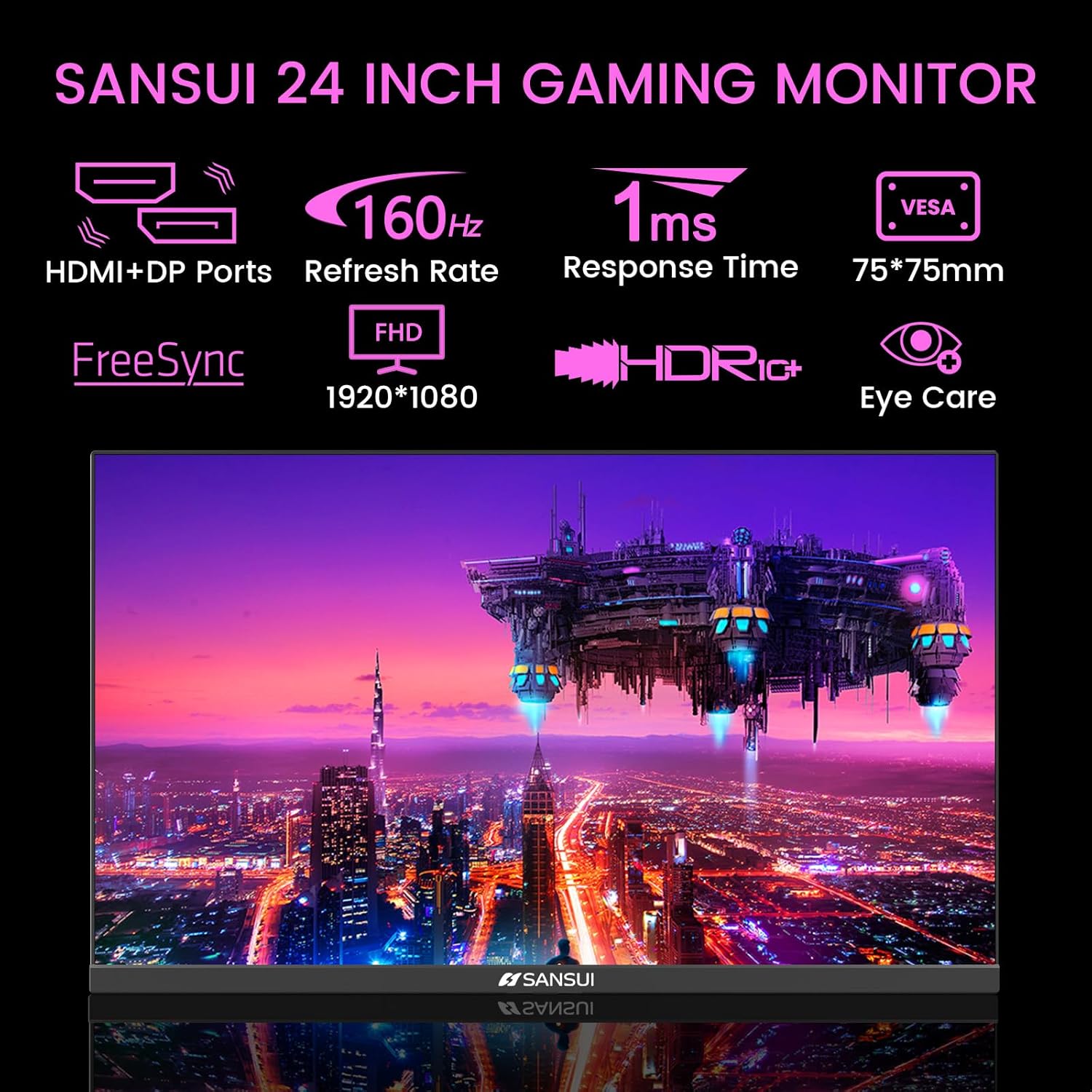
Image 4.1: Key Features of the SANSUI 24 Inch Gaming Monitor.
5. Sazkirin
5.1. Komkirina Standê
- Monitor û pêkhateyên standê bi baldarî ji pakêtê derxînin.
- Bi karanîna pêçên peydakirî, bingeha stendê bi stûyê stendê ve girêdin.
- Secure the assembled stand to the back of the monitor. Ensure it clicks into place or is fastened securely with screws, depending on the design.
5.2. Çêkirina VESA (Vebijarkî)
The monitor supports VESA 75x75mm mounting. If using a VESA mount, remove the pre-attached stand and follow the instructions provided with your VESA mounting kit.
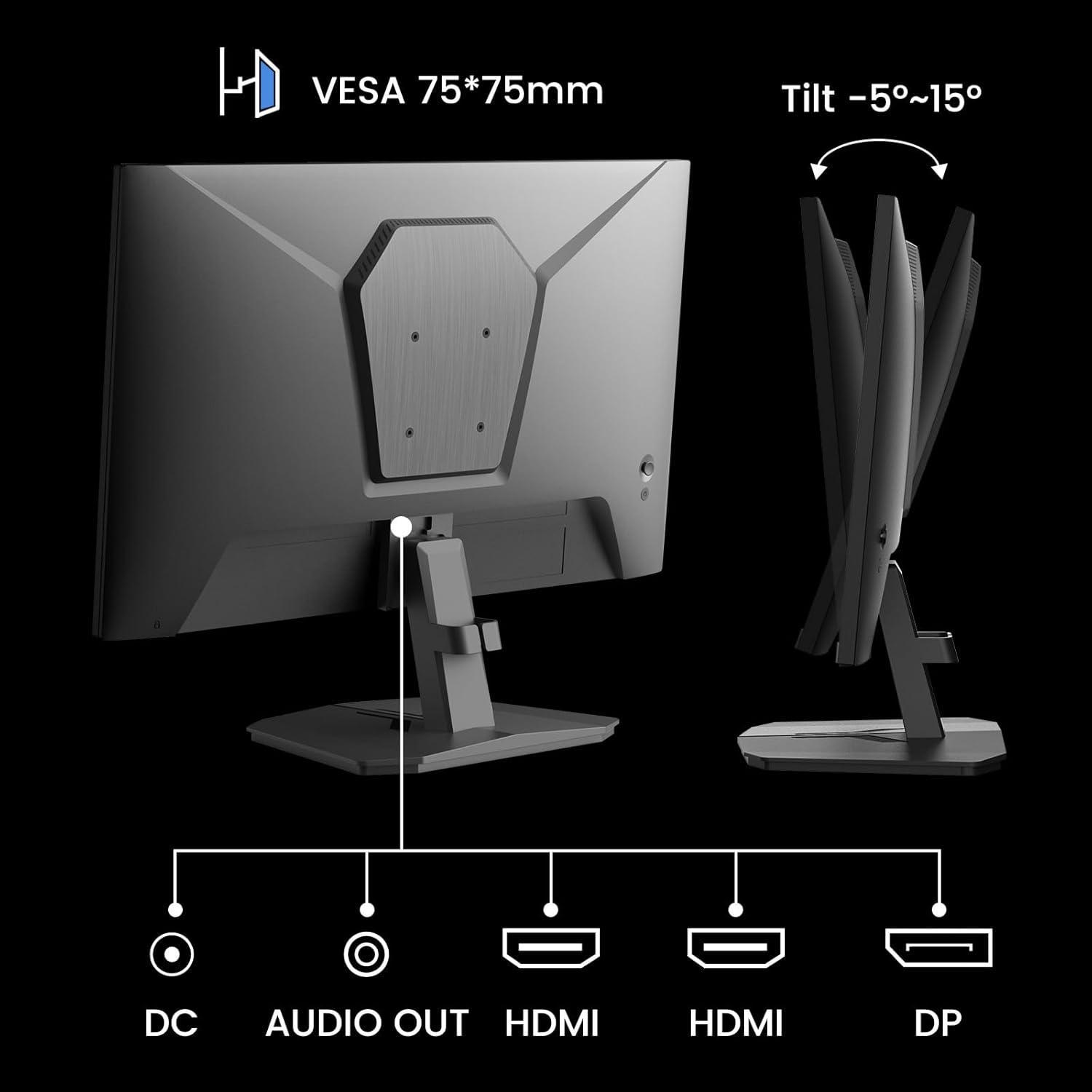
Wêne 5.1: Paş view showing VESA mount and input ports.
5.3. Girêdana bi Amûrek
- Connect one end of the HDMI cable (included) or a DisplayPort (DP) cable to the corresponding port on your computer or gaming console.
- Connect the other end of the cable to the HDMI or DP input port on the SANSUI monitor.
- For audio output, connect external speakers or headphones to the 'AUDIO OUT' port on the monitor.
- Connect the power adapter to the 'DC IN' port on the monitor, then plug the adapter into a power outlet.
5.4. Vekirina Destpêkê
Press the power button located on the underside of the monitor to turn it on. The monitor will automatically detect the active input source. If not, manually select the input source using the OSD menu.
6. Telîmatên Operating
6.1. Navîgasyona Menûya OSD (Nîşandana Li Ser Ekranê)
The OSD menu allows you to adjust various monitor settings. The control buttons are located on the underside of the monitor:
- Bişkojka menu: Press to open the OSD menu or enter a sub-menu.
- Tîrên Jor/Jêr: Di nav vebijarkên menuyê de bigerin.
- Bişkojka Enter: Confirm selection or adjust values.
- Bişkojka Hêzê: Monitorê vekin/derxin.
6.2. Mîhengên Wêne
Access the 'Picture' section in the OSD menu to adjust:
- Ronahî: Ronahiya giştî ya ekranê eyar dike.
- Dijîtî: Cudahiya di navbera deverên herî geş û herî tarî de eyar dike.
- Overdrive: Enhances pixel response time for reduced motion blur.
- HDR (Rêza Dînamîk a Bilind): When enabled, HDR provides a wider range of colors and contrast. Note: Some settings may be locked when HDR is active.
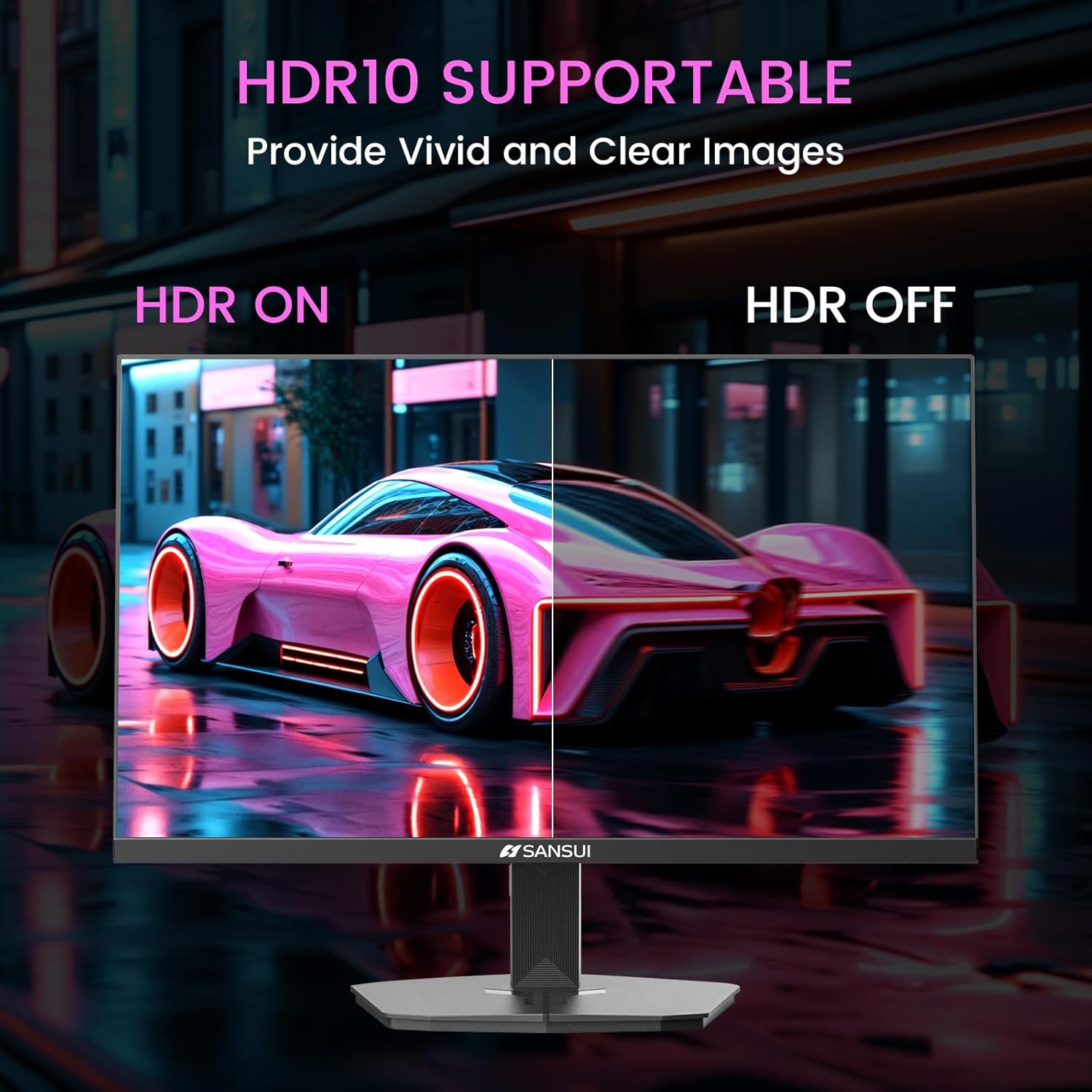
Image 6.1: HDR10 Support for vivid and clear images.
6.3. Mîhengên Rengê
In the 'Color Setup' menu, you can adjust color temperature and other color-related parameters when HDR is not active.
6.4. Game Modes and Assistants
The monitor includes exclusive gaming modes and assistants to enhance your gaming experience:
- CrossHair: Ji bo baştirkirina armancgirtinê xaçerêyek li ser ekranê peyda dike.
- Demjimêr: Displays an on-screen timer.
- RTS/FPS/RACING: Pre-calibrated display modes optimized for specific game genres.
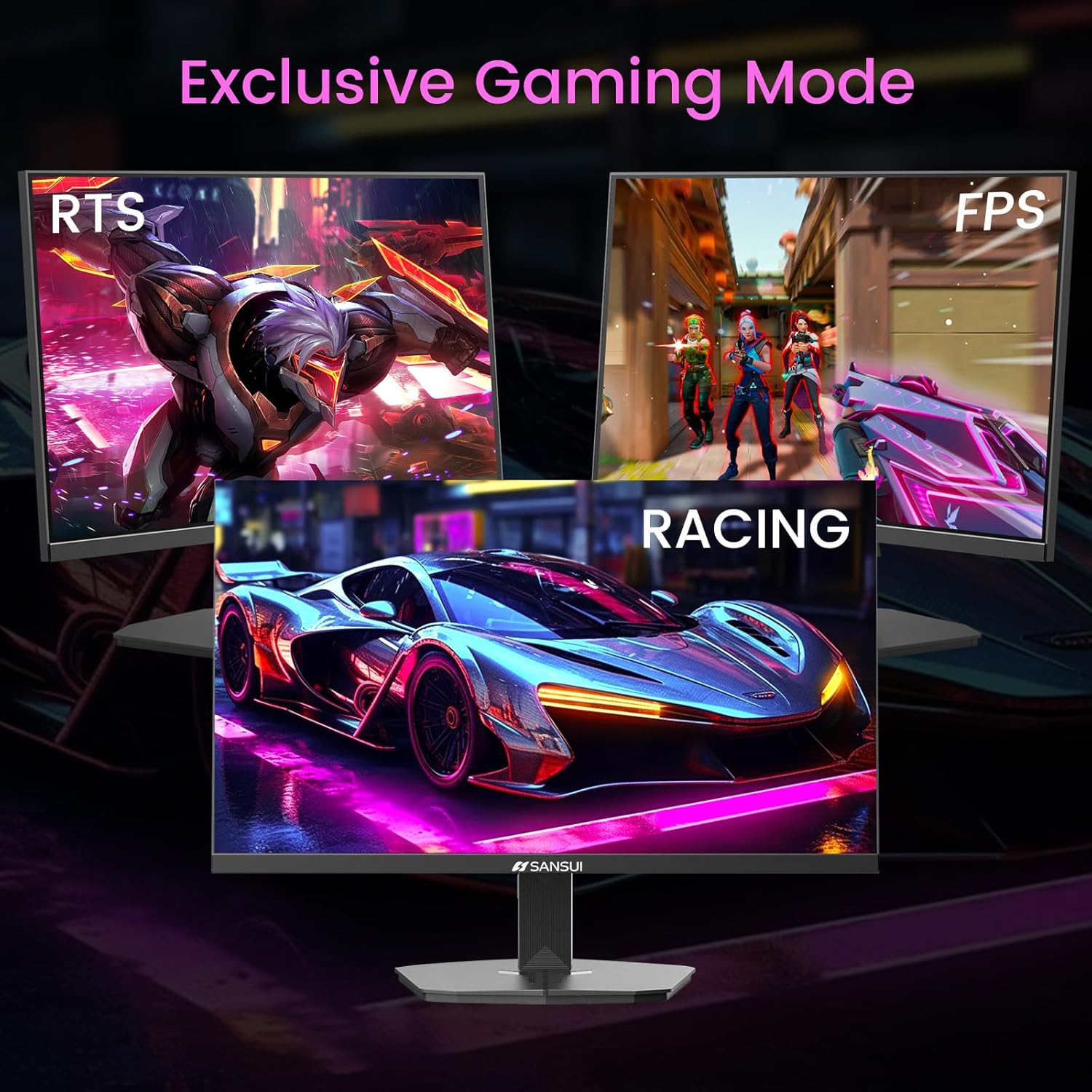
Image 6.2: Exclusive Gaming Modes for optimized visuals.
6.5. FreeSync Technology
FreeSync technology synchronizes the monitor's refresh rate with your graphics card's frame rate, eliminating screen tearing and stuttering for a smoother gaming experience. Enable or disable FreeSync through the OSD menu.
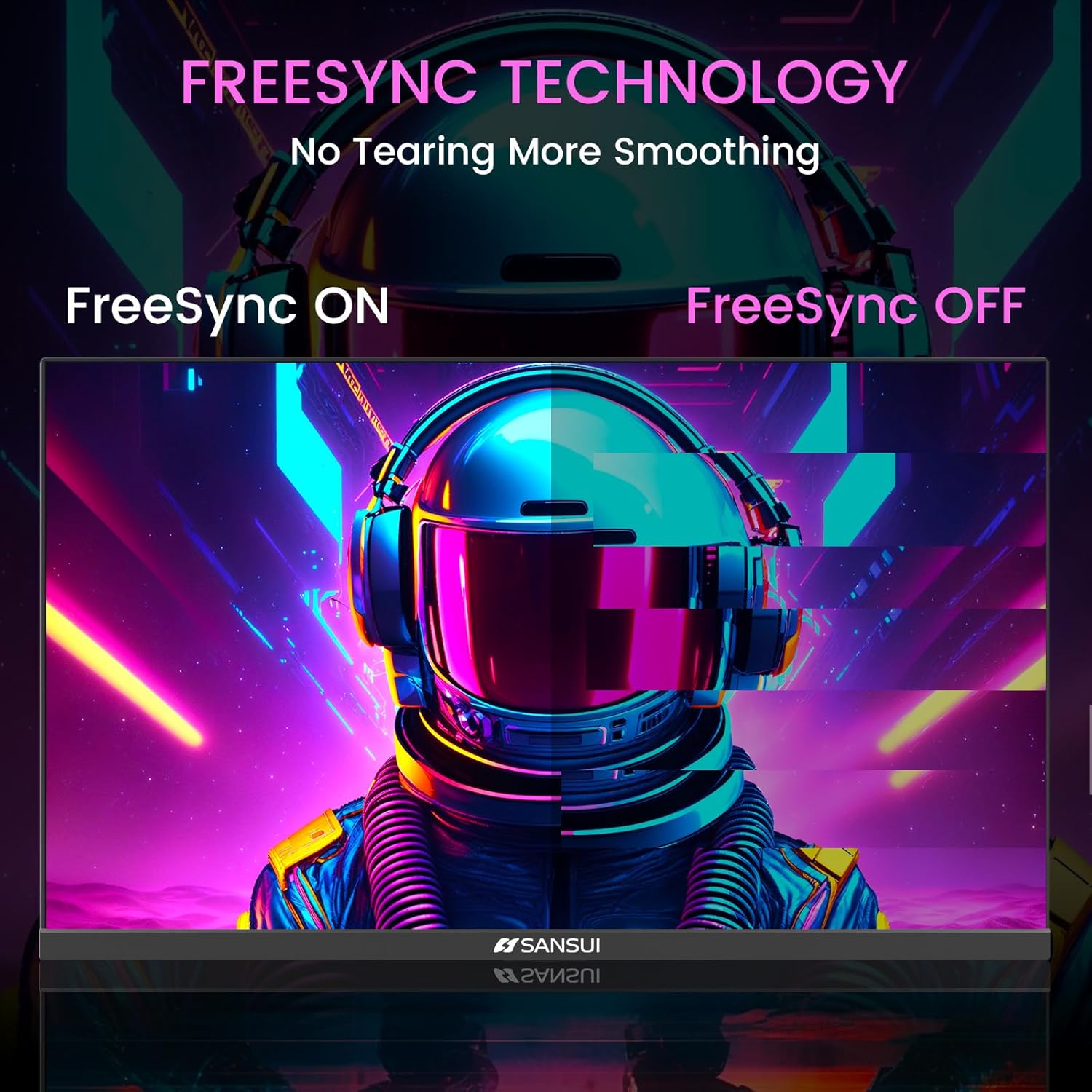
Image 6.3: FreeSync Technology for no tearing and smoother visuals.
6.6. Hilbijartina Input
Use the OSD menu to manually select the input source (HDMI or DP) if the monitor does not automatically detect it.
Video 6.1: SANSUI FreeSync - 24-inch Gaming Monitor, 160Hz, FHD. This video demonstrates the monitor's features and performance, including its 160Hz refresh rate and FreeSync technology.
7. Maintenance
- Paqijkirina ekranê: Kîçek nerm, bêpişk bi kar bînin dampbi av an jî paqijkerek ekranê were şuştin. Paqijkerê rasterast li ser ekranê nerijînin.
- Paqijkirina Casing: Ji bo paqijkirina monitorê qumaşek nerm û hişk bikar bînin.asing. Ji paqijkerên aşınker dûr bisekinin.
- Embarkirinî: Ger monîtorê ji bo demek dirêj hilînin, hemû kabloyan jê bikin û li cîhekî sar û zuwa, bi tercîhî di pakêta wê ya orîjînal de hilînin.
8. Destpêkirin
- Hêz tune: Piştrast bike ku kabloya elektrîkê bi ewlehî hem bi monîtorê û hem jî bi priza elektrîkê ve girêdayî ye. Kontrol bike ka priza elektrîkê dixebite.
- Nîşanek tune: Verify that the video cable (HDMI/DP) is correctly connected to both the monitor and the source device. Ensure the correct input source is selected in the OSD menu.
- Ekrana lerzok: Check the video cable connection. Ensure the refresh rate is set correctly in your device's display settings.
- Tevliheviya Wêne: Reset the monitor to factory settings via the OSD menu. Check your device's display resolution settings.
- Bişkokên bêbersiv: Disconnect the power for a few minutes, then reconnect. If the issue persists, contact customer support.
9. Specifications
| Taybetî | Specification |
|---|---|
| Mezinahiya Hilberê | 21.2 x 7.95 x 16.28 inches |
| Babetê Weight | 3.54 lîre |
| Çêker | EXPRESS LUCK INDUSTRIAL(ZHONGSHAN)LIMITED |
| Hejmara Modela Babetê | ES-G24F4M |
| Standing Screen Display Size | 24 Inches |
| Aspect Ratio | 16:9 |
| Resolution | 1920 x 1080 Pîksel (FHD 1080p) |
| Ronahiya Wêne | 300 cd/m² |
| Danasîna Rûyê Ekranê | Matte |
10. Garantî û Piştgirî
SANSUI offers a money-back and free replacement warranty from the order date within 30 days. Additionally, lifetime technical support is provided for the SANSUI 24 inch 160Hz 1ms gaming monitor. For any questions or support needs, please contact SANSUI's after-sales support team.


