1. Destpêk
Thank you for choosing the R-Music Novo RM483874 Wireless Bluetooth Earbuds. This manual provides essential information for setting up, operating, and maintaining your earbuds to ensure optimal performance and longevity. Please read this manual thoroughly before use.
2. Naveroka pakêtê
Piştrast bike ku hemî tişt di pakêta te de hene:
- R-Music Novo RM483874 Wireless Earbuds
- Doza Charging Wireless
- Kabloya barkirinê ya USB-C
- Manual Bikarhêner
3. Hilbera Serîview
The R-Music Novo RM483874 earbuds are designed for daily use, offering clear stereo sound and an integrated microphone for calls. The compact charging case provides extended battery life.

Figure 3.1: R-Music Novo RM483874 wireless earbuds and open charging case.
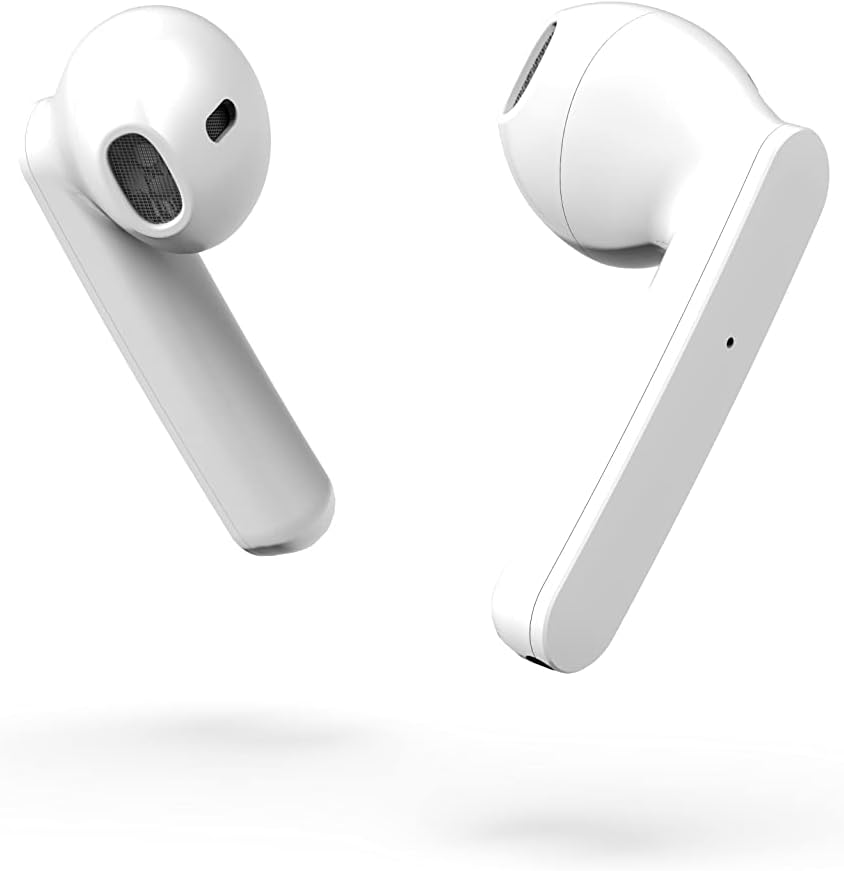
Wêne 3.2: Aliyê nêzîk view of the earbuds, highlighting their design.
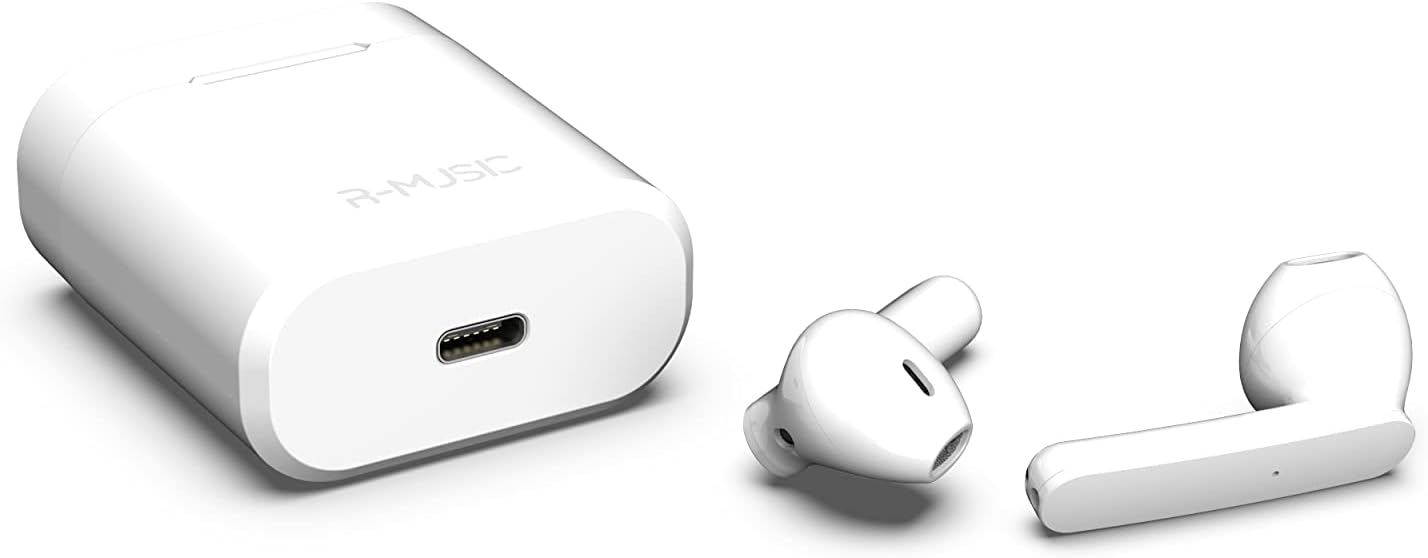
Figure 3.3: Charging case with USB-C port and earbuds.
4. Sazkirin
4.1 Barkirina Destpêk
- Berî bikaranîna yekem, her du guhguhkan têxin qutiya şarjê.
- Connect the USB-C charging cable to the port on the charging case and to a power source.
- An indicator light inside the case will show the battery level during charging. Ensure the case and earbuds are fully charged.
4.2 Pairing bi Amûrek
The R-Music Novo RM483874 earbuds feature quick and easy pairing:
- Open the charging case and remove both earbuds. They will automatically enter pairing mode.
- On your device (e.g., smartphone), navigate to the Bluetooth settings.
- Search for available devices and select "R-Music Novo" (or similar name) from the list.
- Once connected, you will hear an audio confirmation, and the earbuds will be ready for use.
5. Telîmatên Operating
5.1 Power On / Off
- Hêzdarkirin: Guhguhkan ji qutiya şarjkirinê derxînin. Ew ê bixweber werin vekirin û hewl bidin ku bi cîhaza dawî ya girêdayî ve girêdayî bibin.
- Hêzdarkirin: Guhguhkan dîsa têxin qutiya şarjê. Ew ê bixweber vemirin û dest bi şarjê bikin.
5.2 Kontrolên Têkilî
The earbuds are equipped with touch controls for convenient operation:
- Lîstik / Rawestandin: Li ser her guhê yek tikandinê.
- Tracka Piştre: Du caran li ser guhguhka rastê bitikîne.
- Traopa Berê: Du caran li ser guhguhka çepê bitikîne.
- Bersiv/Dawiya Bangê: Di dema bangeke hatinî an jî bangeke çalak de yek tikandinekê li ser yek ji guhguhkan bikin.
- Bang red kirin: Di dema bangek hatinê de li ser yek ji guhguhkan bikirtînin û bigirin.
- Alîkarê Deng çalak bike: Triple tap on either earbud (functionality may vary by device).
5.3 Bangkirin
The integrated microphone allows for hands-free calling. Ensure the earbuds are connected to your phone via Bluetooth. Use the touch controls to manage calls.
5.4 Listening to Music
Enjoy clear and balanced stereo sound. Use the touch controls to manage playback.
6. Barkirin
The earbuds provide approximately 3 hours of playback on a single charge. The charging case offers an additional 11 hours of battery life, allowing for multiple recharges on the go.
- Barkirina guh: Place the earbuds into the charging case. They will automatically charge.
- Doza barkirinê: Connect the supplied USB-C cable to the charging port on the case and a compatible USB power adapter. The indicator light will show charging status and battery level.
7. Maintenance
- Paqijî: Use a soft, dry cloth to clean the earbuds and charging case. Avoid using harsh chemicals or abrasive materials.
- Embarkirinî: Dema ku hûn neyên bikaranîn, guhguhkan di qutiya şarjê de bihêlin da ku ew werin parastin û şarj kirin.
- Berxwedana avê: The earbuds are water-resistant. However, they are not designed for swimming or prolonged submersion. Avoid exposure to saltwater or other corrosive liquids.
8. Destpêkirin
| Pirsegirêk | Çareseriya gengaz |
|---|---|
| Guhguhkên guhê venabin. | Ensure the charging case and earbuds are charged. Place earbuds in case, then remove them. |
| Earbuds do not pair. | Make sure Bluetooth is enabled on your device. Forget the device in your Bluetooth settings and try pairing again. Ensure earbuds are removed from the case. |
| Deng ji yek guhê nayê. | Place both earbuds back into the charging case, close the lid, then reopen and remove them. Check device audio settings. |
| Qûtiya şarjê nayê şarjkirin. | Check the USB-C cable and power adapter. Ensure the cable is securely connected. |
9. Specifications
| Taybetî | Hûrî |
|---|---|
| Navê Model | Novo |
| Hejmara Model | RM483874 |
| Teknolojiya Girêdanê | Bluetooth (Wireless) |
| Tîpa Kontrolê | Control Control |
| Mîkrofon | Integrated |
| Jîyana Bateriyê (Guhguhk) | Approx. 3 saetan |
| Jîyana Bateriyê (bi Qalikê re) | Approx. 3H + 11H (total 14 hours) |
| Charging Port | USB-C |
| Asta Berxwedana Avê | Avê-berxwedêr |
| Mal | Pîlastîk |
| Pîvan | 37 gram |
| Dimensions | 5.3 x 4.7 x 2.4 cm |
| Impedance | 3 Ohm |
| Noise Control | Tecrîda Dengî |
| Bersiva Frequency | 20 Hz |
| Hisê nazik | 109 dB |
10. Agahiyên Ewlekariyê
- Hilberê ji hev veneqetînin, tamîr nekin, neguherînin.
- Keep the earbuds and charging case away from extreme temperatures, direct sunlight, and moisture.
- Ji bo demên dirêj ji guhdarîkirina bi astên dengek bilind dûr bixin da ku pêşî li zirara bihîstinê bigirin.
- Ji zarok û heywanên heywanan dûr bimînin.
- Hilberê li gorî rêzikên herêmî bi berpirsiyarî hilweşînin.
11. Garantî û Piştgirî
R-Music products are designed for reliability and performance. For warranty information or technical support, please refer to the contact details provided at the point of purchase or visit the official R-Music webmalper. Ji kerema xwe delîla kirîna xwe ji bo îdiayên garantiyê biparêzin.


