1. Destpêk
The Blackstar ID:CORE V2 series represents a significant advancement in digital guitar amplification, built upon extensive technical research and development. These amplifiers combine an intuitive control layout, similar to traditional amplifiers, with advanced programmability. The unique controls enable users to craft personalized sounds. The enhanced Voice control offers six distinct channels: Clean Warm, Clean Bright, Crunch, Super Crunch, OD 1, and OD 2. When utilized with Blackstar's patented ISF control, precise tonal shaping is achievable. The integrated effects section provides studio-quality modulation, delay, and reverb effects that can be used simultaneously and stored with custom sounds. ID:CORE V2 products also feature a re-voiced MP3/Line Input with Dynamic EQ for improved music playback and include PreSonus Studio One Digital Audio Workstation software.
2. Taybetmendiyên sereke
- 40W programmable combo amplifier with enhanced functionalities.
- Six distinct Voice channels: Clean Warm, Clean Bright, Crunch, Super Crunch, OD 1, OD 2.
- 12 Super Wide Stereo effects for diverse sound textures.
- USB audio connectivity for professional recording.
- Stereo MP3/Line In with Dynamic EQ for optimized music playback.
- Includes PreSonus Studio One Blackstar Edition DAW Software.
3. Kontrol û Girêdan
The ID:CORE40V2 features an intuitive control panel for easy sound shaping. Refer to the image below for a visual guide to the controls.

Wêne 1: Ji jor ber bi jêr ve view of the Blackstar ID:CORE40V2 amplifier's control panel, showing knobs for Voice, Gain, Volume, EQ, ISF, Effects, and Power switch, along with input jacks.
3.1 Control Panel Eniya
- Kontrola Deng: Selects one of six distinct amplifier voices (Clean Warm, Clean Bright, Crunch, Super Crunch, OD 1, OD 2).
- Qezenc: Adjusts the amount of overdrive or distortion.
- Bend: Asta hilberana giştî ya axê kontrol dike ampzindîtir.
- EQ (ISF Control): Blackstar's patented Infinite Shape Feature (ISF) allows for continuous adjustment between a British-style amplifier response (counter-clockwise) and an American-style amplifier response (clockwise).
- Effects Section: Provides controls for Modulation, Delay, and Reverb effects. Includes a 'Type' knob to select different effect variations and a 'Level' knob to adjust the effect intensity.
- Power Switch: Dizivire amplifier on an off.
- Input Jack: Standard 1/4" input for your guitar.
- MP3/Line In: Stereo 3.5mm input for connecting external audio devices.
- Em. Out & Phones: Emulated output and headphone jack for silent practice or direct recording.
- USB: USB port for connecting to a computer for recording and software integration.
4. Sazkirin û Bikaranîna Destpêkê
4.1 Hêzdarkirin
- Piştrast bike amplifier is connected to a suitable power source using the provided power adapter.
- Connect your guitar to the 'Input' jack.
- Turn the 'Volume' knob to a low setting.
- Flip the 'Power' switch to the ON position. The power indicator light will illuminate.
4.2 Girêdana Amûrên Derveyî
- MP3/Line In: Use a 3.5mm stereo cable to connect your MP3 player, phone, or other audio device to the 'MP3/Line In' jack. Adjust the volume on your external device.
- Headphones: For silent practice, plug headphones into the 'Em. Out & Phones' jack. This output also provides speaker-emulated sound for direct recording.
- USB Audio: Girêdan bike amplifier to your computer using a USB cable. This allows for direct recording and access to the PreSonus Studio One software.
5. Telîmatên Operating
5.1 Selecting a Voice
Rotate the 'Voice' control to select from the six available amplifier voices. Experiment with each voice to find the desired character for your guitar tone.
5.2 Adjusting Gain and Volume
Use the 'Gain' knob to control the amount of drive. Higher gain settings will produce more distorted tones. The 'Volume' knob controls the overall loudness of the ampzindîtir.
5.3 Using the ISF Control
The ISF (Infinite Shape Feature) control allows you to continuously shift the tone stack response. Turning it counter-clockwise provides a more British-style sound with a woody, resonant character. Turning it clockwise shifts towards an American-style sound, which is tighter with more bass and treble.
5.4 Applying Effects
The effects section includes Modulation, Delay, and Reverb. Use the 'Type' knob to select different variations within each effect category. The 'Level' knob adjusts the intensity or mix of the selected effect.
6. Specifications
| Taybetî | Hûrî |
|---|---|
| Nîşan | Blackstar |
| Hejmara Model | IDCORE40V2 |
| Output Wattage | 40 Watt |
| Babetê Weight | 10.58 lîre |
| Mezinahiya Hilberê | 21.3 x 9.4 x 17.2 inches |
| Reng | Reş |
| Amûrên Lihevhatî | Gîtar |
| Type Connector | USB |
| Çavkaniya Hêzê | Corded Electric |
7. Product Visuals and Demonstrations
7.1 Wêneyên Berheman

Wêne 2: Pêşî view of the Blackstar ID:CORE40V2 40W Digital Stereo Combo ampronîker, nîşan bideasing its black finish and speaker grille.

Wêne 3: Pêşî view of the Blackstar ID:CORE40V2 amplifier, highlighting its integrated carry handle for portability.
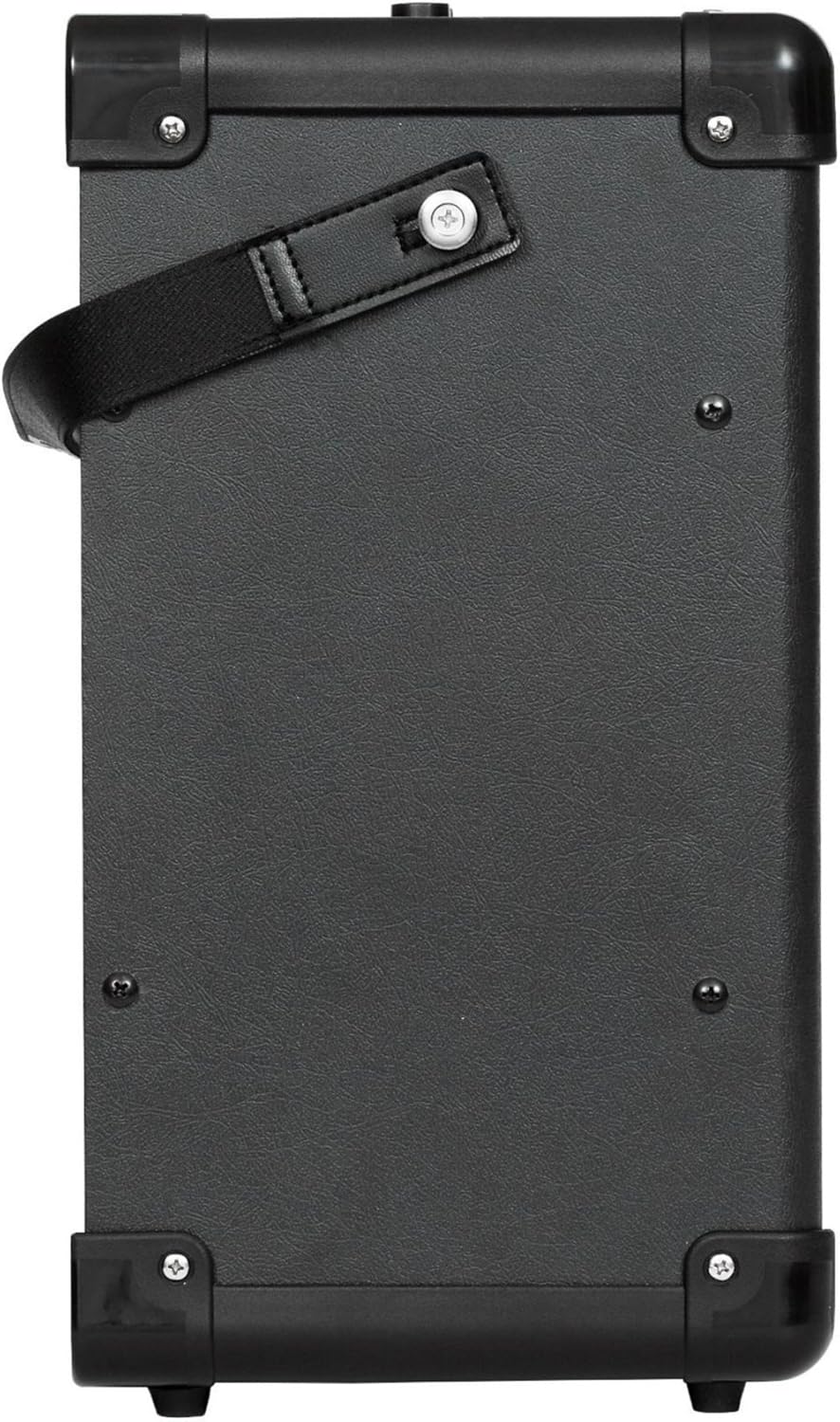
Wêne 4: Alî view of the Blackstar ID:CORE40V2 amplifier, showing its compact design and textured finish.
7.2 Vîdyoyên Fermî yên Berheman
The following video demonstrates the features and sound of the AZOR Guitar amp, which is a similar portable amplifier. Ev vîdyo ji hêla firoşkar ve hatî peyda kirin.
Video 1: AZOR Guitar amp demonstration. This video showcases the sound and functionality of a portable guitar amplifier, similar in concept to the Blackstar ID:CORE40V2, demonstrating its clean and drive channels.
8. Maintenance
- Bihêle ampJi bo paqijkirinê bi qumaşek nerm û hişk paqij bikin. Ji bikaranîna paqijkerên aşınker an çareserkeran dûr bisekinin.
- Ensure proper ventilation to prevent overheating. Do not block the amplifier's vents.
- Depo bikin amplifier in a dry environment, away from extreme temperatures and humidity.
- Regularly check all cable connections for secure fit and signs of wear.
9. Destpêkirin
| Pirsegirêk | Sedema gengaz | Çare |
|---|---|---|
| Deng ji amplifier | Power not connected, volume too low, guitar cable faulty, guitar volume off. | Check power connection, increase volume, test with a different cable/guitar, ensure guitar volume is up. |
| Distorted or unwanted noise | High gain setting, faulty cable, interference. | Reduce gain, try a different cable, move away from electronic devices. |
| MP3/Line In not working | Cable not connected properly, external device volume too low. | Ensure 3.5mm cable is fully inserted, increase volume on external device. |
10. Garantî û Piştgirî
For warranty information and technical support, please refer to the official Blackstar Amplification website or contact your local dealer. Keep your proof of purchase for warranty claims.


