1. Serview
The Plantronics CS540 Wireless DECT Headset is designed for office and desk-centric workers who use desk phones. It offers clear communication with a noise-canceling microphone and a versatile convertible design for all-day comfort.
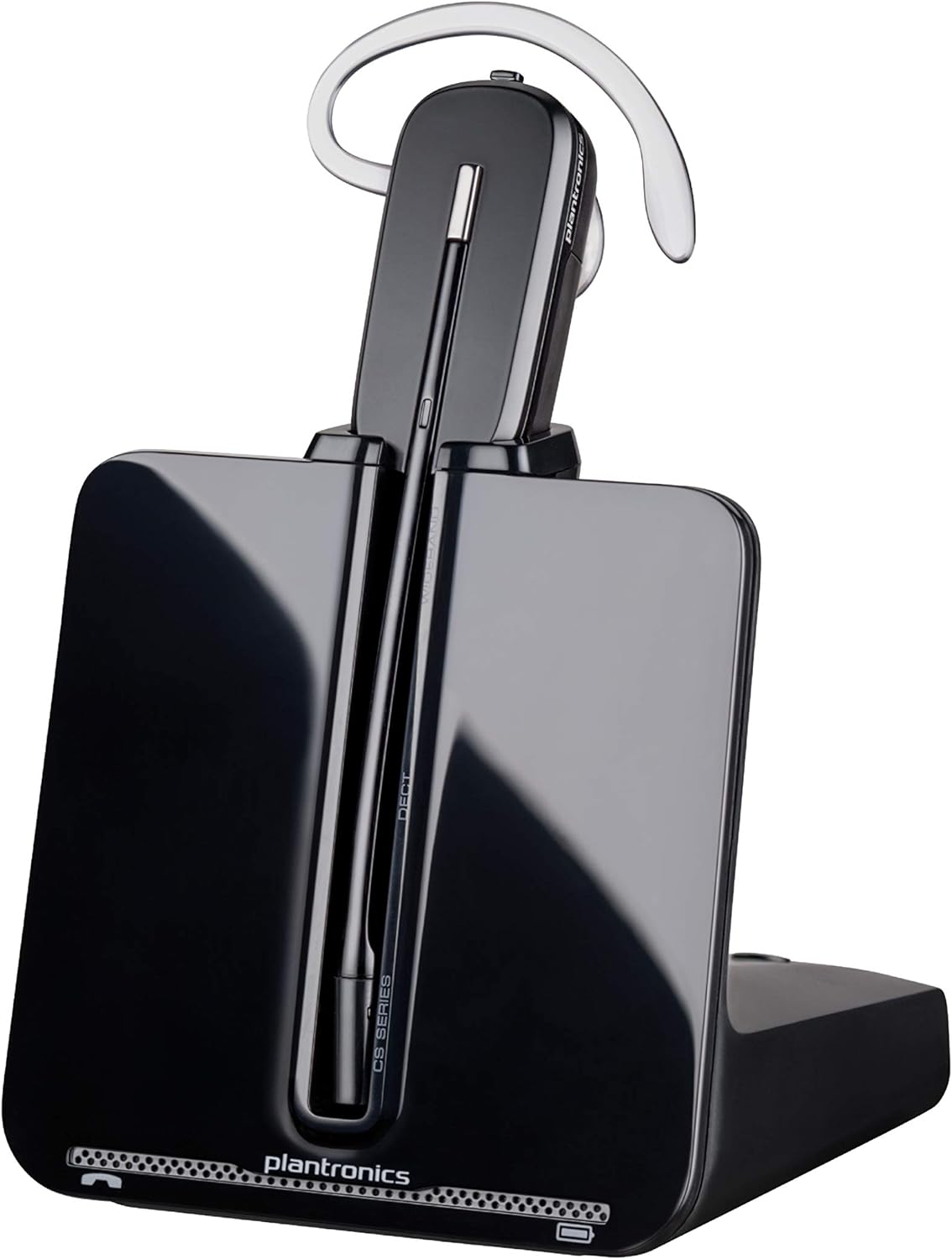
Image: The Plantronics CS540 Wireless DECT Headset resting on its charging base.
2. Çi di Qutîkê de ye
The Plantronics CS540 package includes the following components:
- Headset Wireless
- Manual Bikarhêner
- Perçê navîn
- Charging Base
3. Şêwazên Lixwekirinê
The CS540 headset offers a convertible design with three wearing options to ensure comfort for extended use:
- Ser-Guh: A lightweight earloop style.
- Serê serî: A traditional headband style.
- Li pişt serî: Requires a separately sold neckband for this style.
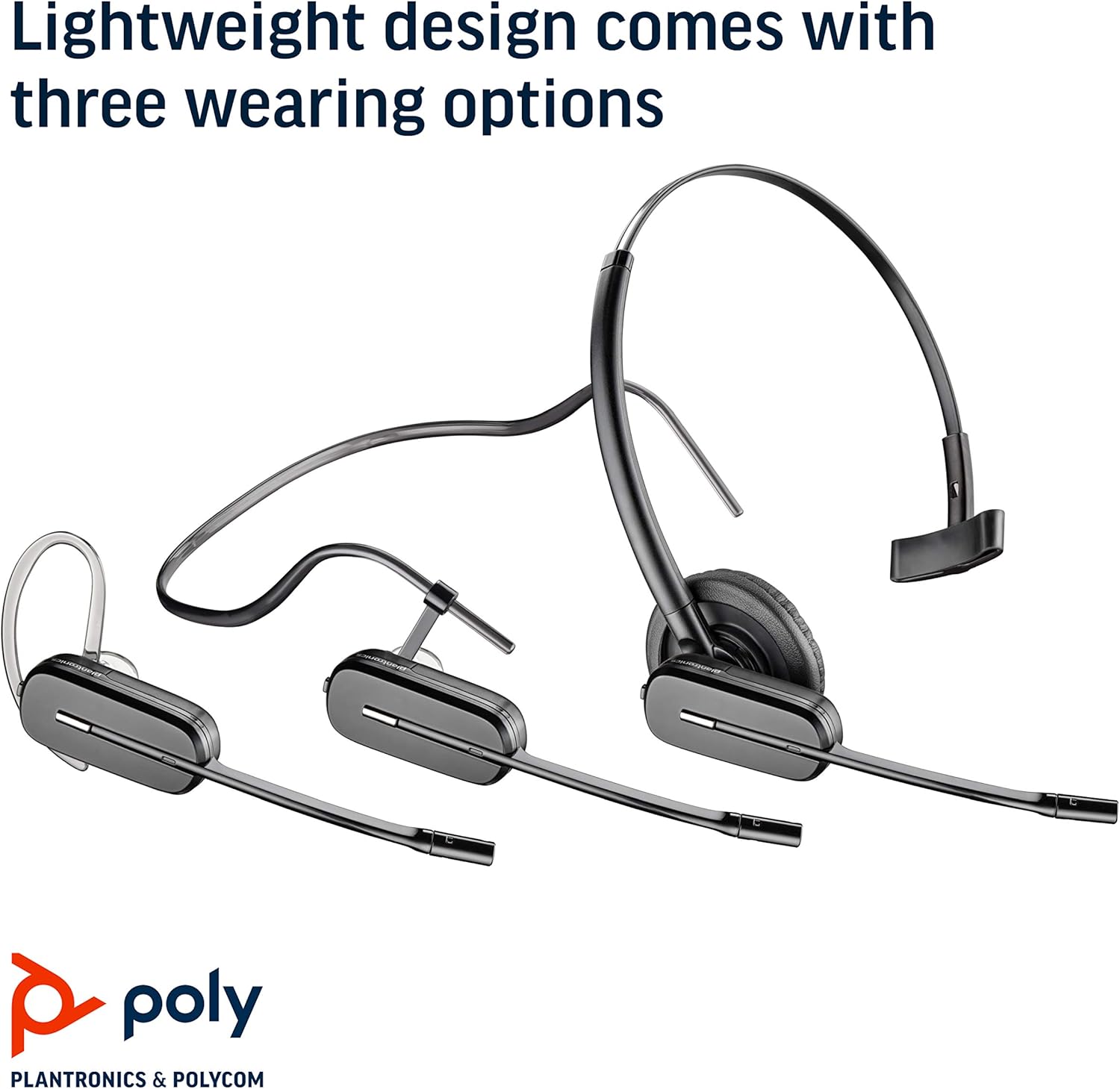
Image: The Plantronics CS540 headset shown in its three convertible wearing styles.
4. Sazkirin
4.1. Girêdana bi Telefona Maseyê re
- Connect the provided cable from the CS540 base to your desk phone's headset port.
- Ensure the base is powered on and the headset is docked.
- For remote call answering, an optional HL10 lifter (sold separately) can be integrated.
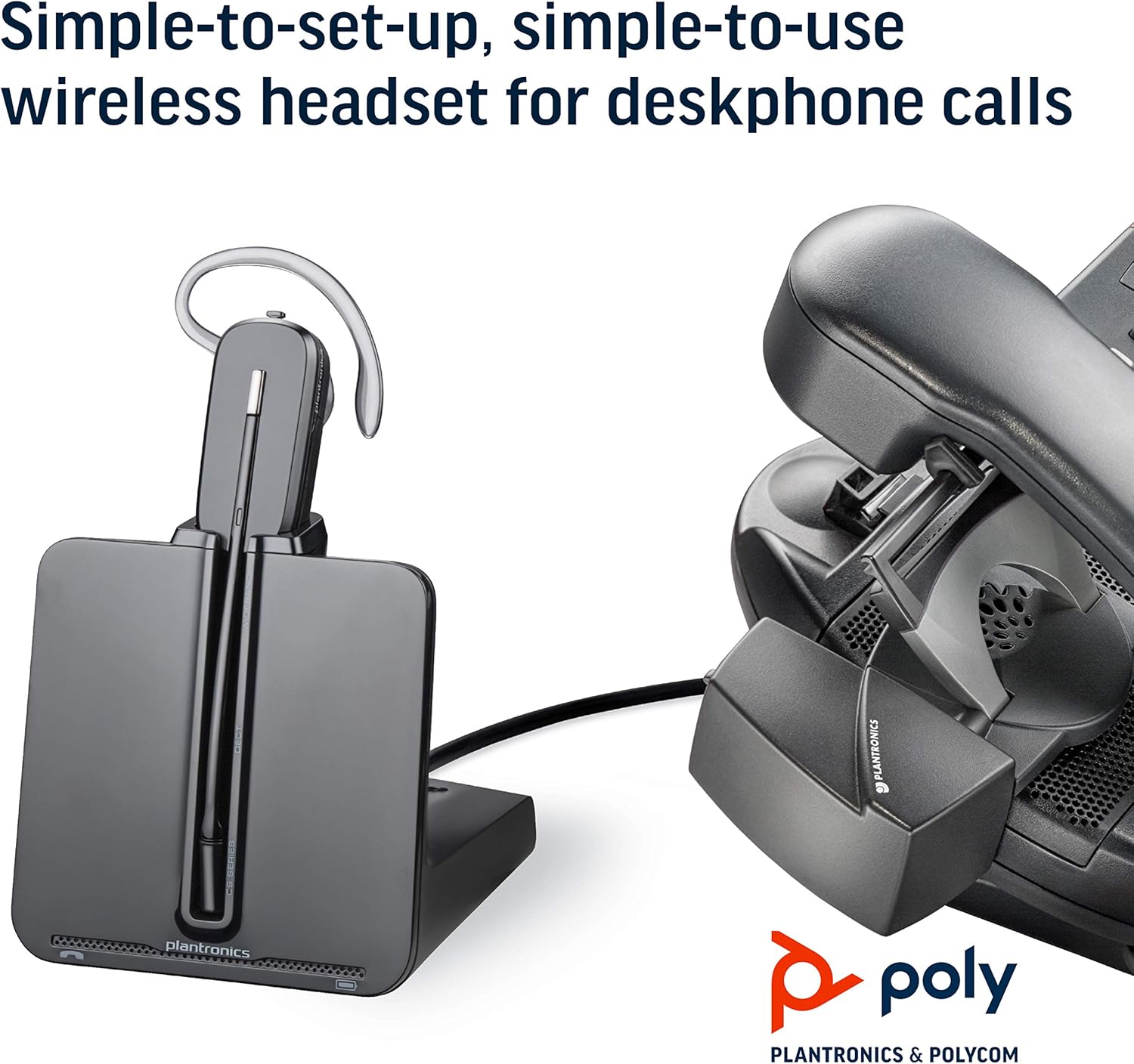
Image: The CS540 charging base connected to a desk phone, illustrating a typical setup.
4.2. Barkirina Headset
Place the headset onto the charging base. The indicator light on the base will show the charging status. A full charge provides up to 7 hours of talk time.

Image: The CS540 headset securely placed in its charging base.
4.3. Pairing
The headset is typically pre-paired with its base. If re-pairing is needed, consult the detailed user manual for specific instructions.
5. Bikarhanîna Guhdarokan
5.1. Call Controls
- Bersiv/Dawiya Bangê: Use the one-touch control button on the headset.
- Guhertina Volume: Adjust the volume using the dedicated controls on the headset.
- Bêdeng: Mute the microphone using the mute button on the headset.
5.2. Noise-Canceling Microphone
The integrated noise-canceling microphone helps to minimize background noise, ensuring clear speech transmission during calls.
5.3. Roaming Range
Enjoy freedom of movement with a roaming range of up to 120 meters (400 feet) from the charging base, allowing you to multitask during calls.
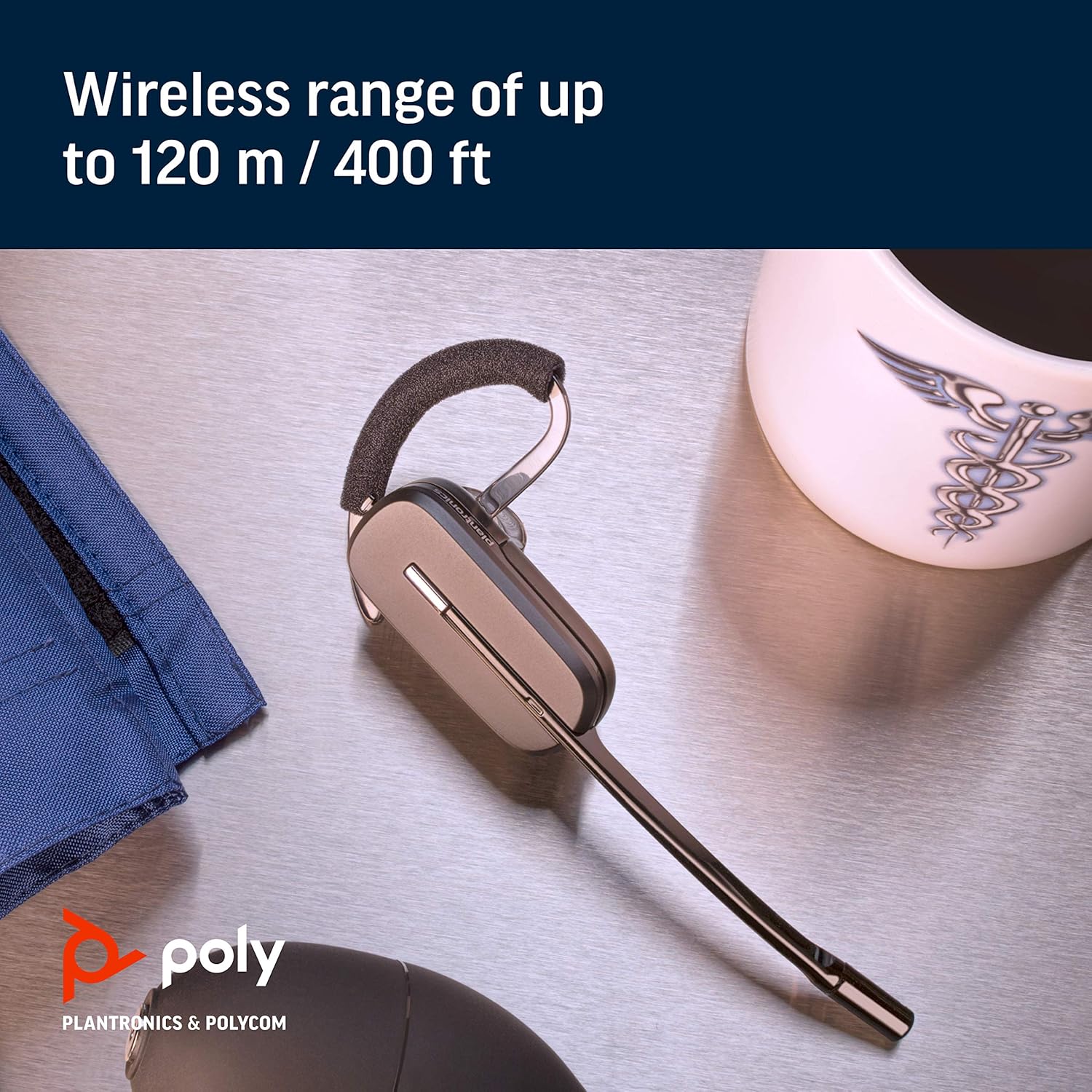
Image: A close-up of the CS540 headset, emphasizing its wireless capabilities.
6. Maintenance
To ensure the longevity and optimal performance of your Plantronics CS540 headset:
- Keep the headset and charging base clean and free from dust.
- Dema ku guhdarok nayê bikaranîn, li cîhekî sar û hişk hilînin.
- Dûr nehêlin ku amûrê li ber germahiyên zêde an şilbûnê.
7. Destpêkirin
If you encounter issues with your CS540 headset, consider the following:
- Deng tune: Ensure the headset is charged and properly paired with the base. Check all cable connections to the desk phone.
- Qalîteya Dengê Nebaş: Verify the headset is within range of the base. Check for any obstructions or interference.
- Cannot Answer Calls Remotely: If using an HL10 lifter, ensure it is correctly installed and configured.
- For further assistance, refer to the complete user manual or contact Plantronics support.
8. Specifications
| Nîşan | POLY |
| Navê Model | Poly CS540 - Convertible Wireless Headset |
| Teknolojiya Girêdanê | Bêtêl (DECT) |
| Teknolojiya Ragihandinê ya Wireless | DECT |
| Noise Control | Sound Isolation, Noise Canceling Microphone |
| Wearing Style | Over-the-ear, Over-the-head, One-Ear (Convertible) |
| Dema axaftinê | Heta 7 saetan |
| Roaming Range | Heta 120 m / 400 ft |
| Amûrên Lihevhatî | telefonên maseyê |
| Tîpa Kontrolê | Call Control, Volume Control, Touch Control |
| Babetê Weight | 1.15 lîre |
| Mezinahiya Hilberê | 6.5 x 1.25 x 6.48 inches |
9. Vîdyoya Berhemê
Ji bo nirînê li vê vîdyoya kurt temaşe bikinview of the Plantronics CS540 Wireless Headset System.
Video: A brief product video showcasing the Plantronics CS540 Wireless Headset System.
10. Garantî & Piştgirî
For any issues with the headset or cord, please reach out to Plantronics directly for support and warranty claims.