
Pêşkêş
This manual provides essential information for setting up, operating, maintaining, and troubleshooting your HP 17.3" Touchscreen Laptop, model 17-cp3602nr. Please read this guide thoroughly to ensure proper use and to maximize the lifespan of your device.
Naveroka pakêtê
Piştrast bike ku hemî tişt di pakêtê de hene:
- HP 17.3" Touchscreen Laptop (Model 17-cp3602nr)
- Adaptora Hêzê ya AC û Kabloya wê
- Rêbernameya Destpêkirina Bilez (eger tê de hebe)

Image: The HP 17.3" Touchscreen Laptop and its included power adapter.
Damezirandin
1. Vekirina Destpêkê û Şarjkirin
- Adaptora hêza AC-yê bi porta AC-ya jîr a laptopê ve girêdin û dûv re jî bi priza elektrîkê ve girêdin.
- Qapaxa laptopê veke. Dibe ku laptop bixweber vebe, an jî dibe ku hûn hewce bikin ku bişkoja hêzê ya li ser klavyeyê bikirtînin.
- Allow the battery to charge fully before initial use, though you can begin setup while charging.
2. Sazkirina Windows 11
Follow the on-screen instructions to complete the Windows 11 Home setup. This typically includes:
- Hilbijartina herêm û sêwirana klavyeyê.
- Girêdana tora Wi-Fi.
- Têketin an çêkirina hesabê Microsoft-ê.
- Danîna PIN an şîfreyek.
- Configuring privacy settings.
3. Sazkirina Xwendevana Şopa Tilîyan
During or after Windows setup, you can configure the fingerprint reader for secure login. Navigate to Mîheng > Hesab > Vebijarkên Têketinê and follow the prompts to add your fingerprint.

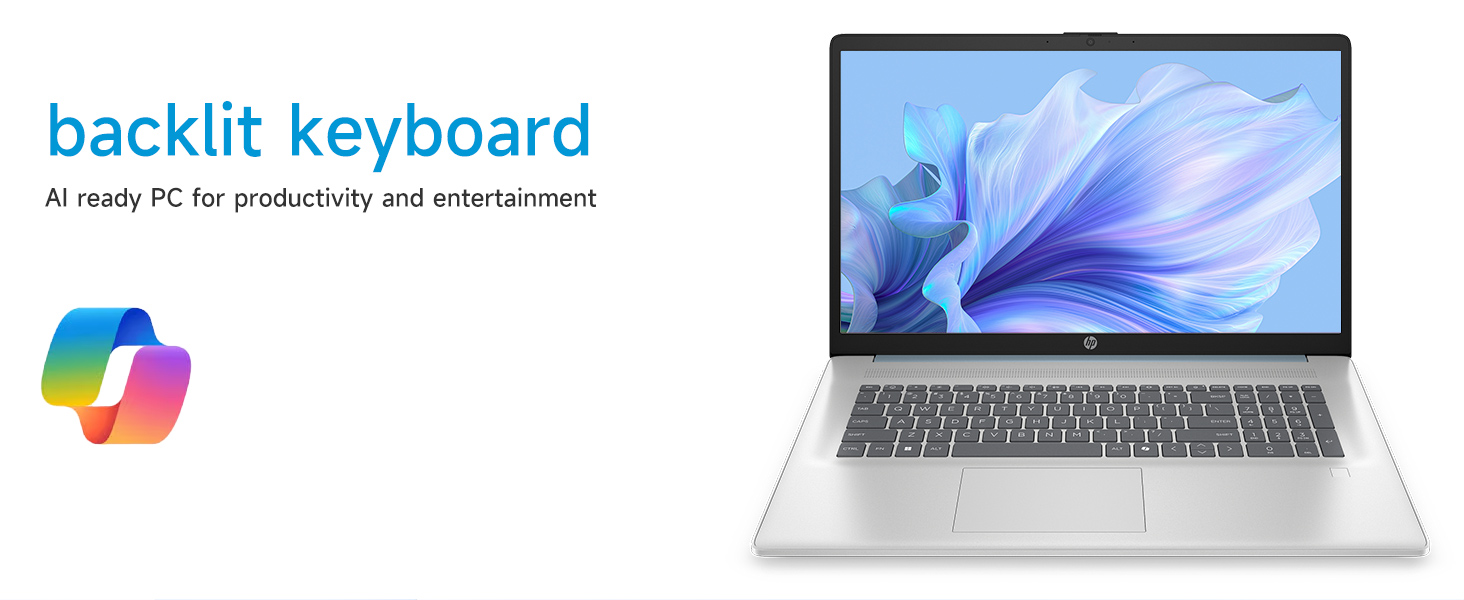
Image: Close-up of the backlit keyboard and the integrated fingerprint reader on the HP laptop.
Telîmatên Operating
Bikaranîna Dîmendera Destî
The 17.3" HD+ (1600 x 900) display supports touch input. You can interact with Windows 11 and applications directly on the screen using gestures similar to a tablet or smartphone. Ensure your screen is clean for optimal touch responsiveness.
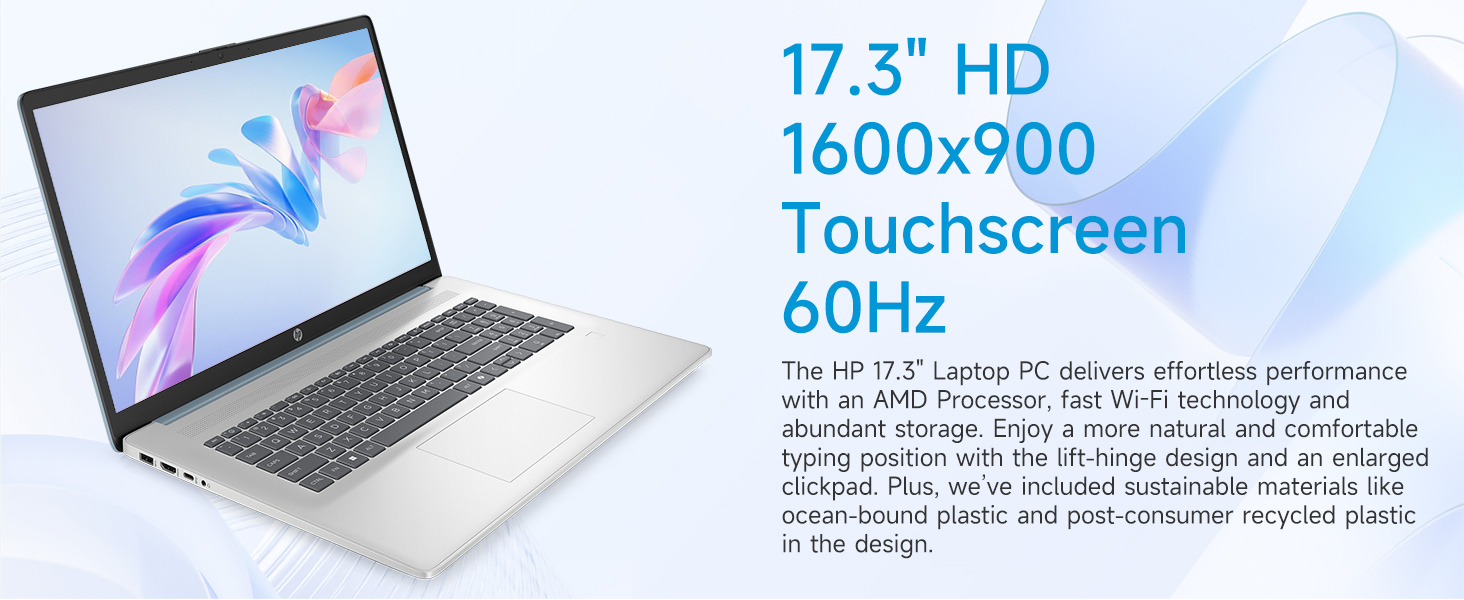
Image: The 17.3-inch touchscreen display of the HP laptop, illustrating its touch capabilities.
Klavyeya û Touchpad
- Klavyeya paşîn: Bitikîne Fn + F5 (or similar function key with a keyboard backlight icon) to toggle the keyboard backlight on/off or adjust its brightness.
- Klavyeya hejmarî: Utilize the dedicated numeric keypad for efficient data entry.
- Touchpad: The large click pad supports multi-touch gestures for navigation. Refer to Windows settings for customizing touchpad gestures.
Connecting External Devices (Ports)
Laptopê we ji bo girêdana alavên din bi portên cûrbecûr ve hatî çêkirin:
- USB Tîpa-C (rêjeya sînyala 5Gbps): Ji bo girêdana cîhazên USB-C yên nûjen.
- USB Tîpa-A (rêjeya sînyala 5Gbps): Two ports for standard USB devices like mice, keyboards, or external drives.
- HDMI 1.4b: Connect to external monitors or TVs for extended display.
- Jacka Kombînasyona Guhdar/Mîkrofonê: For audio input/output with a single jack.
- Pina Jîr a AC: Ji bo girêdana adapterê hêzê.
Wêne: Bi hûrgilî view of the laptop's side ports, including USB-A, USB-C, HDMI, and audio jack.
Wi-Fi 6 Connectivity
The laptop supports Wi-Fi 6 (802.11ax) for fast and reliable wireless internet connectivity. To connect, click the Wi-Fi icon in the taskbar, select your network, and enter the password.
Lênerrînî
Paqijkirina Laptopê We
- Parêzî: Kîçek nerm, bêpişk bi kar bînin dampbi av an jî paqijkerek ekranê were paqijkirin. Ji kîmyewiyên dijwar dûr bisekinin.
- Klavyeya û Şasî: Qumaşek nerm û hişk bikar bînin. Ji bo qirêjiya serhişk, hinekî hişk bikin.amp qumaş dikare were bikar anîn, da ku piştrast bike ku şilek nakeve nav kunan.
- Port: Keep ports free of dust and debris using compressed air if necessary.
Nûvekirinên Nermalavê
Ji bo ku hûn piştrast bin ku pergala we xwedî paçên ewlehiyê û başkirinên performansê yên herî dawî ye, bi rêkûpêk nûvekirinên Windows-ê kontrol bikin û saz bikin. Biçin Mîheng > Nûvekirina Windows-ê ji bo birêvebirina nûvekirinan.
Lênêrîna Pîl
To prolong battery life, avoid extreme temperatures and fully discharging the battery frequently. For long-term storage, charge the battery to about 50%.
Çareserkirina pirsgirêkan
Ev beş pirsgirêkên hevpar ên ku hûn dikarin pê re rû bi rû bimînin çareser dike.
Laptop V Nabe
- Piştrast bike ku adaptora AC bi ewlehî hem bi laptopê û hem jî bi priza elektrîkê ya dixebite ve girêdayî ye.
- Bi pêvekirina amûrek din, piştrast bikin ku priza elektrîkê dixebite.
- Ger pîl bi tevahî vala bûbe, dibe ku çend hûrdeman bidome berî ku laptop bikaribe vêxe.
Screen Remains Blank
- Kontrol bikin ka laptop vekirî ye (ronahiya nîşana hêzê).
- Try adjusting the screen brightness using the function keys (e.g., Fn + F2/F3).
- If an external monitor is connected, ensure it is properly configured in Windows display settings.
Pirsgirêkên Girêdana Wi-Fi
- Piştrast bike ku Wi-Fi di mîhengên Windows-ê de çalak e.
- Modem û router-a xwe ji nû ve bidin destpêkirin.
- Tora xwe ji bîr bike û ji nû ve girêbide, şîfreya dîsa binivîse.
- Update Wi-Fi drivers via Device Manager.
System Restarts Unexpectedly
Unexpected restarts can be caused by software conflicts, outdated drivers, or hardware issues. Ensure all Windows updates are installed and drivers are current. If the issue persists, consider running Windows diagnostic tools or contacting HP Support.
Specifications
| Taybetî | Hûrî |
|---|---|
| Nîşan | HP |
| Navê Model | 17-cp3602nr |
| Mezinahiya Screen | 17.3 Inches |
| Resolution Display | HD+ (1600 x 900) |
| Taybetmendiyên Nîşandanê | Touch, Anti-glare, 250 nits, 60% NTSC |
| Processor | AMD Ryzen 5 7430U (6 navik, 12 thread, heta 4.3 GHz) |
| Graphics | Grafîkên AMD Radeon (Yekgirtî) |
| BERAN | 8 GB DDR4 SDRAM (3200 MHz) |
| Embarkirinî | 128 GB PCIe NVMe M.2 SSD |
| Operating System | Windows 11 Mal |
| Ports | 1x USB Tîpa-C 5Gbps, 2x USB Tîpa-A 5Gbps, 1x HDMI 1.4b, 1x Kombînasyona Guhdar/Mîkrofonê, 1x Pina Smart a AC |
| Têkiliya Wireless | Wi-Fi 6 (802.11ax) |
| Taybetmendiyên Taybet | Backlit Keyboard, Fingerprint Reader, Numeric Keypad, Webcam |
| Pîvan (D x F x Stûrî) | 15.78"D x 10.15"Fi x 0.81"Th |
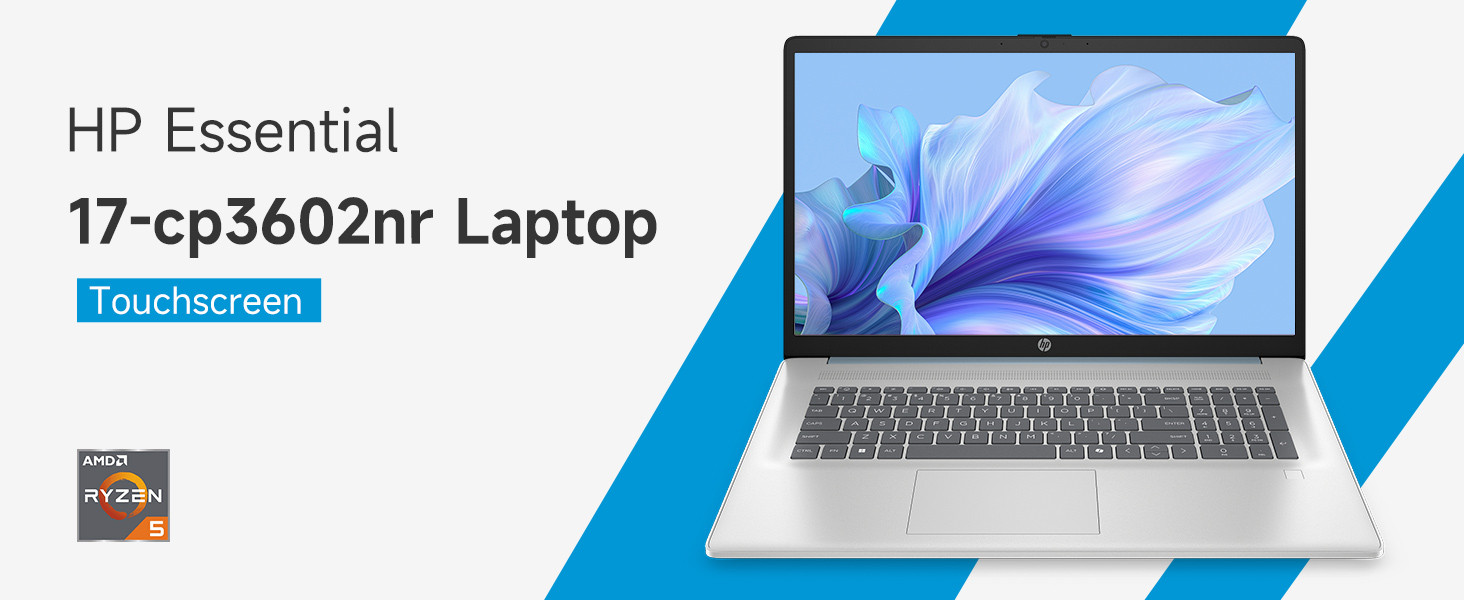
Image: An infographic highlighting key specifications such as the AMD Ryzen 5 processor, Windows 11 Home, storage, and connectivity options.
Garantî û Piştgirî
Garantiya Hilberîner
Your HP laptop is covered by a standard manufacturer's warranty. For specific terms and conditions, please refer to the warranty documentation included with your product or visit the official HP support website. Warranty duration and coverage may vary by region.
Piştgiriya Teknîkî
For technical assistance, driver downloads, or further troubleshooting, please visit the official HP Support webmalper:
When contacting support, have your laptop's model number (17-cp3602nr) and serial number ready.