
1. Hilbera Serîview
The AJAZZ AJ139 V2 MC is a versatile tri-mode gaming mouse designed for precision and responsiveness. It features a PAW3311 sensor for accurate tracking, a 1000Hz return rate for smooth performance, and a long-lasting 500mAh battery. Its compact and lightweight design makes it suitable for extended use and portability.
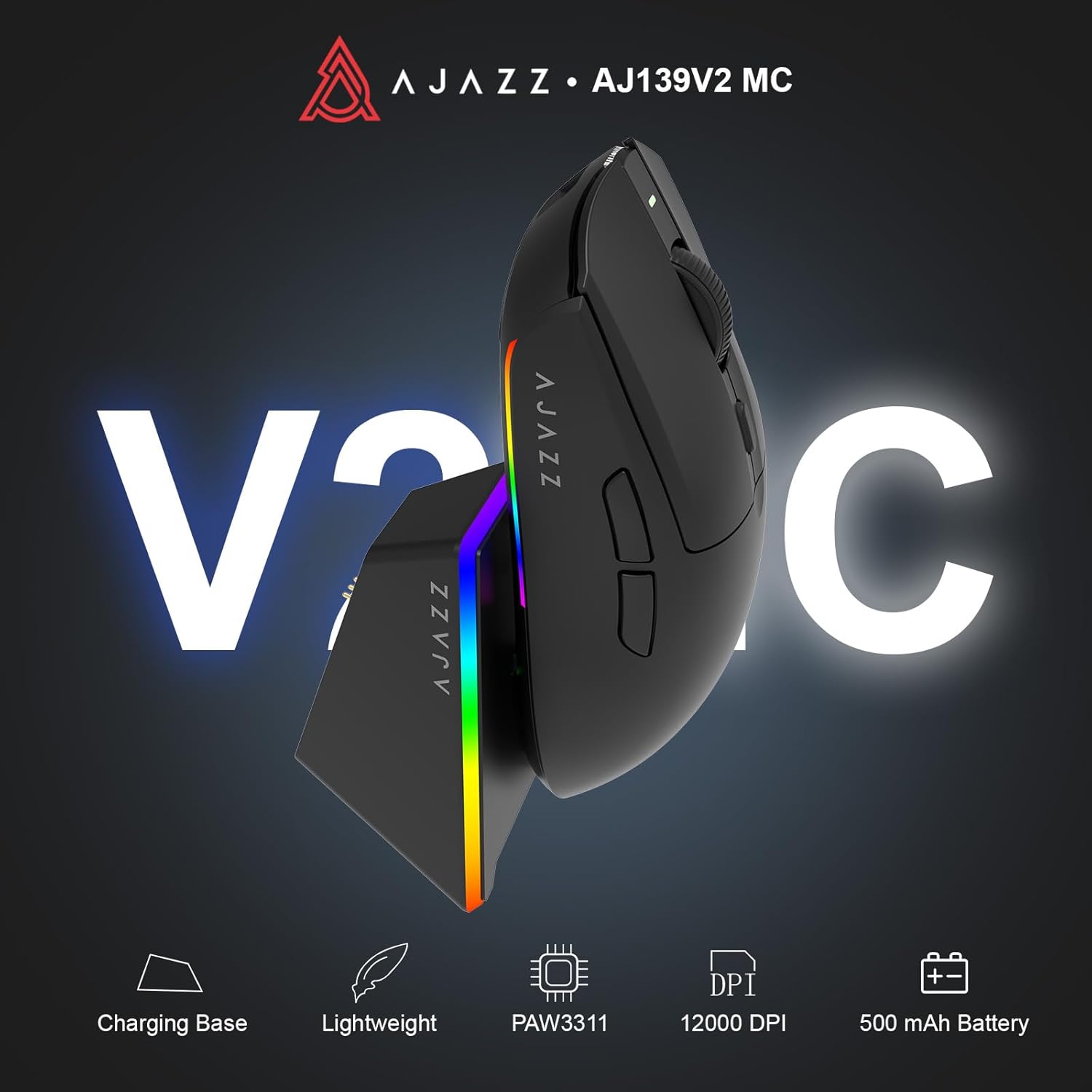
Figure 1.1: AJAZZ AJ139 V2 MC Gaming Mouse and Charging Dock.
Vîdyoya 1.1: Serkeftinekview of the AJAZZ AJ139 V2 MC Gaming Mouse, highlighting its features and design.
2. Naveroka pakêtê
Piştrast bike ku hemî tişt di pakêtê de hene:
- AJAZZ AJ139 V2 MC Gaming Mouse
- Charging Dock
- Kabloya barkirinê ya USB-C
- 2.4G USB Receiver (Dongle)
- Manual Bikarhêner
3. Taybetmendiyên sereke
- PAW3311 Sensor Technology: Equipped with the PAW3311 sensor, this mouse ensures precise tracking and accurate cursor control for optimal performance.
- High 1000Hz Return Rate: Experience smooth and responsive performance with a 1000Hz return rate, enhancing your gaming or work experience.
- Bataryaya 500mAh ya Demdirêj: The integrated 500mAh battery provides extended power, ensuring uninterrupted use for prolonged periods.
- Girêdana Sê-Mode: Supports versatile connectivity options including Wired, 2.4G Wireless, and Bluetooth, adapting to various devices and setups.
- Sêwirana tevlihev û sivik: Weighing approximately 66 grams, the mouse features a compact design for easy portability and comfortable use during long sessions.
- Ronahiya RGB-ya xwerû: Features integrated RGB lighting for personalized aesthetics.
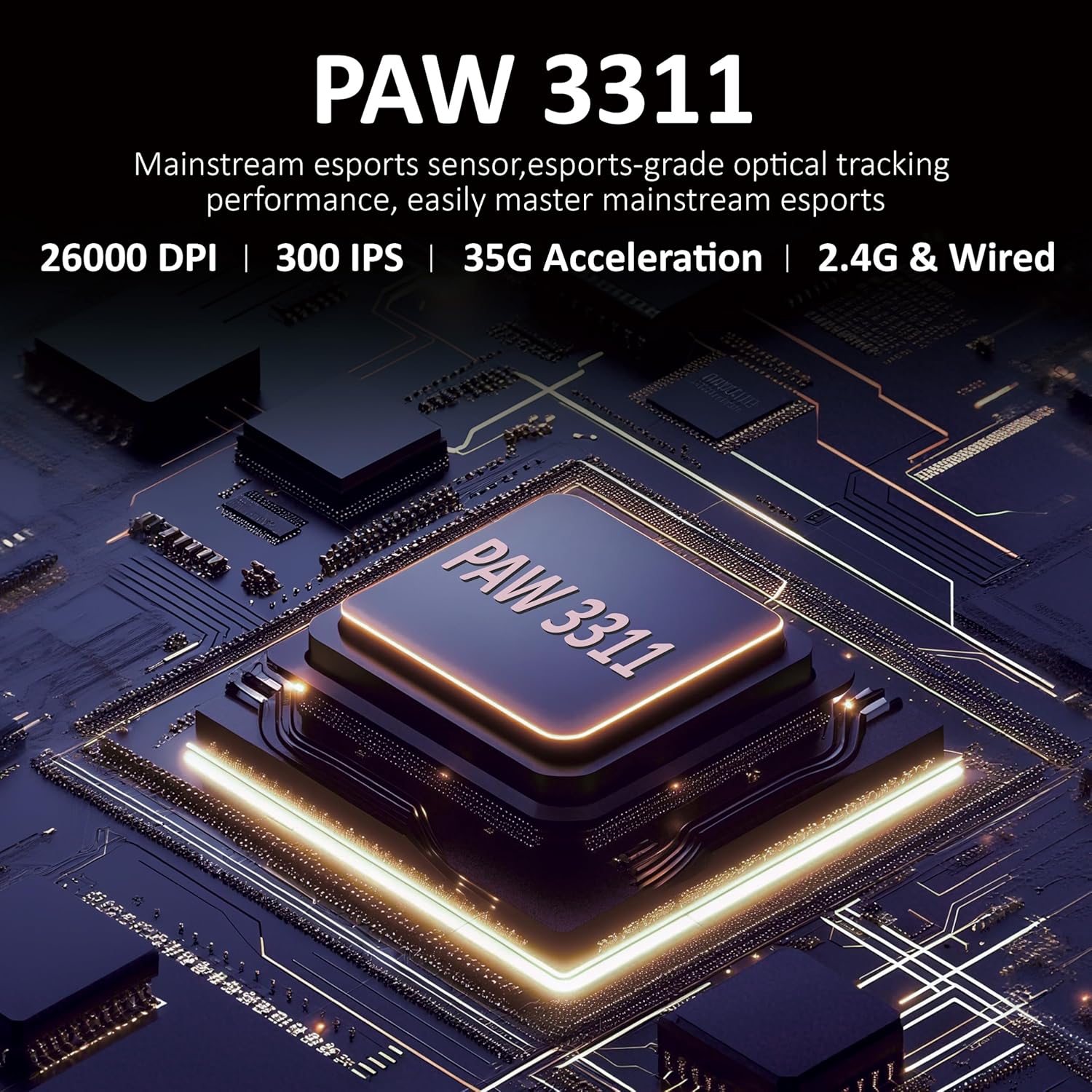
Wêne 3.1: Berfireh view of the PAW3311 sensor technology.
Video 3.1: Demonstration of the mouse's 500mAh battery life.
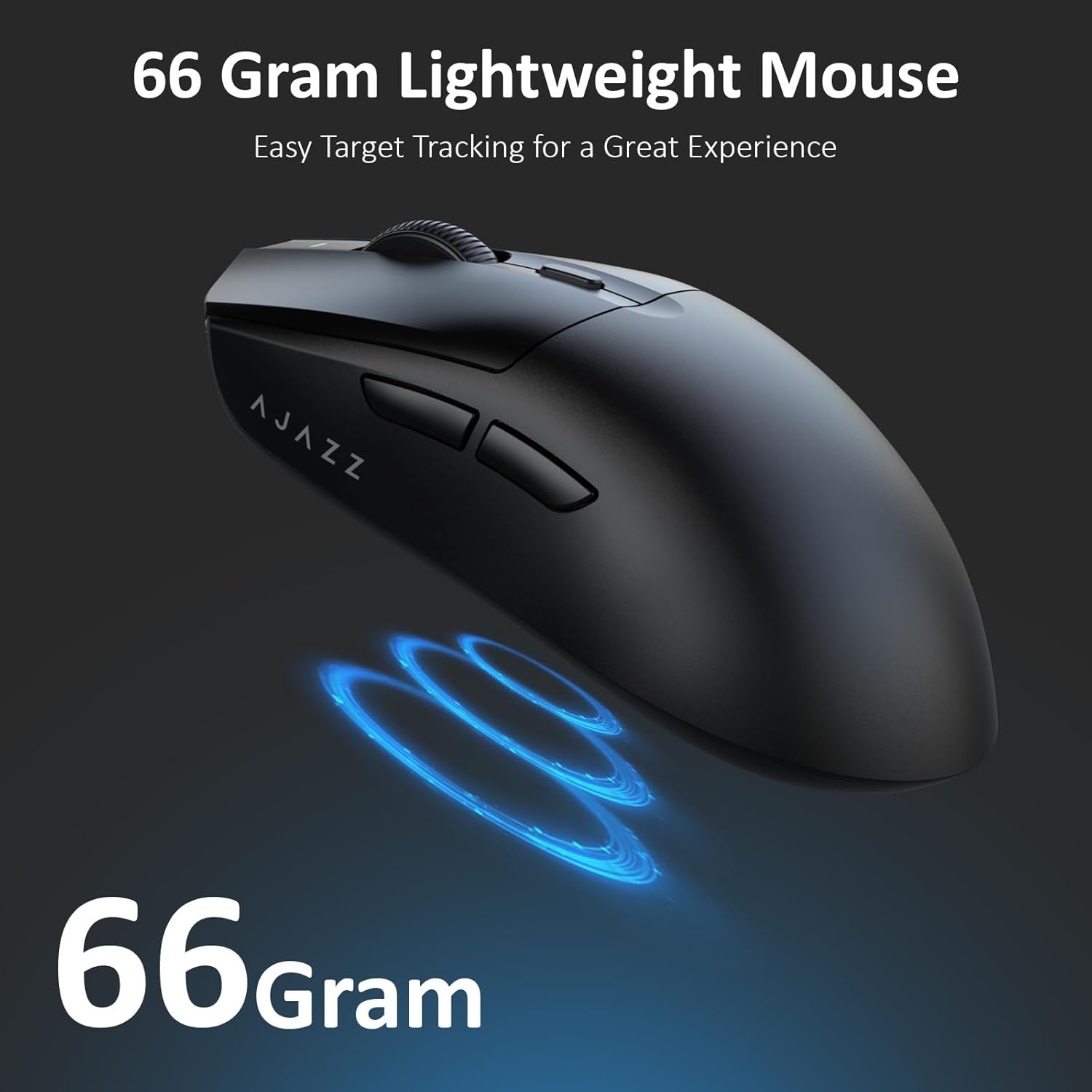
Figure 3.2: The lightweight design of the AJAZZ AJ139 V2 MC mouse.
4. Guide Setup
4.1. Girêdana Mişkê
The AJAZZ AJ139 V2 MC offers three connection modes:
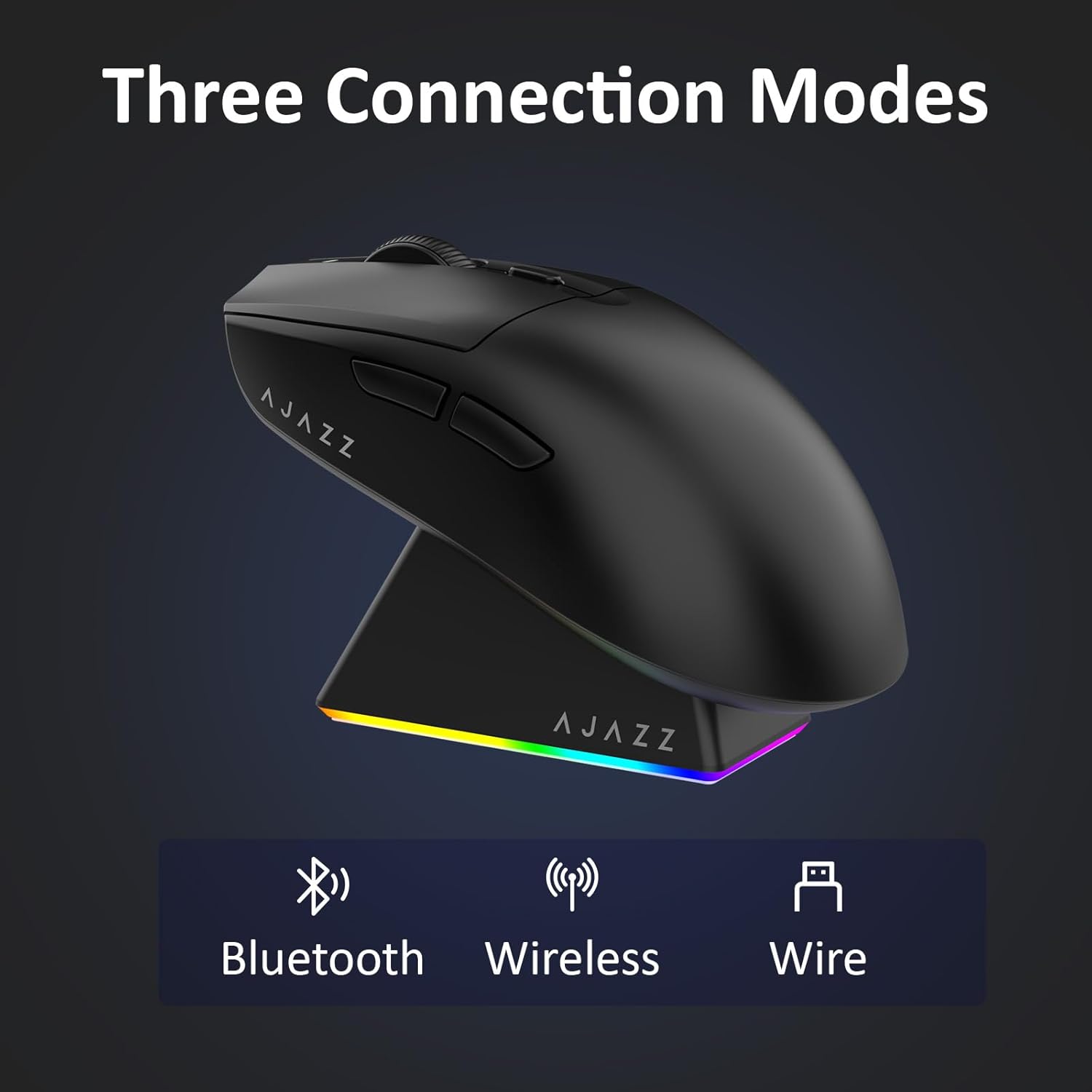
Figure 4.1: Visual representation of the three connection modes.
- 2.4G Moda Wireless:
- Wergirê USB-ya 2.4G-yê ku di beşa li binê mişkê de hatî hilanîn bibîne.
- Destûra USB-ê têxin portek USB-ya berdest a li ser komputera xwe.
- Slide the switch on the bottom of the mouse to the '2.4G' position. The mouse will automatically connect.
- Moda Bluetooth:
- Slide the switch on the bottom of the mouse to the 'BT' position.
- On your device, open Bluetooth settings and search for new devices.
- Select 'AJAZZ AJ139 V2 MC' from the list to pair.
- Moda Wired:
- Connect the USB-C charging cable to the mouse and the other end to your computer's USB port.
- The mouse will function as a wired device and charge simultaneously.
4.2. Barkirina Mişkê
The mouse can be charged using the included charging dock or directly via the USB-C cable.
- Bi Kar Anîna Doka Şarjkirinê:
- Connect the USB-C charging cable to the charging dock and then to a power source (e.g., computer USB port, USB wall adapter).
- Place the mouse onto the charging dock, aligning the magnetic contacts. The RGB lighting on the dock and mouse will indicate charging status.
- Barkirina rasterast a USB-C:
- Connect the USB-C charging cable directly to the mouse and a power source.
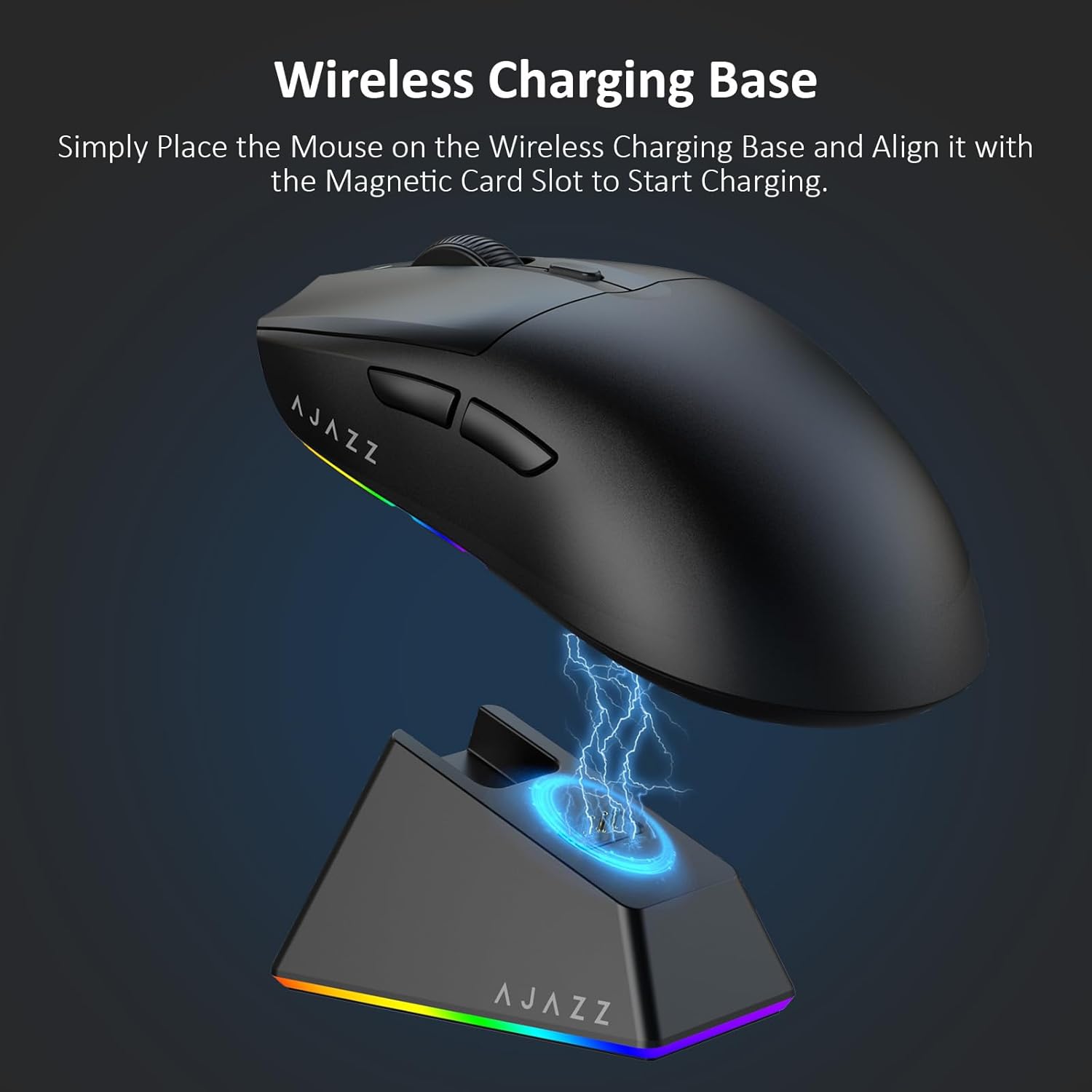
Figure 4.2: The mouse being charged on its wireless charging base.
5. Telîmatên Operating
5.1. Rêkxistina DPI
The mouse features a dedicated DPI adjustment button on its underside, allowing you to cycle through different sensitivity levels. Press the button to change the DPI setting to suit your preference.
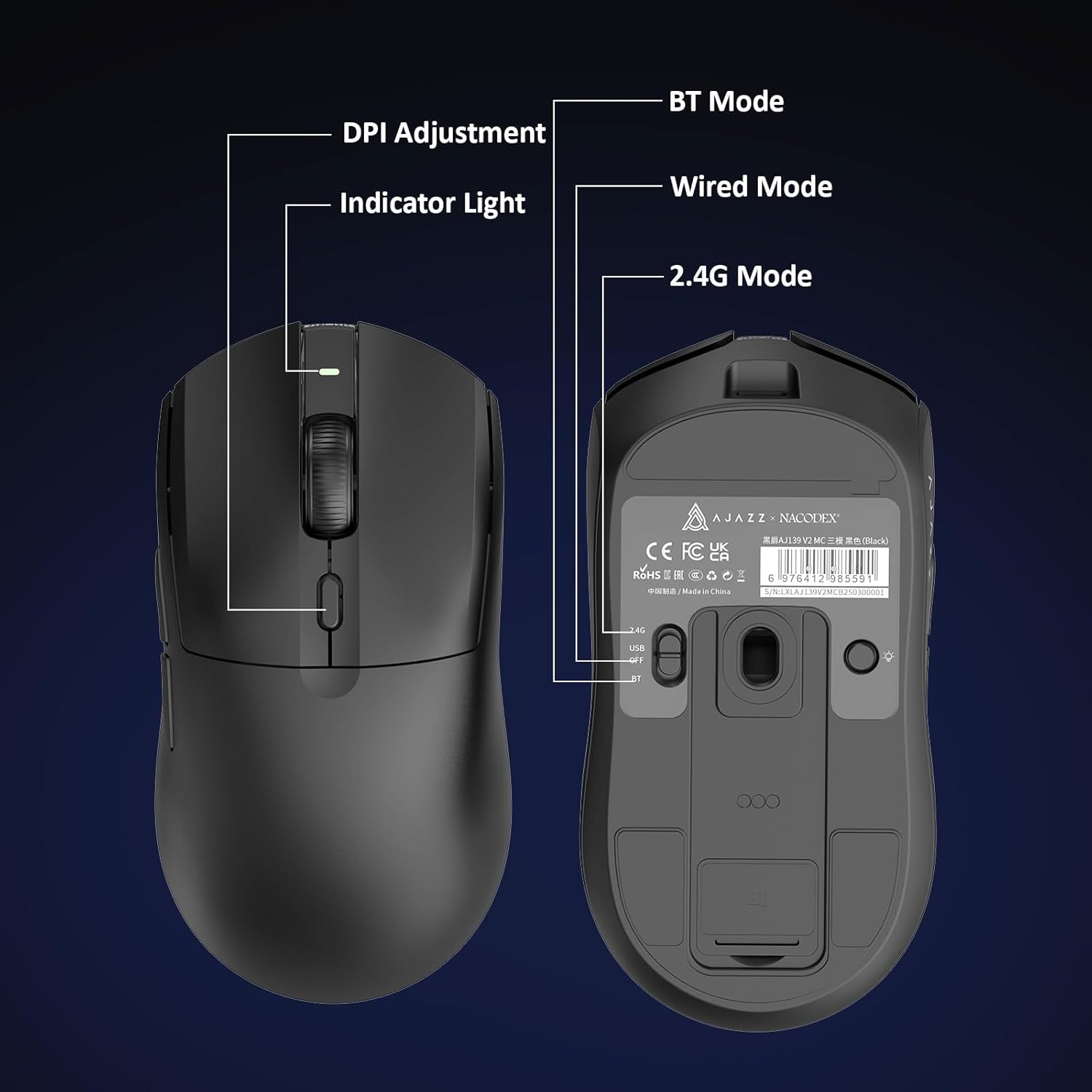
Figure 5.1: Location of the DPI adjustment button and connection mode switch on the mouse underside.
5.2. Fonksiyon Bişkojk
Mişk bi 6 bişkokên bernamekirî ve hatî çêkirin:
- Bişkojka Çep Bitikîne
- Bişkojka Rast Bitikîne
- Çerxa gerokê (Klîkbar)
- DPI Adjustment Button (on underside)
- Two Side Buttons (typically for forward/backward navigation)
For advanced customization of button functions and macros, please refer to the official AJAZZ software (downloadable from the manufacturer's webmalper).
5.3. Kontrola Ronahîkirina RGB
The mouse and charging dock feature customizable RGB lighting. Specific controls for lighting modes and colors are typically managed through the official AJAZZ software. A dedicated light button on the underside of the mouse allows for basic cycling or turning off the lighting.
6. Maintenance
- Paqijî: Ji bo paqijkirina rûyê mişkê qumaşek nerm û hişk bikar bînin. Ji bo qirêjiya serhişk, qumaşek hinekî hişk bikar bînin.amp qumaş dikare were bikar anîn, da ku piştrast bike ku şilbûn nekeve nav pêkhateyên hundurîn.
- Lênêrîna Sensor: Ji bo parastina rastbûna şopandinê, sensora optîkî ya li binê mişkê paqij û bê toz û bermayiyan bihêlin.
- Jiyana Pîl: To prolong battery life, avoid fully discharging the mouse frequently. Charge it when the battery indicator is low.
7. Destpêkirin
| Pirsegirêk | Çareseriya gengaz |
|---|---|
| Mouse not responding in 2.4G Wireless mode. | Ensure the 2.4G USB receiver is securely plugged into a USB port and the mouse switch is set to '2.4G'. Try a different USB port. |
| Mouse not pairing via Bluetooth. | Ensure the mouse switch is set to 'BT' and your device's Bluetooth is enabled and discoverable. Try unpairing and re-pairing the device. |
| Mişk nayê şarjkirin. | Verify the USB-C cable is properly connected to both the dock/mouse and the power source. Ensure the mouse is correctly seated on the charging dock's magnetic contacts. |
| Inconsistent tracking or cursor movement. | Clean the optical sensor on the underside of the mouse. Ensure you are using the mouse on a suitable surface (e.g., a mouse pad). |
| Ronahîkirina RGB nexebitî. | Check the mouse's software settings for lighting control. Ensure the mouse has sufficient battery charge. |
8. Specifications Teknîkî
| Taybetî | Specification |
|---|---|
| Nîşan | AZAZZ |
| Navê Model | Aj139 V2 MC |
| Reng | V2 MC Black |
| Teknolojiya Girêdanê | Bluetooth, USB, 2.4G Wireless |
| Teknolojiya Tespîtkirina Tevgera | Optîkî (Sensorê PAW3311) |
| Mouse Maximum Sensitivity | 12000 Dots per Inch (DPI) |
| Rêjeya Vegerê | 1000Hz |
| Kapasîteya Pîl | 500 mAh |
| Hejmara Bişkokan | 6 |
| Orientation Hand | Rast |
| Amûrên Lihevhatî | Desktop Computer |
| Operating System | Windows |
| Dirêjahî | 10 metre |
| Babetê Weight | 4 Ons (nêzîkî 113 gram) |
| Pîvana babetê L x W | 5"L x 2.5"W (approx. 12.7cm x 6.35cm) |
| Taybetmendiya Embellishment | Ronahîkirina RGB |
| Materyalên dorpêçê | Pîlastîk |
| Qedandin | Matte |
9. Garantî û Piştgirî
This product comes with a standard manufacturer's warranty. For detailed warranty information, please refer to the official AJAZZ webmalperê an bi firotgeha xwe re têkilî daynin.
For technical support, troubleshooting assistance, or any product-related inquiries, please visit the AJAZZ official support page or contact their customer service team.
Çavkaniyên Serhêl:
AJAZZ Official Store