
1. Destpêk
Thank you for choosing the Intelbras PFL7560 Full HD Wi-Fi Projector. This projector is designed to deliver a high-quality visual and audio experience for various applications, from home cinema to business presentations. It features Full HD resolution, 8000 lumens brightness, and integrated 12W stereo speakers. This manual provides essential information for safe and efficient operation of your projector.
2. Agahiyên Ewlekariyê
Please read all safety instructions carefully before using the projector. Keep this manual for future reference.
- Navê min: Use only the power adapter provided with the projector. Ensure the voltage bi dabînkirina hêza herêmî ya we re têkildar e.
- Perwanekirin: Deriyên hewakirinê negirin. Ji bo rêgirtina li germbûna zêde, li dora projektorê cîhekî têr peyda bikin da ku herikîna hewayê ya guncaw çêbibe.
- Cihkirin: Place the projector on a stable, level surface. Avoid placing it in direct sunlight, near heat sources, or in environments with high humidity or dust.
- Parastina Çav: Dema ku l rasterast li lensa projektorê nenêre.amp vêketî ye, ji ber ku ronahiya geş dikare zirarê bide çavan.
- Paqijî: Berî paqijkirinê projektorê ji prizê veqetînin. Qumaşek nerm û hişk bikar bînin. Paqijkerên şil an aerosol bikar neynin.
- Xizmetkirin: Do not attempt to repair the projector yourself. Refer all servicing to qualified service personnel.
3. Naveroka pakêtê
Piştrast bike ku hemî tişt di pakêtê de hene:
- Intelbras PFL7560 Projector Unit
- Remote Control
- Cable Power
- Manual Bikarhêner
4. Hilbera Serîview
Familiarize yourself with the main components and ports of your Intelbras PFL7560 projector.
4.1. Projector Components

Image: Intelbras PFL7560 Projector with included remote control.
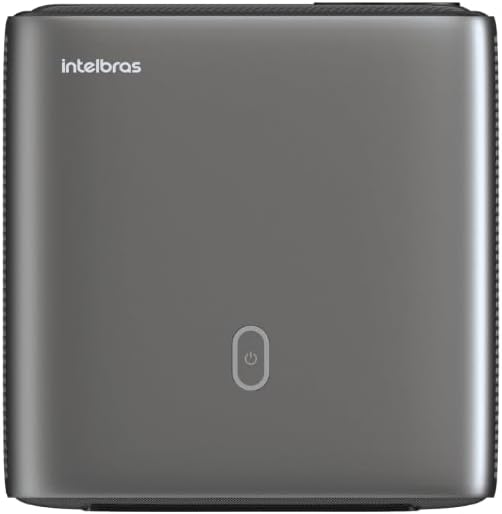
Wêne: Jor view of the projector, highlighting the power button and sleek design.
4.2. Ports û Girêdana
Projektor gelek vebijarkên girêdanê pêşkêş dike:
- HDMI: For connecting high-definition devices such as laptops, gaming consoles, or Blu-ray players.
- USB: Ji bo girêdana cîhazên hilanînê yên USB-ê ji bo lîstina medyayê filerasterast.
- Wi-Fi (802.11 ac/b/g/n): For wireless connectivity and screen mirroring from compatible Android devices.
- Derketina Dengê: Ji bo girêdana pergalên dengî yên derveyî an guhguhkan.
5. Sazkirin
5.1. Danîn
Choose a suitable location for your projector. The PFL7560 can project images from 60 to 150 inches, making it versatile for various room sizes. Ensure the projector is placed on a stable surface and is not obstructed.
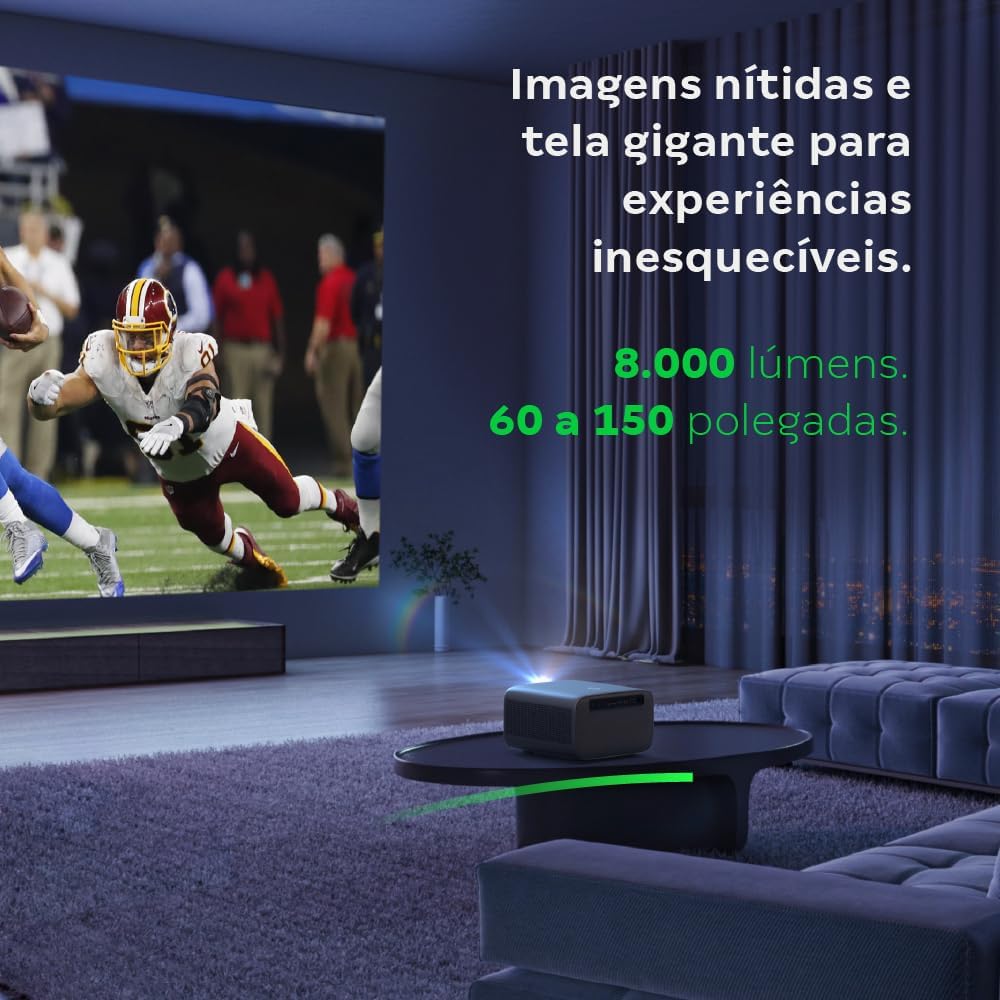
Image: The projector creating a large, clear image in a home environment, demonstrating its capability for immersive viewing.
5.2. Girêdana Hêzê
Kabloya elektrîkê bi têketina elektrîkê ya projektorê ve girêdin û dû re jî bi priza elektrîkê ve girêdin.
5.3. Vekirina Destpêkê
Ji bo vekirina cîhazê bişkoja hêzê ya li ser projektorê an jî li ser dûrkontrolê bikirtînin. Projektor dê rêza destpêkirina xwe bide destpêkirin.
5.4. Focus û Rastkirina Keystone
The PFL7560 features automatic focus and keystone correction for a perfectly aligned and sharp image without manual effort. If manual adjustment is needed, refer to the on-screen display (OSD) menu.
6. Telîmatên Operating
6.1. Amûrên Girêdanê
- HDMI: Connect your device using an HDMI cable to the HDMI port on the projector. Select the corresponding HDMI input from the projector's source menu.
- USB: Insert a USB drive into the USB port. The projector's media player will typically detect the drive automatically, allowing you to browse and play files.
- Wi-Fi / Screen Mirroring: For compatible Android devices, enable screen mirroring on your device and select the projector from the available devices. Ensure both devices are connected to the same Wi-Fi network.
6.2. Output Audio
The projector is equipped with two integrated 12W speakers, providing clear and immersive audio. For external audio, connect speakers or headphones to the audio output port.

Image: Detail of the projector's integrated 12W speakers, designed for powerful and clear sound.
7. Maintenance
7.1. Paqijkirina Lensê
Ji bo paqijkirina bi nermî ya lensa projektorê qumaşek nerm û bêlîf bikar bînin ku bi taybetî ji bo lensên optîkî hatiye çêkirin. Ji bikaranîna materyalên aşınker an kîmyewiyên dijwar dûr bisekinin.
7.2. Paqijkirina Laşê Projektorê
Wipe the exterior of the projector with a soft, dry cloth. Do not use liquid or spray cleaners directly on the unit.
7.3. LED Light Source Longevity
The Intelbras PFL7560 uses an LED light source with a lifespan of up to 30,000 hours, ensuring long-term use and consistent performance without significant brightness degradation.
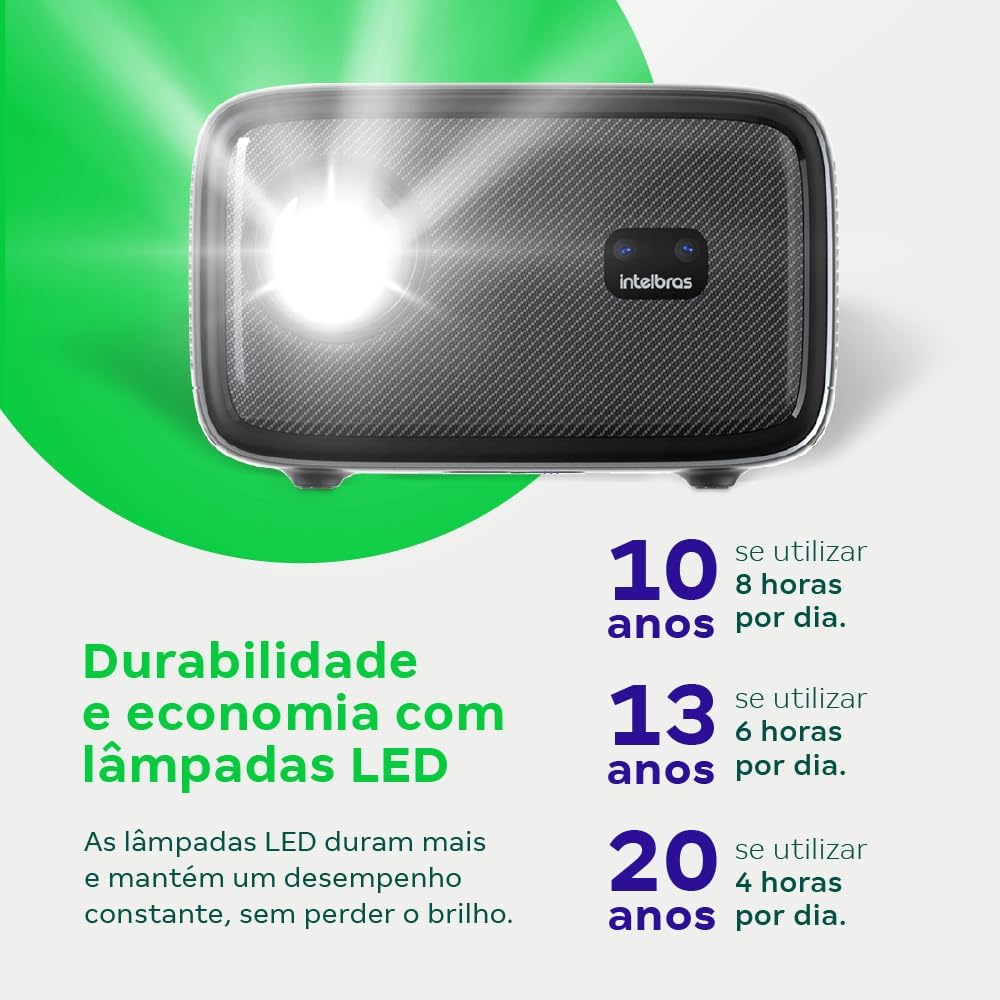
Image: An infographic illustrating the extended durability and economic benefits of the LED lamp, lasting up to 30,000 hours.
8. Destpêkirin
Eger hûn bi projektorê xwe re rastî pirsgirêkan werin, li pirsgirêk û çareseriyên hevpar ên jêrîn binêrin:
- Bê wêne: Ensure the power cable is securely connected and the projector is turned on. Check the input source selection to match your connected device.
- Wêneyê Blurry: Adjust the focus. If the image is distorted, check for automatic keystone correction or adjust it manually via the settings menu.
- Deng tune: Verify the volume level on both the projector and the connected device. Ensure external speakers are properly connected if used, or that the internal speakers are enabled.
- Pirsgirêkên Têkiliyê: For Wi-Fi or screen mirroring, ensure both the projector and your device are on the same network. Restart both devices if necessary.
- Zêde germbûn: Ensure the projector's ventilation openings are not blocked. Turn off the projector and allow it to cool down if it feels excessively hot.
9. Specifications
| Taybetî | Specification |
|---|---|
| Nîşan | Intelbras |
| Navê Model | PFL 7560 |
| Teknolojiya Girêdanê | Wi-Fi |
| Taybetmendiyên Taybet | Wi-Fi Amade ye |
| Resolution Display | 1920 x 1080 (Tevahiya HD) |
| Native Resolution | 1920 x 1080 |
| Çareseriya Herî Zêde ya Dîmenderê | 1920 x 1080 |
| Type Display | LCD |
| Brightness | 8000 Lumen |
| Amûrên Lihevhatî | Laptop, Smartphone, Tablet |
| Jîna Operating Çavkaniya Ronahî | 30000 Saet |
| Navrûya Alavê | 802.11 ac/b/g/n |
| Şîfrekirina Vîdyoyê | H.264, H.265 |
| Bikaranîna Pêşniyar kirin | Sînemaya Malê |
| Audio | 2 x 12W Axaftvanên Entegrekirî |
10. Garantî û Piştgirî
For warranty information, technical support, or service requests, please refer to the official Intelbras webmalperê an rasterast bi karûbarê xerîdar a wan re têkilî daynin. Rapora kirîna xwe wekî delîla kirînê ji bo îdîayên garantiyê biparêzin.