
Pêşkêş
Welcome to the user manual for your Skullcandy Ink'd Wired In-Ear Headphones. These headphones are designed to provide a high-quality audio experience with a comfortable, noise-isolating fit. Featuring a built-in microphone and in-line controls, they offer convenience for both music playback and hands-free communication. This manual will guide you through the setup, operation, and maintenance of your new headphones.
Naveroka pakêtê
- Skullcandy Ink'd Wired In-Ear Headphones (Earphones)
- Small and Medium Ear Gels (pre-installed or included separately)
Damezirandin
Follow these steps to set up your Skullcandy Ink'd Wired In-Ear Headphones for optimal use.
1. Choose the Right Ear Gels
The headphones come with different sizes of ear gels to ensure a comfortable and secure fit. A proper fit is crucial for noise isolation and sound quality.
- Gently remove the pre-installed ear gels.
- Try the different sizes (small, medium) to find the pair that creates a snug seal in your ear canal.
- The correct size will feel comfortable and significantly reduce ambient noise.
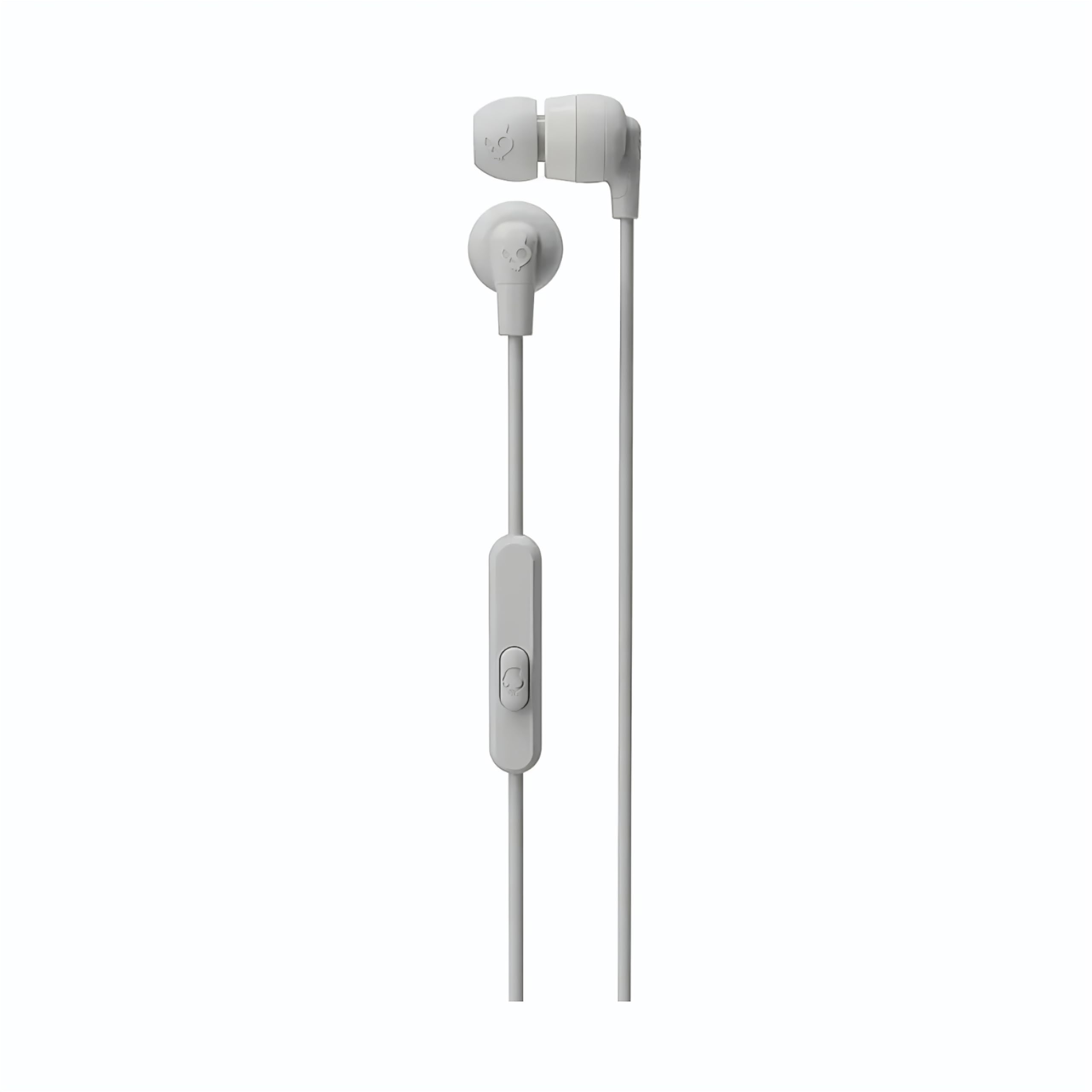
Image: The Skullcandy Ink'd Wired In-Ear Headphones, showcasing the white earbuds with the Skullcandy logo and the wired connection.
2. Bi Amûrê Xwe Ve Girêde
These headphones utilize a standard 3.5mm AUX connection.
- Locate the 3.5mm audio jack on your smartphone, tablet, laptop, or other compatible audio device.
- Insert the 3.5mm plug from your Skullcandy Ink'd headphones firmly into the device's audio jack.
- Ensure the connection is secure for uninterrupted audio.
Telîmatên Operating
Your Skullcandy Ink'd headphones feature an in-line remote and microphone for convenient control of your audio and calls.
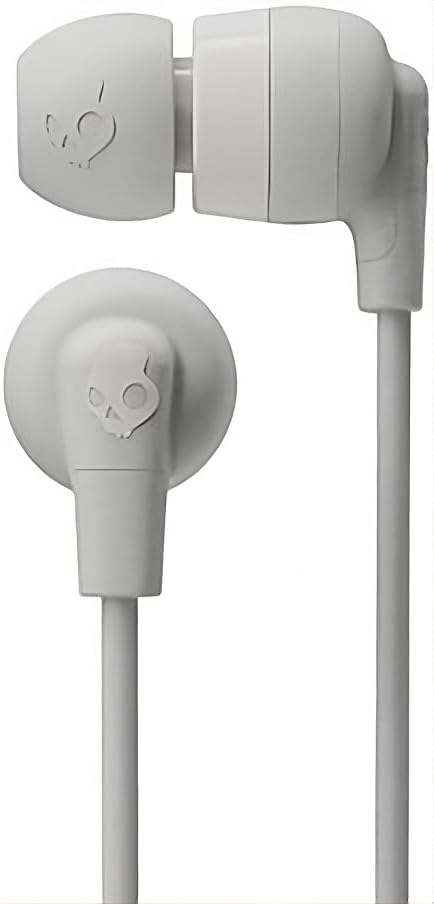
Image: The in-line remote and microphone on the Skullcandy Ink'd Wired In-Ear Headphones cable.
Kontrola Muzîkê
- Lîstik / Rawestandin: Bişkojka navendê carekê bikirtînin.
- Tracka Piştre: Bişkojka navendê du caran zû bişkînin.
- Traopa Berê: Bişkoja navendê sê caran zû bişkînin.
Control Control
- Bersiv/Dawiya Bangê: Bişkojka navendê carekê bikirtînin.
- Bang red kirin: Press and hold the center button for approximately two seconds.
Note: Functionality may vary slightly depending on your device's operating system and specific application.
Lênerrînî
Proper care will extend the life and performance of your headphones.
- Cleaning Ear Gels: Gently remove the ear gels and wash them with mild soap and water. Rinse thoroughly and allow them to dry completely before reattaching.
- Paqijkirina Guhguhkan: Use a soft, dry cloth to wipe the earbuds. Avoid using harsh chemicals or abrasive materials. Do not submerge the earbuds in water.
- Lênêrîna Kabloyê: Avoid sharp bends or excessive pulling on the cable. Store the headphones neatly to prevent tangling.
- Embarkirinî: When not in use, store your headphones in a clean, dry place away from extreme temperatures.
Çareserkirina pirsgirêkan
Heke hûn bi pirsgirêkên bi guhên xwe yên guhêzbar re rû bi rû bimînin, gavên jêrîn biceribînin:
- Deng tune:
- Ensure the 3.5mm plug is fully inserted into your device's audio jack.
- Check your device's volume settings.
- Test the headphones with another audio device to rule out a device-specific issue.
- Poor Sound Quality / Noise:
- Ensure the ear gels are properly seated and creating a good seal in your ear.
- Clean the ear gels and earbud grilles to remove any debris.
- Test with another audio source.
- Mîkrofon Nexebite:
- Ensure the 3.5mm plug is fully inserted. Some devices require a TRRS (Tip-Ring-Ring-Sleeve) connector for microphone functionality, which these headphones provide.
- Check your device's microphone input settings.
- Test the microphone with another device or application.
Specifications
| Hejmara Model | N747 |
| Nîşan | Skullcandy |
| Teknolojiya Girêdanê | Bi têl (Jack 3.5 mm) |
| Cihkirina Guh | Li Ear |
| Noise Control | Betalkirina Dengê Pasîf |
| Built-In Features | Microphone, In-line Remote |
| Range Frequency | 20Hz - 20,000Hz |
| Babetê Weight | 0.04 Kîlo |
| Amûrên Lihevhatî | Laptops, Desktops, Tablets, Telephones, Smart Speakers, Televisions, Car Audio Systems, Cellphones |
Agahî Garantî
Your Skullcandy Ink'd Wired In-Ear Headphones are covered by a Manufacturer Warranty. For detailed information regarding warranty terms, conditions, and duration, please refer to the official Skullcandy webmalper an karta garantiyê ya ku bi hilbera we re tê de ye.
Piştgiriya Mişterî
If you require further assistance or have questions not covered in this manual, please contact Skullcandy customer support.
- Piştgiriya Serhêl: Visit the official Skullcandy support webmalper ji bo FAQs, rêbernameyên çareserkirina pirsgirêkan, û vebijarkên têkiliyê.
- Agahiyên Têkilî: Refer to the Skullcandy website for the most up-to-date contact details, including phone numbers and email support.