
Pêşkêş
This manual provides instructions for the Philco USB C to USB C Cable. This cable is designed for fast charging and high-speed data transfer between compatible USB-C devices. Please read this manual thoroughly to ensure proper usage and to maximize the lifespan of your cable.
Naveroka pakêtê
Di pakêtê de tiştên jêrîn hene:
- 2 x Philco USB C to USB C Cables (4FT, Black)
Taybetmendiyên sereke
1. Ultra-Durable Design
Engineered for longevity, this USB C cable features a premium silicone exterior that resists fraying, splitting, or wear over time. The reinforced connectors ensure a secure fit with your devices, providing stable power transfer. It is tested to withstand over 10,000 bend cycles.
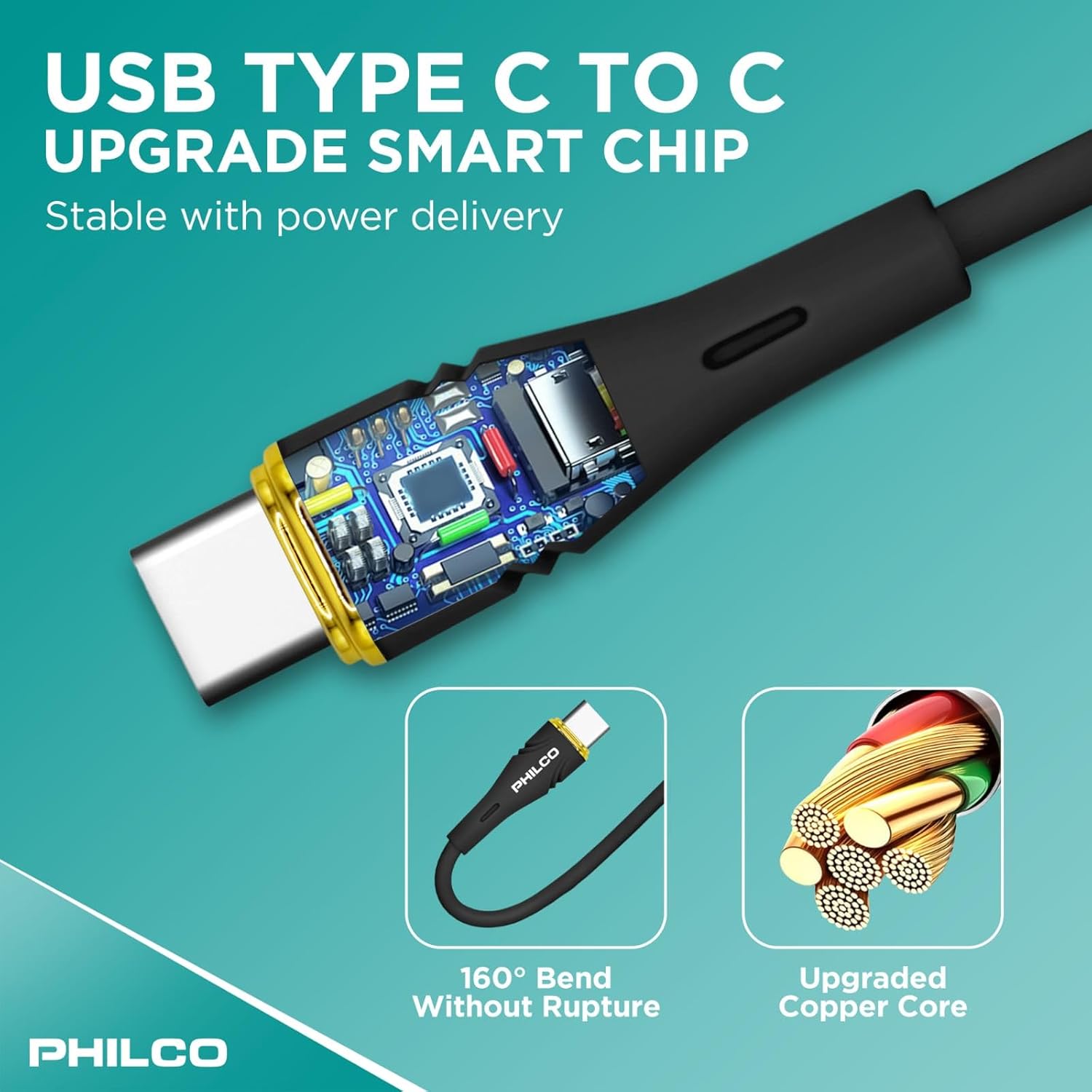
Image: Reinforced connectors and a robust silicone exterior enhance cable durability.
2. Soft-Touch & Tangle-Free Silicone
Unlike traditional rubber or plastic cables, our USB-C charging cable is coated in high-quality liquid silicone for a smooth, soft-touch feel that prevents tangling. This flexible power cable maintains its shape, ensuring effortless storage and easy handling.
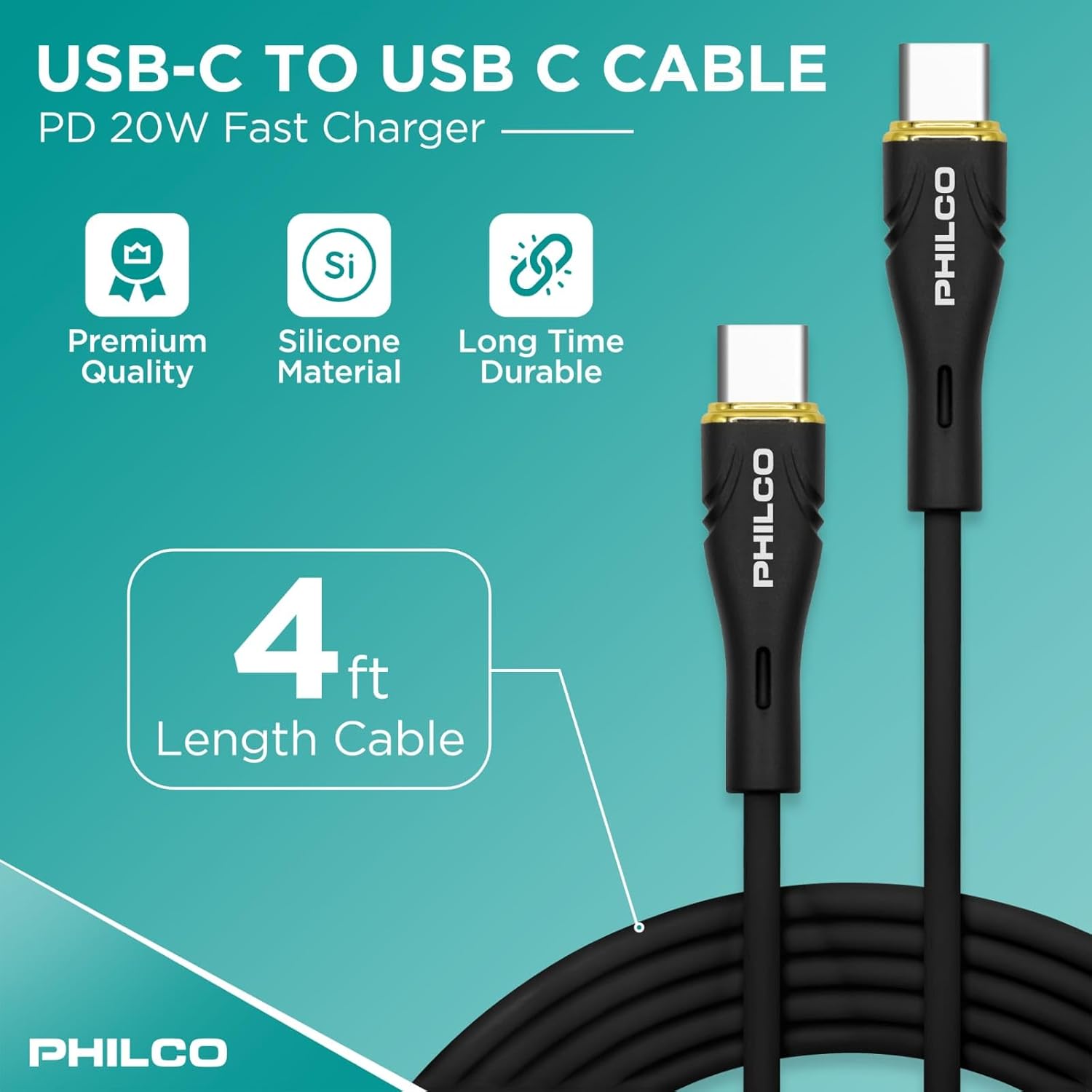
Image: The soft-touch silicone material ensures a tangle-free experience.
3. Fast Charging & High-Speed Data Transfer
Designed for Power Delivery (PD) fast charging, this USB-C power cable supports up to 20W (20V/5A), allowing you to charge compatible devices rapidly. It also supports USB 2.0 data transfer speeds of up to 480Mbps, ensuring seamless file veguherînan.

Image: Key specifications for fast charging and data transfer.
4. Safe Charging with E-Mark Chip
Equipped with an E-Mark chip, this cable ensures safe power regulation, preventing overheating and delivering efficient, reliable charging every time. This advanced technology protects your devices during charging.
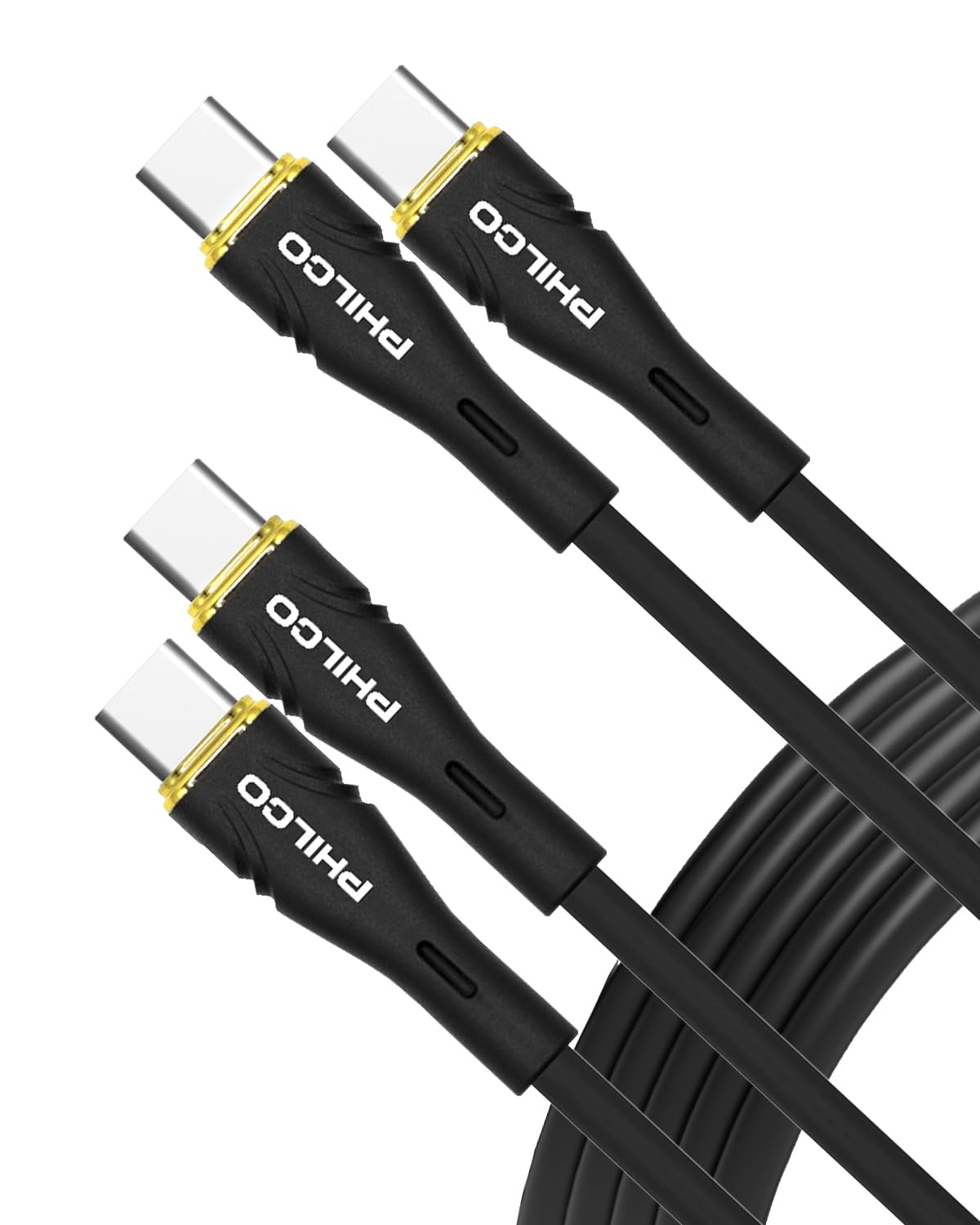
Image: The integrated smart chip ensures stable and safe power delivery.
5. Vîdyoya Fermî ya Berhemê
Ji bo nêrînek berfireh li vî vîdyoya fermî temaşe bikinview of the Philco USB C to USB C Cable's features and benefits, including its durability, fast charging, and data transfer capabilities.
Video: Philco Premium USB Cable overview.
Compatibility
The Philco USB C to USB C Cable is universally compatible with a wide range of USB-C devices, including but not limited to:
- Smartphone: Samsung Galaxy S25/S25+/S25 Ultra/S24 Ultra/S24+/S24/S23/S23+/S23 Ultra/S22+/S22 Ultra/S21 S23 FE/A54/S20 Ultra/Z Fold/Flip 6 5 4/Tab S9 Ultra/S9+/S8+, Google Pixel 9 Pro XL 8, 7 Pro/7a, Nothing Phone 2, iPhone 16 Pro Max/16 Pro/16 Plus/15 Pro Max/15 Plus, OnePlus 9, 9 Pro, 8T, 13, 10T.
- Tablet: iPad Air 4-5th, iPad Pro 2024.
- Laptop: MacBook Air/Pro.
- Amûrên din: Headphone, DVD player, Microphone, Power Bank, Mouse, Smart Watch, Printer, and other GaN-compatible and PD power banks.

Image: The Philco USB C cable is compatible with a wide range of devices, including laptops, tablets, and smartphones.
Damezirandin
Using your Philco USB C to USB C Cable is straightforward:
- Portan Nas Bike: Ensure both your charging adapter/power source and your device have USB-C ports.
- Bi Çavkaniya Hêzê ve Giredin: Insert one end of the Philco USB C cable into a compatible USB-C power adapter or power bank.
- Girêdana Amûrê: Insert the other end of the Philco USB C cable into the USB-C port of your device (e.g., smartphone, tablet, laptop).
- Têkiliyê verast bikin: Confirm that your device indicates it is charging or that data transfer has initiated.
Telîmatên Operating
Charging Devices
Once connected, the cable will automatically begin charging your device. This cable supports Power Delivery (PD) fast charging up to 20W (20V/5A) when used with a compatible fast charger and device. Charging speed may vary based on the power adapter and device capabilities.

Image: The Philco USB C cable provides rapid charging for compatible devices.
Veguheztina daneyan
The cable supports USB 2.0 data transfer speeds of up to 480Mbps. To transfer data:
- Connect your device to a computer or another compatible device using the Philco USB C cable.
- Follow the on-screen prompts on your device or computer to allow data access and initiate file veguherînan.

Image: The cable facilitates high-speed data transfer between devices.
Lênêrîn û Maintenance
To ensure the longevity and optimal performance of your Philco USB C cable, follow these guidelines:
- Embarkirinî: Store the cable in a clean, dry place. The soft-touch silicone material is designed to be tangle-free, making storage easy.
- Handling: Avoid excessive bending or sharp angles, especially near the connectors. While the cable is reinforced for durability (over 10,000 bend cycles), proper handling extends its life.
- Paqijî: Wipe the cable with a soft, dry cloth to remove dust or dirt. Do not use harsh chemicals or abrasive cleaners.
- Parastinî: Do not expose the cable to extreme temperatures, direct sunlight for prolonged periods, or liquids.
Image: The reinforced connectors and silicone exterior contribute to the cable's durability.
Çareserkirina pirsgirêkan
If you encounter issues with your Philco USB C cable, consider the following:
- Cîhaz nayê barkirin:
- Piştrast bikin ku herdu dawiya kabloyê bi ewlehî ve girêdayî ne.
- Verify that the power adapter is functioning correctly and is plugged into a live outlet.
- Confirm that your device's charging port is clean and free of debris.
- Try using a different power adapter or a different USB-C port on your device, if available.
- Barkirina Hêdî:
- Ensure your power adapter supports Power Delivery (PD) and provides sufficient wattage (e.g., 20W or higher for fast charging).
- Close unnecessary applications on your device that may be consuming power.
- Pirsgirêkên Veguheztina Daneyên:
- Confirm that your device is set to allow data transfer when connected to a computer (e.g., "File Transfer" mode on Android devices).
- Try restarting both the device and the computer.
- Ensure your computer's USB-C port is functioning correctly.
- Zirara kabloyê: Inspect the cable and connectors for any visible signs of damage, such as fraying, cuts, or bent pins. Discontinue use if damage is found.
Specifications
| Nîşan | Philco |
| Hejmara Model | FLC2608C |
| Type Connector | USB Type C to C |
| Cable Type | USB |
| Delivery Power | Heta 20W (20V/5A) |
| Rêjeya Veguheztina Daneyên | Heta 480 Mbps (USB 2.0) |
| Mal | Soft-Touch Silicone Exterior |
| Xweparêzî | 10,000+ bend cycles |
| Taybetmendiyên Taybet | E-Mark chip, Tangle-Free, Lightweight |
| Dirêjî | 4 FT (1.2 meters) |
| Reng | Reş |
| Babetê Weight | 3.03 ons (0.09 Kilogram) |
Garantî û Piştgirî
For warranty information or technical support, please refer to the product packaging or contact Philco customer service through their official webCihê an firoşkarê ku berhem lê hatiye kirîn. Belgê kirîna xwe ji bo îdiayên garantiyê biparêzin.