
Groovz GRVZ-CM-BLK
Groovz True Wireless Earbuds User Manual
Model: GRVZ-CM-BLK | Brand: Groovz
Pêşkêş
Welcome to the user manual for your Groovz True Wireless Earbuds. This guide provides detailed instructions on how to set up, operate, maintain, and troubleshoot your earbuds to ensure you get the best possible audio experience. Please read this manual thoroughly before using your device.
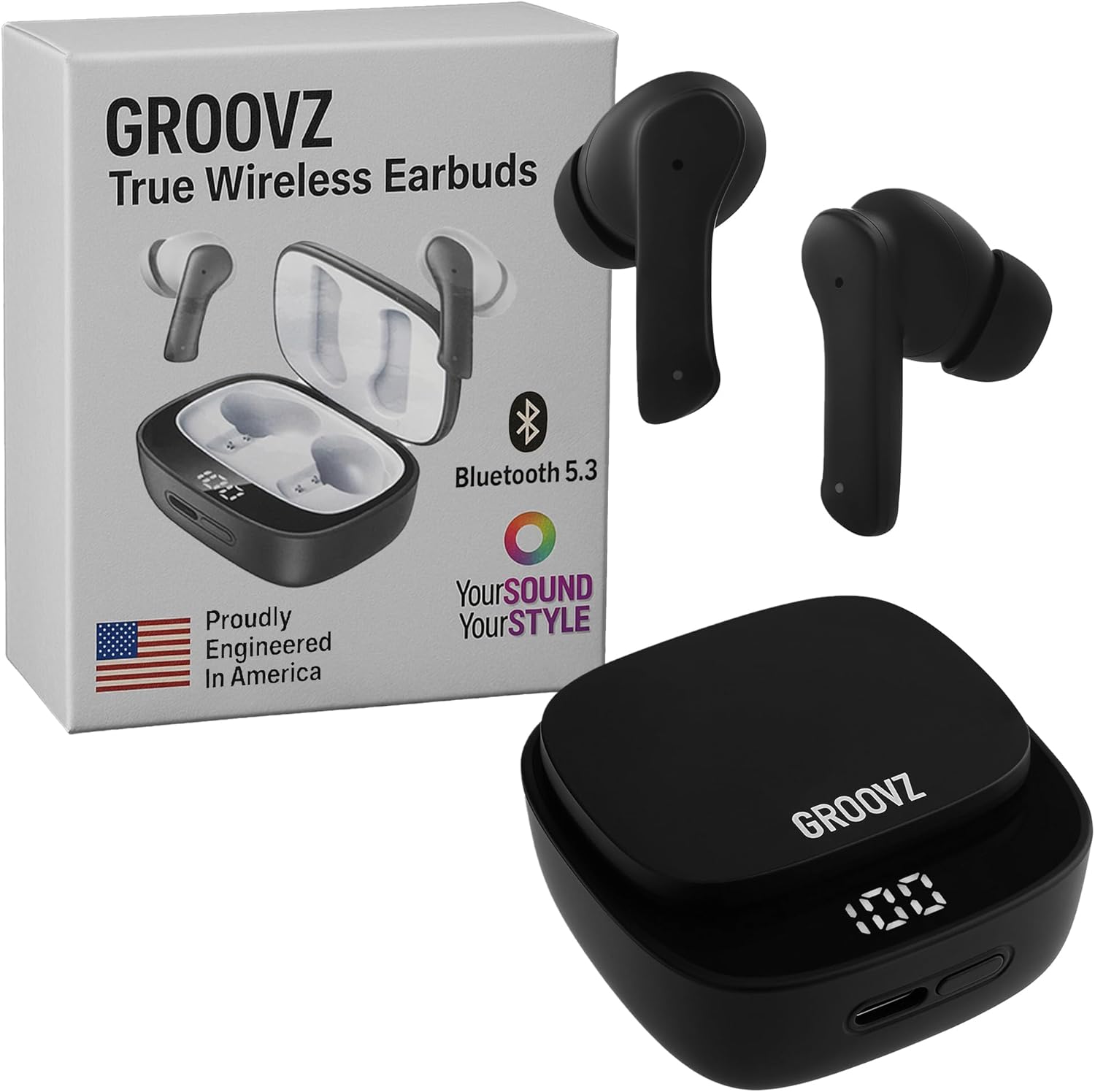
Image: Groovz True Wireless Earbuds, charging case, and product packaging.
Di Box çi ye
Carefully unpack your Groovz True Wireless Earbuds. The package should contain the following items:
- True Wireless Earbuds (Left & Right)
- Doza barkirinê
- Cable Charging USB
- Serê Guhan (Biçûk, Navîn, Mezin)
- Manual Bikarhêner
- Blu-ray (Note: This item is listed in the product specifications as an included component.)
Product Overview
Familiarize yourself with the components of your Groovz True Wireless Earbuds:
Earbuds
- Qada Kontrola Têkilî: Ji bo birêvebirina lîstinê, bangan û alîkarê deng.
- Mîkrofon: Dual microphones for clear calls with noise reduction.
- Serê Guh: Silicone tips for comfortable and secure fit.
- Têkiliyên barkirinê: For charging when placed in the case.
Doza barkirinê
- Cihên Şarjkirina Guhguhkan: Guhguhkan bi ewlehî digire û şarj dike.
- Display LED dîjîtal: Shows the battery percentage ji doza barkirinê.
- Porta barkirinê ya USB-C: Ji bo barkirina dozê.

Image: The digital LED display on the charging case indicates the current battery level.
Damezirandin
1. Barkirina Guhguhkan û Qapaxê
Berî bikaranîna pêşîn, hem guhguhk û hem jî qutiya şarjê bi tevahî şarj bikin.
- Place the earbuds into the charging case. Ensure the charging contacts align.
- Connect the USB charging cable to the charging port on the case and plug the other end into a USB power source (e.g., wall adapter, computer USB port).
- The LED display on the case will show the charging progress. A full charge is indicated by '100' on the display.
A single charge provides approximately 5 hours of playtime for the earbuds, and the charging case provides an additional 22 hours, totaling up to 27 hours of battery life.
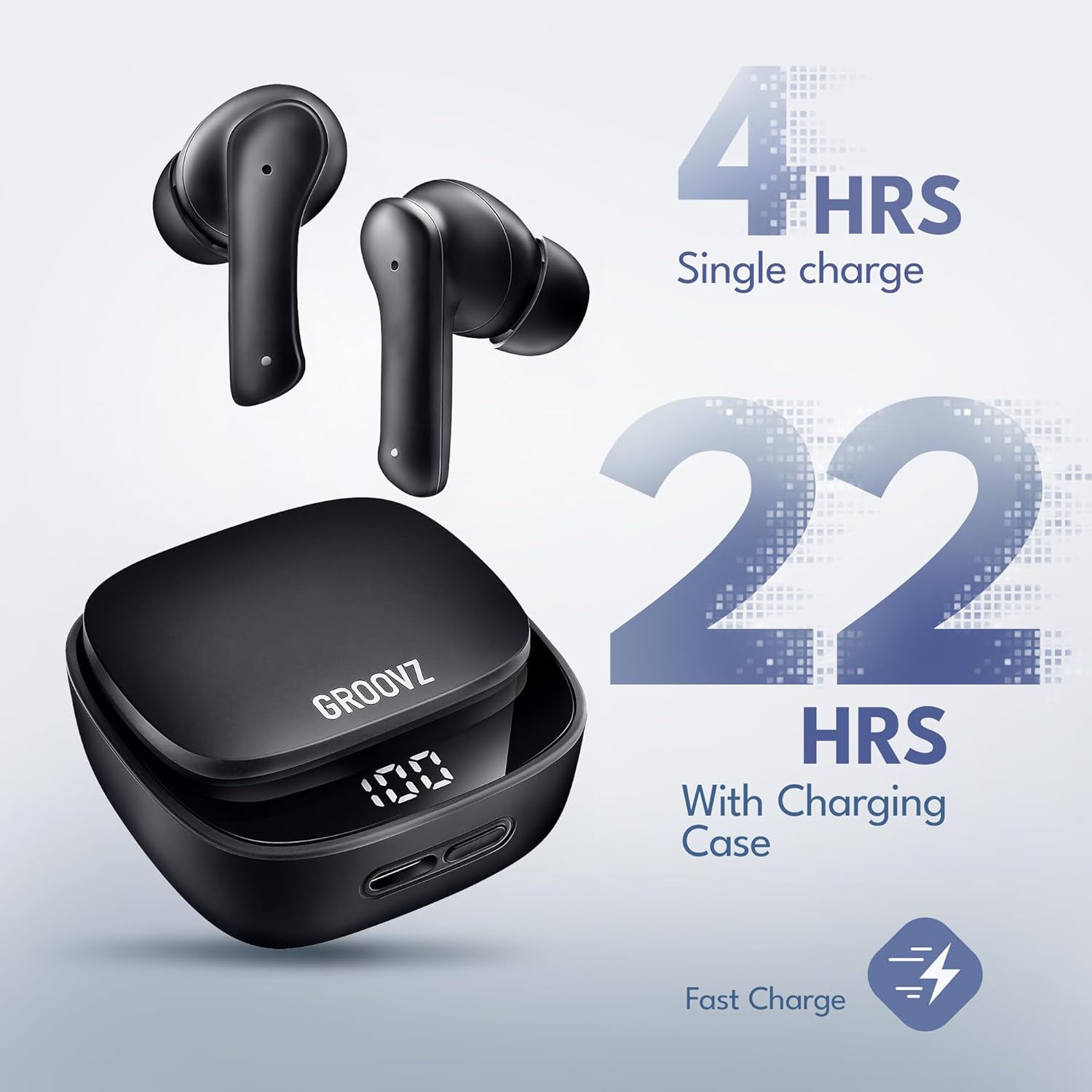
Image: Illustration of battery life: 4 hours on a single charge for earbuds, and an additional 22 hours provided by the charging case.
2. Hevgirtina Bluetooth
The earbuds are designed for instant pairing with Bluetooth 5.3 technology.
- Qutiya şarjkirinê veke. Guhguhk dê bixweber bikevin moda cotkirinê.
- Li ser cîhaza xwe (smartphone, tablet, hwd.), Bluetooth-ê çalak bike.
- Search for available Bluetooth devices and select "Groovz Earbuds" from the list.
- Piştî girêdanê, hûn ê dengek pejirandinê bibihîzin, û guhguhk dê ji bo karanînê amade bin.
3. Sazkirina Guhguhkan
For optimal sound quality and comfort, choose the ear tips that best fit your ears. Three sizes (S, M, L) are included.
- Gently insert the earbuds into your ear canal.
- Wan hinekî bizivirînin heta ku ew ewle û rehet hîs bikin.
- Test different ear tip sizes to find the best seal for your ears. A good seal enhances bass response and noise isolation.
Telîmatên Operating
Controls Touch
The Groovz True Wireless Earbuds feature intuitive touch controls on each earbud. The functions are as follows:
| Çalakî | Karkirin |
|---|---|
| Tek Tapkirin (Guhguhê Çep/Rast) | Lêxistin/Rawestandina Muzîkê, Bersivdan/Bidawîkirina Bangê |
| Ducar Tap (Guhê rastê) | Next Track |
| Ducarî Tap (Kûçika Çep) | Previous Track |
| Sêqat Tapkirin (Guhguhê Çep/Rast) | Alîkarê Deng çalak bike |
| Çape û Bihêle (2 çirke) | Banga Têketinê red bikin |
Çêkirin û wergirtina bangan
The earbuds feature dual microphones with advanced noise reduction for clear conversations.
- Bersiva Bangek: Bi yek ji guhguhkan re yek tikandin.
- Dawîkirina Bangê: Di dema bangekê de yekcar li yek ji guhguhkan bikirtînin.
- Redkirina Bangek: Ji bo 2 saniyeyan guhê guhê bişkînin û bihêlin.

Image: A woman wearing a Groovz earbud, demonstrating the AI-enhanced call feature via dual microphones.
Guhdarîkirina Muzîkê
Experience high-definition audio with powerful bass and clear sound.
- Lîstik / Rawestandin: Bi yek ji guhguhkan re yek tikandin.
- Tracka Piştre: Du caran li guhê rastê bikirtînin.
- Traopa Berê: Du caran li guhê çepê bikirtînin.
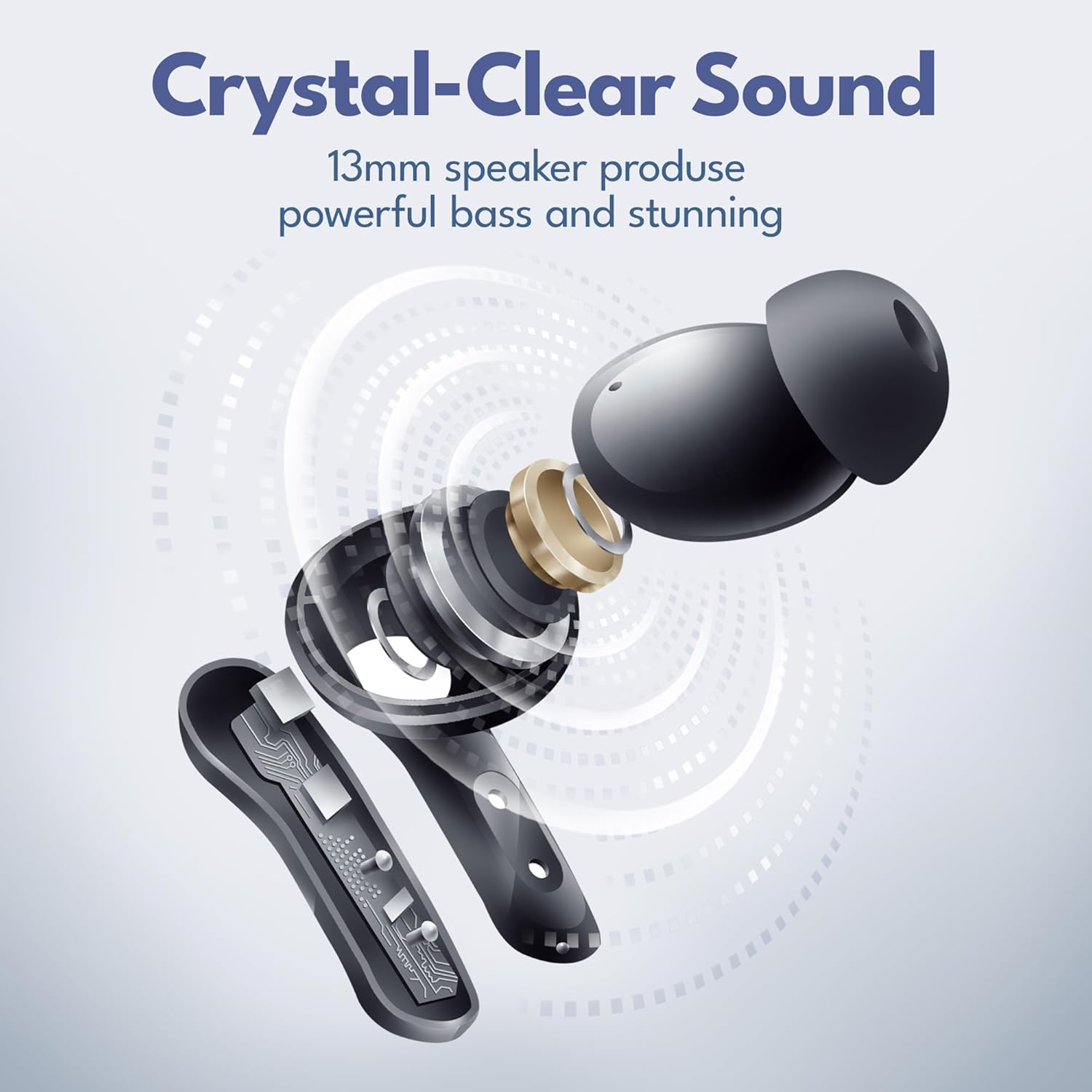
Wêne: Teqiyayek view diagram of the earbud's internal components, highlighting the 13mm speaker for crystal-clear sound and powerful bass.
Lênerrînî
Paqijî
Ji bo parastina performans û paqijiya çêtirîn:
- Serê guhên xwe bi rêkûpêk bi nermiyek paqij bikinamp çît.
- Wipe the earbuds and charging case with a dry, lint-free cloth.
- Ensure charging contacts are free of dust and debris.
Embarkirinî
Dema ku hûn neyên bikaranîn, guhguhkan di qutiya şarjê de bihêlin da ku ew werin parastin û şarj kirin.
Berxwedana avê (IPx4)
Your Groovz True Wireless Earbuds are IPx4 water resistant, meaning they are protected against splashing water from any direction. This makes them suitable for workouts and light rain.
- Guhguhkên xwe di nav avê de nehêlin.
- Wan nexin ber ava şor an şilekên din.
- Ji bo rêgirtina li zirarê, berî ku guhguhk dîsa têxin qutiya şarjê, piştrast bikin ku ew hişk in.
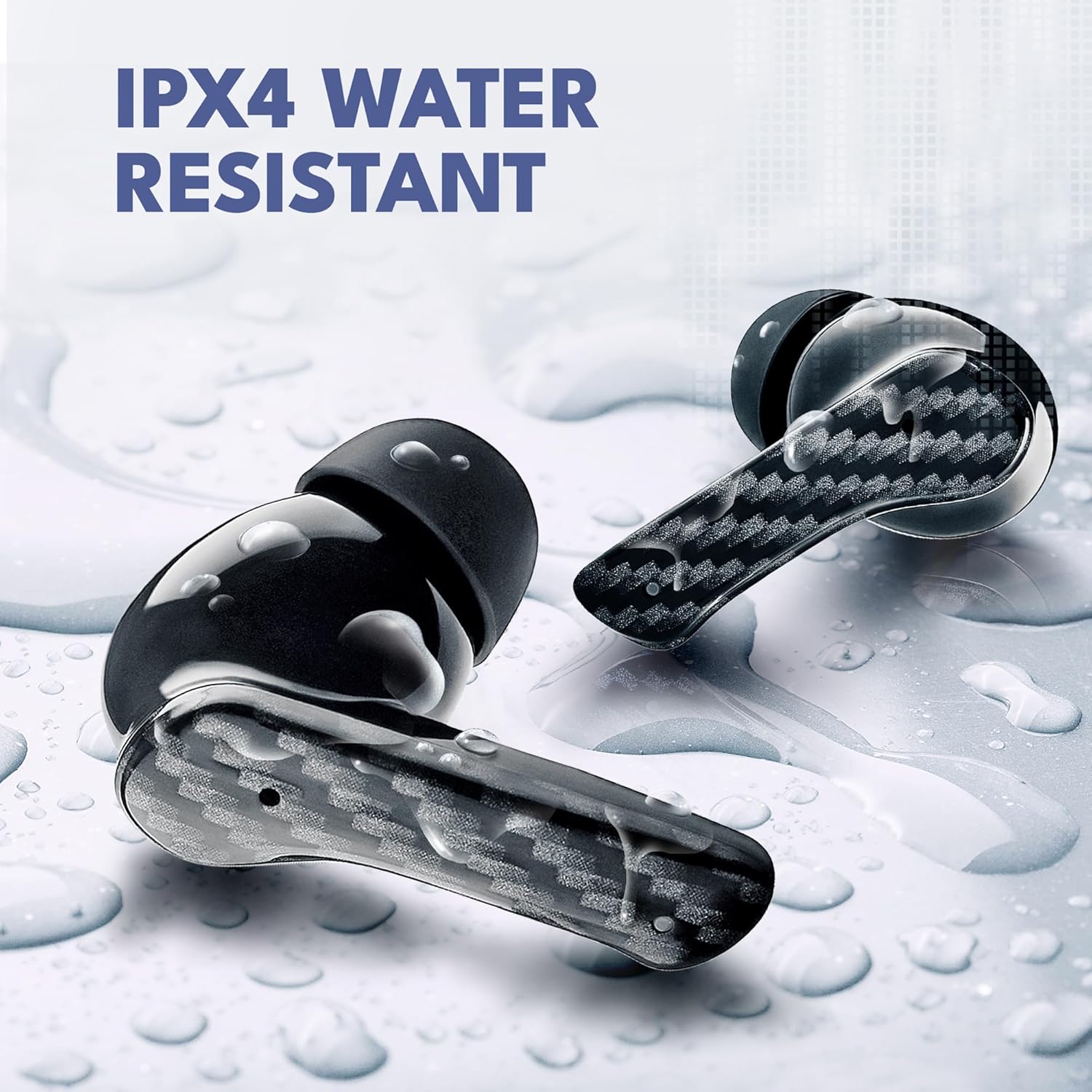
Image: Groovz earbuds with water droplets, demonstrating their IPX4 water-resistant rating.
Çareserkirina pirsgirêkan
If you encounter any issues with your earbuds, please refer to the following common solutions:
| Pirsegirêk | Çareseriya gengaz |
|---|---|
| Earbuds nayên hev kirin | Ensure earbuds are charged. Turn off and on Bluetooth on your device. Forget "Groovz Earbuds" from your device's Bluetooth list and re-pair. |
| Ji yek guhbêjê deng dernakeve | Place both earbuds back in the case, close it, then open it again. Check if both earbuds are charged. |
| Doza şarjê nayê barkirin | Try a different USB cable and power adapter. Ensure the charging cable is securely connected. |
| Dengê nizm an jî qalîteya dengî nebaş | Adjust volume on your connected device. Ensure ear tips provide a good seal. Clean ear tips and earbud grilles. |
| Kontrolên touch bersiv nadin | Piştrast bike ku tiliyên te paqij û hişk in. Guhguhkan bi danîna wan di qutiyê de û derxistinê ji nû ve bidin destpêkirin. |
Specifications
Detailed technical specifications for your Groovz True Wireless Earbuds:
| Taybetî | Hûrî |
|---|---|
| Navê Model | GRVZ-CM-BLK |
| Nîşan | Groovz |
| Teknolojiya Girêdanê | Wireless |
| Teknolojiya Ragihandinê ya Wireless | Bluetooth |
| Guhertoya Bluetooth | 5.3 |
| Cihkirina Guh | Li Ear |
| Faktora Form | Li Ear |
| Rêbaza Kontrolê | Pêbûn |
| Jîyana Bateriyê (Guhguhk) | 5 Saet |
| Dema Lîstinê ya Giştî (bi qutiyê re) | Heta 27 saetan |
| Asta Berxwedana Avê | IPx4 Water Resistant |
| Range Frequency | 20 Hz heta 20,000 Hz |
| Type Driver Audio | Ajokera dînamîk |
| Amûrên Lihevhatî | Smartphone, Tablet |
| Babetê Weight | 5 onsan |
| UPC | 850060701184 |
| Welatê Origin | çîn |
Agahiyên Ewlekariyê
Ji bo rêgirtina li birîndarî an zirara li cîhaza xwe, ji kerema xwe van rêbernameyên ewlehiyê bixwînin û bişopînin:
- Guhguhkan an qutiya şarjê ji hev veneqetînin, tamîr nekin, an jî neguherînin.
- Amûrê ji germahiyên zêde, tîrêjên rojê yên rasterast û agirê vekirî dûr bigirin.
- Avoid exposing the device to excessive moisture or corrosive materials.
- Do not use the earbuds at excessively high volumes for prolonged periods to prevent hearing damage.
- Ji zarok û heywanên heywanan dûr bimînin.
Garantî û Piştgirî
Groovz products are designed and engineered in the USA with a commitment to quality. For warranty information or technical support, please refer to the contact details provided on the product packaging or visit the official Groovz webmalper. Ji kerema xwe delîla kirîna xwe ji bo her îdîayên garantiyê biparêzin.
Ask a question about this manual
Ask about setup, troubleshooting, compatibility, parts, safety, or missing instructions. Manuals+ will review the question and use this page’s manual context to help answer it.