
BINNUNE BW01
BINNUNE Wireless Gaming Headset User Manual
Model: BW01
Brand: BINNUNE
Pêşkêş
Thank you for choosing the BINNUNE Wireless Gaming Headset. This manual provides detailed instructions on how to set up, operate, and maintain your headset to ensure optimal performance and a superior gaming experience. Please read this manual thoroughly before using the product.
Di Box çi ye
Upon unboxing your BINNUNE Wireless Gaming Headset, please verify that all the following components are included:
- BINNUNE Wireless Gaming Headset (Blue)
- 2.4GHz Dongle USB
- Cable Audio 3.5mm
- Cable Charging USB
- Manual Bikarhêner (ev belge)

Image: The BINNUNE Wireless Gaming Headset in blue, accompanied by its 2.4GHz USB dongle and a 3.5mm audio jack. These are the primary components included in the product package.
Product Overview
Familiarize yourself with the key features and components of your BINNUNE Wireless Gaming Headset:
- Girêdana Serê Birêkûpêk: Ji bo ragirtinek rehet.
- Guhguhkên Nerm: Large-size memory foam earmuffs (110mm diameter, 45mm thickness) made of breathable PU leather and mesh material for extended comfort.
- Ajokarên 50mm: High-performance 50mm driver units for clear and rich stereo sound.
- Unidirectional Noise-Canceling Microphone: A 120° adjustable boom mic designed to filter out background noise for clear communication.
- On-Headset Controls: Buttons for power, volume adjustment, and microphone mute.

Wêne: Berfireh view of the BINNUNE Wireless Gaming Headset's unidirectional boom microphone, highlighting its flexible design and noise-canceling capabilities.

Image: An exploded diagram illustrating the internal components of the 50mm audio drivers within the BINNUNE headset, emphasizing their design for rich, full-range sound.
Damezirandin
Barkirina Headset
Before first use, fully charge the headset. A full charge takes approximately 3 hours. A 10-minute quick charge can provide up to 3 hours of battery life. The headset offers up to 80 hours of continuous use in 2.4GHz mode and up to 120 hours in Bluetooth mode.
- Connect the USB charging cable to the headset's charging port.
- Serê din ê kabloya USB bi çavkaniyek hêza USB ya hevaheng ve girêbide (mînak, porta USB ya komputerê, adaptora dîwarî ya USB).
- The LED indicator on the headset will show charging status (refer to the headset's LED guide for specific indications).

Image: The BINNUNE Wireless Gaming Headset displayed alongside a visual representation of its impressive 120-hour battery life, indicating extended usage time.
Vebijêrkên Girêdanê
Your BINNUNE headset supports three connection modes:
- 2.4GHz Wireless (USB Dongle): Provides ultra-low latency (15ms) for gaming. Ideal for PS5, PS4, PC, and Mac.
- Bluetooth 5.3: For wireless connection to mobile phones, tablets, PC, and Mac.
- 3.5mm Wired Connection: Universal compatibility with any device featuring a 3.5mm audio jack.
2.4GHz Wireless Connection (for PS5, PS4, PC, Mac)
- Insert the 2.4GHz USB dongle into an available USB port on your PS5, PS4, PC, or Mac.
- Power on the headset. It will automatically attempt to connect to the dongle.
- Once connected, the LED indicator on the headset will confirm the connection (refer to LED guide).
- On your device, ensure the BINNUNE headset is selected as the audio output and input device.
Bluetooth 5.3 Connection (for PC, Mac, Mobile Phone, Tablet)
- Ensure the headset is powered on and in Bluetooth pairing mode (usually indicated by a blinking LED). If not, double-press the power button to switch to Bluetooth mode.
- On your device (PC, Mac, mobile phone, tablet), go to Bluetooth settings and search for available devices.
- Select "BINNUNE BW01" (or similar) from the list of found devices to pair.
- Once paired, the LED indicator will show a solid light (refer to LED guide).
3.5mm Wired Connection (for All Platforms)
- Serê kabloya dengî ya 3.5 mm bi porta 3.5 mm ya guhdarokê ve girêdin.
- Connect the other end of the 3.5mm audio cable to the 3.5mm audio jack on your device (e.g., PS4/PS5 controller, PC, mobile phone).
- The headset will function in passive wired mode. Note that some headset features (like LED lighting or specific controls) may be limited in wired mode.
Note: The BINNUNE Wireless Gaming Headset is not compatible with Xbox consoles.
Compatibility Overview
The following table provides a quick reference for device compatibility across different connection modes:

Image: A visual compatibility chart detailing which devices (PC, PS4/PS5 Console, PS4/PS5 Controller, Switch, Cell Phone, Tablet) support sound, microphone, and microphone mute functions across 2.4GHz Wireless (USB Dongle), Bluetooth 5.3, and 3.5mm Wired connection modes.
Telîmatên Operating
Power On / Off
- Hêzdarkirin: Bişkoja Hêzê bi qasî 3 saniyeyan bigire û bigire heta ku nîşana LED ronî bibe.
- Hêzdarkirin: Bişkoja Hêzê bi qasî 3 saniyeyan bigire û bigire heta ku nîşana LED vemire.
Switching Between 2.4GHz and Bluetooth Modes
The headset supports simultaneous wireless operation, allowing quick toggling between 2.4GHz and Bluetooth modes.
- Ji bo Guhertina Modê: Double-press the Power button. The headset will switch between 2.4GHz wireless mode and Bluetooth mode.
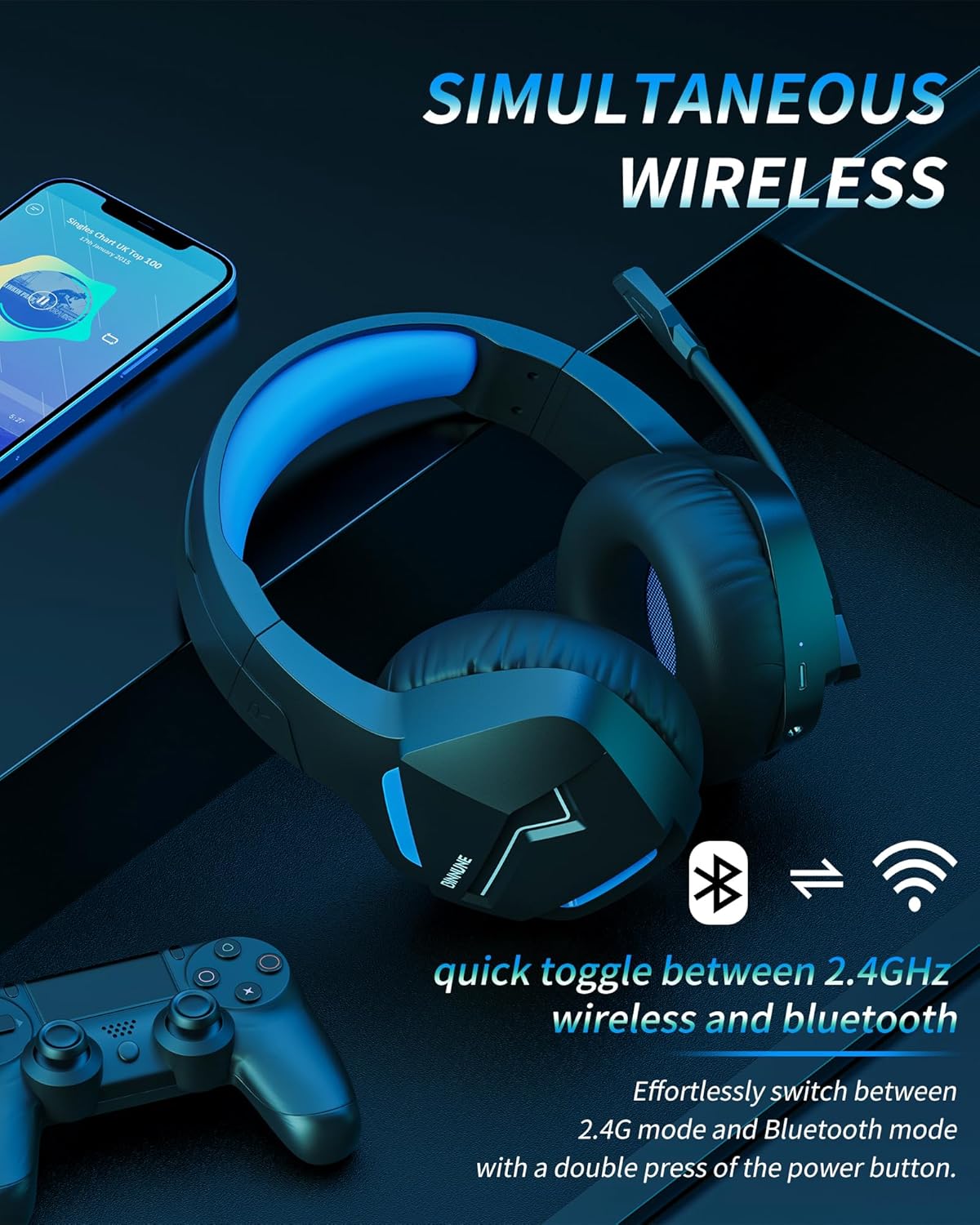
Image: The BINNUNE Wireless Gaming Headset shown with icons representing both 2.4GHz wireless and Bluetooth connectivity, indicating its ability to switch between these modes for versatile use.
Volume Control
- Volume Zêde Bike: Bişkoka Bilindkirina Deng (+) bikirtînin.
- Deng kêm bike: Bişkoka Kêmkirina Deng (-) bikirtînin.
Kontrola mîkrofonê
- Mîkrofonê Biteqîne/Bike: Press the Microphone Mute button. A red LED on the microphone tip usually indicates it is muted.
- Cihê mîkrofonê eyar bikin: The 120° adjustable memory line microphone can be freely shaped and adjusted to your ideal angle.
Performansa Lîstikê
The headset is designed for an immersive gaming experience with features like:
- Accurate Sound Positioning: The 50mm drivers provide clear and rich stereo sound, allowing you to accurately pinpoint in-game sounds like footsteps and environmental details.
- Derengiya Kêm: The 2.4GHz wireless technology ensures an ultra-low latency of 15ms, providing synchronized audio and video for competitive gaming.
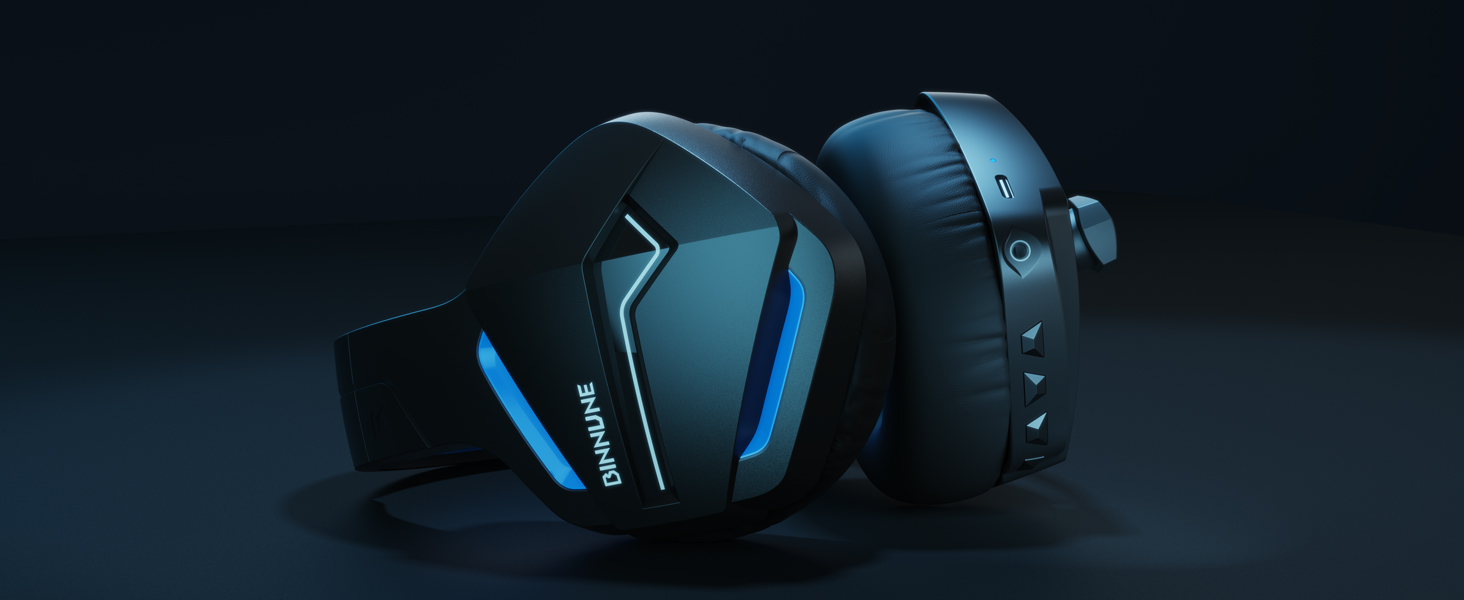
Image: A gamer immersed in a game, wearing the BINNUNE headset, highlighting the benefits of low latency and stable wireless connection for an enhanced gaming experience.
Lênerrînî
Proper maintenance ensures the longevity and performance of your BINNUNE Wireless Gaming Headset.
- Paqijî:
- Use a soft, dry, lint-free cloth to clean the headset's surfaces.
- For earmuffs, gently wipe with a slightly damp qumaşê bipêçin û berî bikaranînê bihêlin bi temamî li hewayê hişk bibe.
- Kîmyewîyên hişk, solavên paqijkirinê, an deterjanên xurt bikar neynin.
- Embarkirinî:
- Guhdastokê li cîhekî sar û hişk, dûr ji tîrêjên rojê yên rasterast û germahiyên zêde hilînin.
- Ji danîna tiştên giran li ser guhdarokê dûr bisekinin.
- Lênêrîna Pîl:
- Ji valakirina tevahî ya bateriyê pir caran dûr bisekinin.
- If storing for a long period, charge the headset to about 50% every few months to preserve battery health.
Çareserkirina pirsgirêkan
If you encounter issues with your BINNUNE Wireless Gaming Headset, please refer to the following common solutions:
| Pirsegirêk | Sedema gengaz | Çare |
|---|---|---|
| Deng tune / Voluma Kêm |
|
|
| Mîkrofon Nexebite |
|
|
| Connection Issues (Intermittent/No Connection) |
|
|
| Headset Not Compatible with Xbox |
|
|
Specifications
Detailed technical specifications for the BINNUNE Wireless Gaming Headset (Model: BW01):
| Taybetî | Hûrî |
|---|---|
| Navê Model | BW01 |
| Teknolojiya Girêdanê | Wireless (2.4GHz USB Dongle, Bluetooth 5.3), Wired (3.5mm Jack) |
| Teknolojiya Ragihandinê ya Wireless | Bluetooth 5.3 |
| Rêzeya Bluetooth | Heta 10 metre (33 ling) |
| Audio Latency (2.4GHz) | 15ms (Ultra Stable 2.4GHz Wireless Connection) |
| Type Driver Audio | Ajokera dînamîk |
| Mezinahiya ajokara Audio | 50 Mîlîmetre |
| Bersiva Frequency | 20 Hz - 20,000 Hz |
| Hisê nazik | 96 dB |
| Mîkrofon | Unidirectional Noise-Canceling Mic (120° adjustable) |
| Battery Life | Up to 80 hours (2.4GHz mode), Up to 120 hours (Bluetooth mode) |
| Time Charging | Approx. 3 demjimêr ji bo barkirina tevahî |
| Earpiece Shape | Oval (110mm diameter, 45mm thickness memory foam) |
| Mal | Plastic (headset), PU leather and mesh (earmuffs) |
| Babetê Weight | 10.7 Ons (nêzîkî 303 gram) |
| Mezinahiya Hilberê | 8.27 x 7.48 x 4.33 inches |
| Amûrên Lihevhatî | Gaming Consoles (PS4, PS5), Laptops, PC, Mac, Mobile Phones, Tablets |
| Tîpa Kontrolê | Button Control |
| Pêkhateyên Tê de | User Manual, 2.4GHz USB Dongle, 3.5mm Audio Cable, USB Charging Cable |
Agahî Garantî
BINNUNE products are manufactured with high-quality standards. While specific warranty details are not provided in this manual, BINNUNE typically offers a limited warranty against defects in materials and workmanship. For detailed warranty terms, conditions, and registration, please refer to the official BINNUNE webmalper an bi piştgiriya xerîdar re têkilî daynin.
Piştgiriya Mişterî
For further assistance, technical support, or inquiries regarding your BINNUNE Wireless Gaming Headset, please contact BINNUNE customer support through the following channels:
- Official BINNUNE Webmalper: Visit the official BINNUNE webmalperek ji bo FAQs, çavkaniyên piştgiriyê, û formên têkiliyê.
- Firoşgeha Amazon: Her weha hûn dikarin serdana BINNUNE Store on Amazon for product information and seller contact options.
Please have your product model (BW01) and purchase details ready when contacting support.
Ask a question about this manual
Ask about setup, troubleshooting, compatibility, parts, safety, or missing instructions. Manuals+ will review the question and use this page’s manual context to help answer it.