
Pêşkêş
Thank you for choosing the QCY A1 Bluetooth 5.0 Headset. This manual will guide you through the setup, operation, and maintenance of your new wireless headset. Please read these instructions carefully before use to ensure optimal performance and longevity of your device.
Product Overview
Naveroka pakêtê
- QCY A1 Bluetooth Headset
- Cushions Ear
- Charging Cable
- Manual Bikarhêner
Headset Diagram

Image: The QCY A1 Bluetooth Headset, showing the earbud, ear hook, and main body with control buttons.
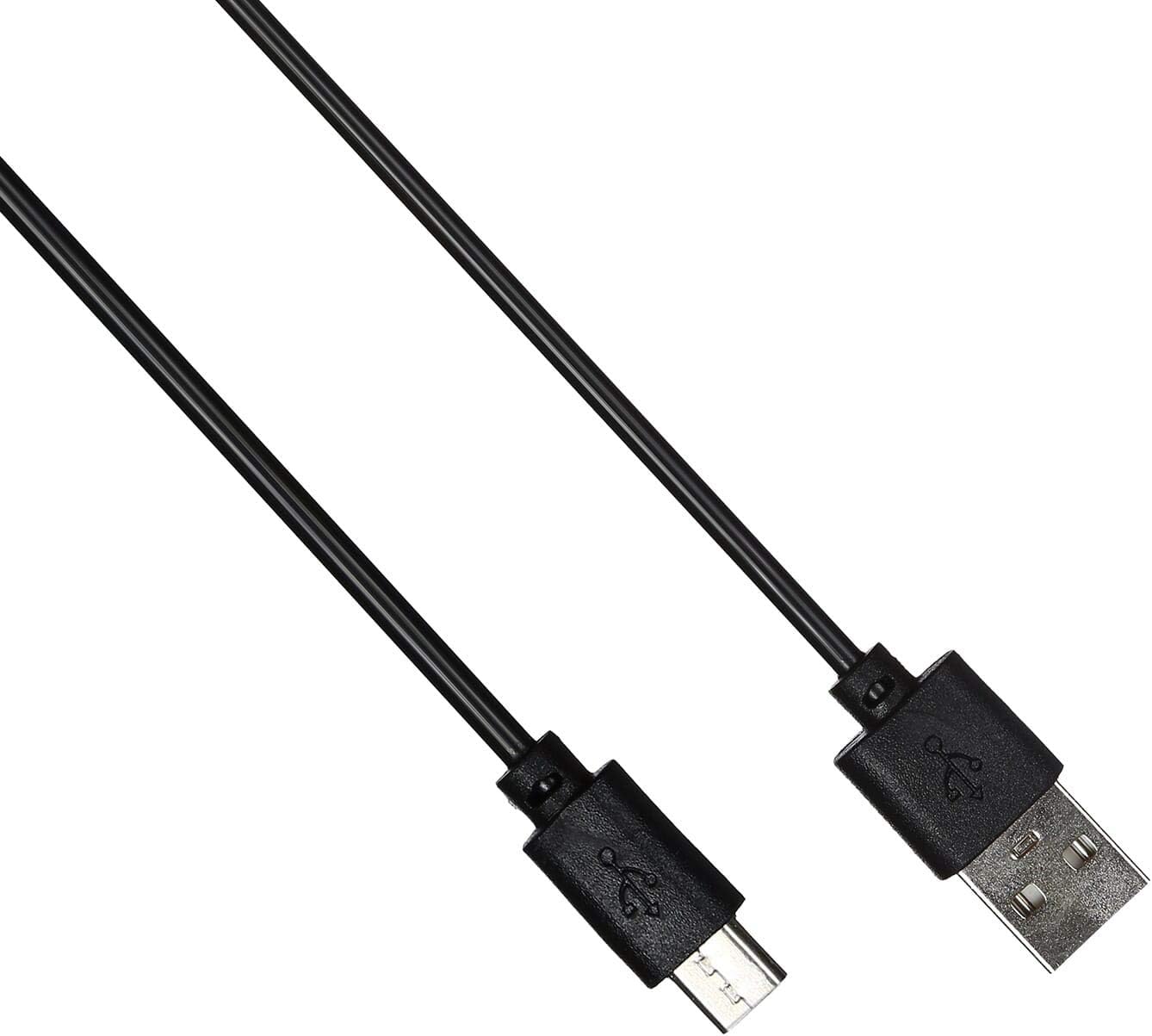
Image: The USB charging cable for the QCY A1 headset.
Damezirandin
1. Barkirina Headset
- Kabloya şarjê bi porta şarjê ya headphone ve girêbide.
- Serê din ê kabloyê bi çavkaniyek hêzê ya USB ve girêdin (mînak, komputer, adapterê dîwar).
- The indicator light will show charging status. A full charge typically takes approximately 1-2 hours.
- Piştî ku bi tevahî dakêşin, kabloya barkirinê veqetînin.
2. Pairing bi Amûrek
- Piştrast bike ku headset vegirtî ye.
- Press and hold the Multi-function button until the indicator light flashes red and blue alternately, indicating pairing mode.
- Li ser telefona xwe ya desta an jî cîhaza xwe ya bi Bluetooth-ê çalak bike, Bluetooth-ê çalak bike û li cîhazên berdest bigere.
- Select "QCY A1" from the list of found devices.
- Once connected, the indicator light will flash blue slowly, and you will hear a confirmation tone.
- If pairing fails, turn off the headset and repeat the steps.
Telîmatên Operating
Power On / Off
- Hêzdarkirin: Press and hold the Multi-function button for 3 seconds. The blue indicator light will flash.
- Hêzdarkirin: Press and hold the Multi-function button for 5 seconds. The red indicator light will flash briefly before turning off.
Birêvebirina Banga
- Bersiva Bangê: Bişkojka Pir-fonksiyonê bi kurtî bikirtînin.
- Banga Dawî: Di dema bangekê de bişkoja Pir-fonksiyonê bi kurtî bikirtînin.
- Bang red kirin: Bişkojka Pir-fonksîyonê 2 çirkeyan pêl bike û bigire.
- Jimara dawîn ji nû ve bihejîne: Double-press the Multi-function button when not on a call.
Playback Muzîkê
- Lîstik / Rawestandin: Bişkojka Pir-fonksiyonê bi kurtî bikirtînin.
- Tracka Piştre: Bişkojka Volume Up bikirtînin û bigirin.
- Traopa Berê: Bişkojka Volume Down çap bike û bigire.
- Volume Up: Bişkojka Volume Up bi kurtî bikirtînin.
- Volume Down: Bişkojka Volume Down bi kurtî bikirtînin.
Alîkarê Deng
- Alîkarê Deng çalak bike: Triple-press the Multi-function button (functionality depends on your connected device).
Lênerrînî
- Guhdastokê bi rêkûpêk bi qumaşek nerm û hişk paqij bikin.
- Ji karanîna kîmyewî an materyalên hişk dûr bixin.
- Guhdastokê li cîhekî sar û hişk, dûr ji tîrêjên rojê yên rasterast û germahiyên zêde hilînin.
- Do not immerse the headset in water or expose it to excessive moisture.
- Dûr negihêjin zarokan.
Çareserkirina pirsgirêkan
| Pirsegirêk | Çare |
|---|---|
| Guhdap vênanake. | Piştrast bikin ku headset bi tevahî barkirî ye. |
| Nikare bi cîhazê re were hevber kirin. | Ensure the headset is in pairing mode (red and blue lights flashing). Turn off and on your device's Bluetooth. Try pairing again. |
| Deng tune ye an jî qalîteya deng xirab e. | Check the volume levels on both the headset and your connected device. Ensure the headset is within the 10-meter operating range of your device. |
| Guhdap pir caran qut dibe. | Ensure there are no obstacles between the headset and your device. Move closer to your device. |
Specifications
| Taybetî | Hûrî |
|---|---|
| Cins | A1 |
| Nîşan | QCY |
| Teknolojiya Girêdanê | Bêtêl (Bluetooth 5.0) |
| Bluetooth Profiles piştgirî kirin | HFP, A2DP, HSP |
| Rêzeya bêhêl | Heta 10 metreyan |
| Rêbaza Kontrolê | Destdan/Bişkok |
| Faktora Forma Headphone | Li Ear |
| Amûrên Lihevhatî | Telefonên mobîl |
| Reng | Spî |
| Babetê Weight | 80 gram |
| Pêkhateyên Tê de | Cushions Ear |
Agahiyên Ewlekariyê
- Serguhê xwe ji hev dernexînin û neguherînin.
- Dûr nehêlin guhê xwe li ber germahiyek an nemahiya zêde.
- Tenê kabloya şarjê ya ku hatiye dayîn an jî hevwateya wê ya pejirandî bikar bînin.
- Ji bo rêgirtina li zirara bihîstinê, guhguhkê bi dengekî bilind ji bo demên dirêj bikar neynin.
- Be aware of your surroundings when using the headset, especially in traffic or other potentially dangerous situations.