
VTech 80-507103
VTech Kidizoom Duo Camera 5.0
Manual Instruction
Pêşkêş
The VTech Kidizoom Duo Camera 5.0 is a durable and feature-rich digital camera designed specifically for children aged 3 and up. It allows young users to capture photos and videos, apply fun effects, and even record their voices. With its dual-lens design, it makes taking selfies and group photos effortless. This manual provides detailed instructions for setting up, operating, maintaining, and troubleshooting your Kidizoom Duo Camera.
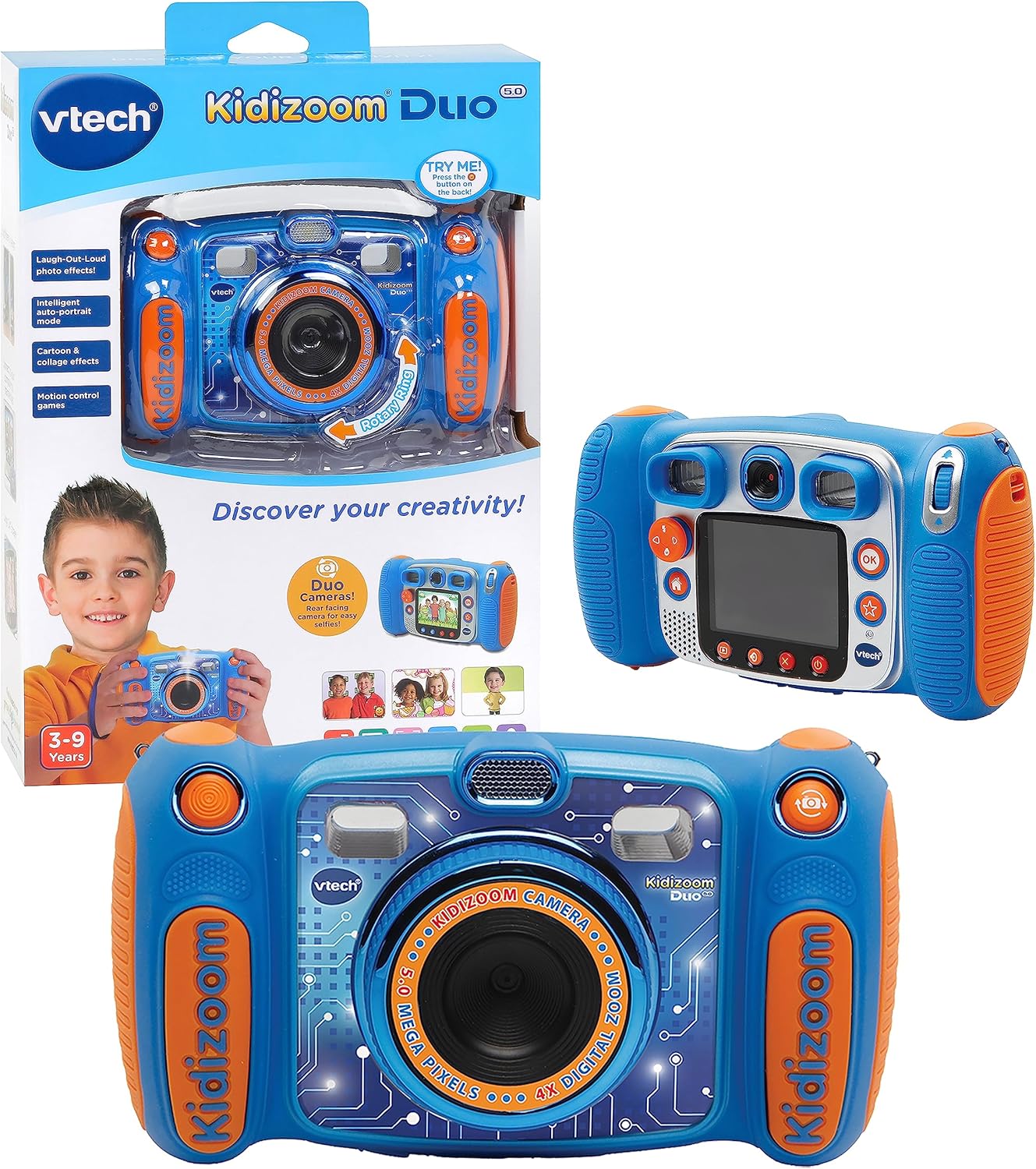
Image: The VTech Kidizoom Duo Camera 5.0, shown both in its retail packaging and as the standalone blue and orange camera unit, highlighting its design and presentation.
Taybetmendiyên sereke:
- Lensên Dualî: Easily switch between front and rear lenses for photos and videos.
- Kamera 5-Megapîksel: Wêne û vîdyoyên bi kalîteya bilind bigirin.
- Bandorên Afirîner: Add fun effects, stamps, and frames to photos and videos.
- Tomarê Deng: Record voices and apply funny effects.
- Sêwirana Durable: Built to withstand drops and rough handling.
- 2.4-Inch Color LCD Screen: Large screen for easy viewing û navîgasyon.
- Learning Games: Includes fun, educational games.
- Zoom dîjîtal 4X: Zoom in on subjects for closer shots.
Damezirandin
1. Vekirina Qutî û Naverok
Carefully remove all contents from the packaging. Ensure all components are present. The package should contain the VTech Kidizoom Duo Camera 5.0 and 4 AA batteries (included).
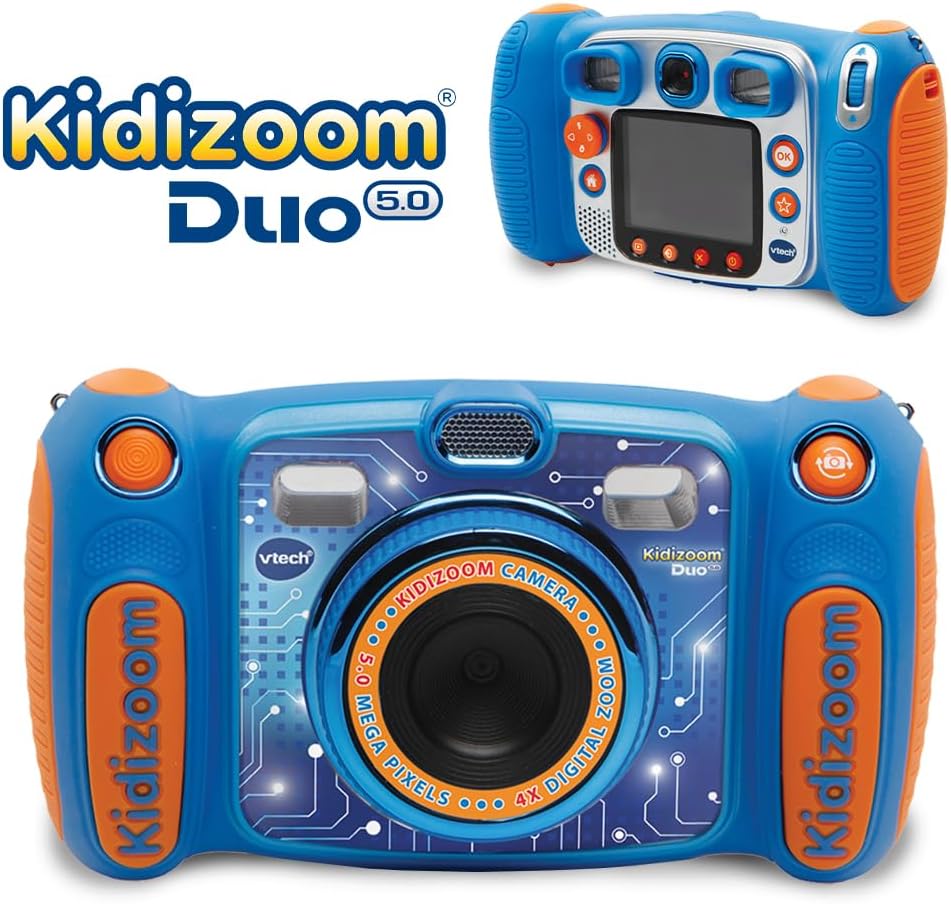
Image: The VTech Kidizoom Duo Camera 5.0 displayed within its retail packaging, ready for unboxing.
2. Sazkirina Pîl
- Cihê beşa pîlê li ser kamerayê bibînin.
- Using a small Phillips head screwdriver, loosen the screw on the battery compartment cover.
- Qapaxê rakin.
- 4 pîlên AA yên nû têxin, wekî ku di hundirê beşê de hatiye nîşandan, piştrast bikin ku polarîteya wan rast e (+/-).
- Dewsa qapaxê biguhezînin û pêlikê zexm bikin.
Not: For optimal performance and to save on replacement costs, rechargeable AA batteries are recommended.
3. Danîna Karta Bîranînê (Vebijarkî)
The Kidizoom Duo Camera has internal memory, but for extended storage of photos and videos, a microSD card (not included) can be inserted. Locate the microSD card slot, typically near the battery compartment, and gently insert the card until it clicks into place.
Kamera xebitîne
1. Power On / Off
Press and hold the Power button (usually marked with a circle and a line) to turn the camera on or off. The 2.4-inch color LCD screen will illuminate.

Wêne: Paşînek bi hûrgilî view of the VTech Kidizoom Duo Camera 5.0, highlighting its LCD screen and the various control buttons for navigation and operation.
2. Navigating the Menus
Use the directional pad (D-pad) and the OK button to navigate through the camera's menus and select options displayed on the LCD screen.
3. Wêne kişandin
- Switching Lenses: The Kidizoom Duo features two lenses. Use the dedicated lens switch button (often a rotating ring or a button near the lens) to toggle between the front-facing lens and the rear-facing lens. This is ideal for selfies or taking photos of others.
- Çarçovekirina Wêneya We: Binêre viewfinder or use the LCD screen to compose your picture.
- Capturing the Photo: Press the Shutter button (usually a large, prominent button) to take a picture.

Wêne: Nêzîkbûn view of the VTech Kidizoom Duo Camera 5.0, illustrating the large 2.4-inch color LCD screen, the 5-megapixel lens with 4X digital zoom, and the mechanism for switching between the two lenses.
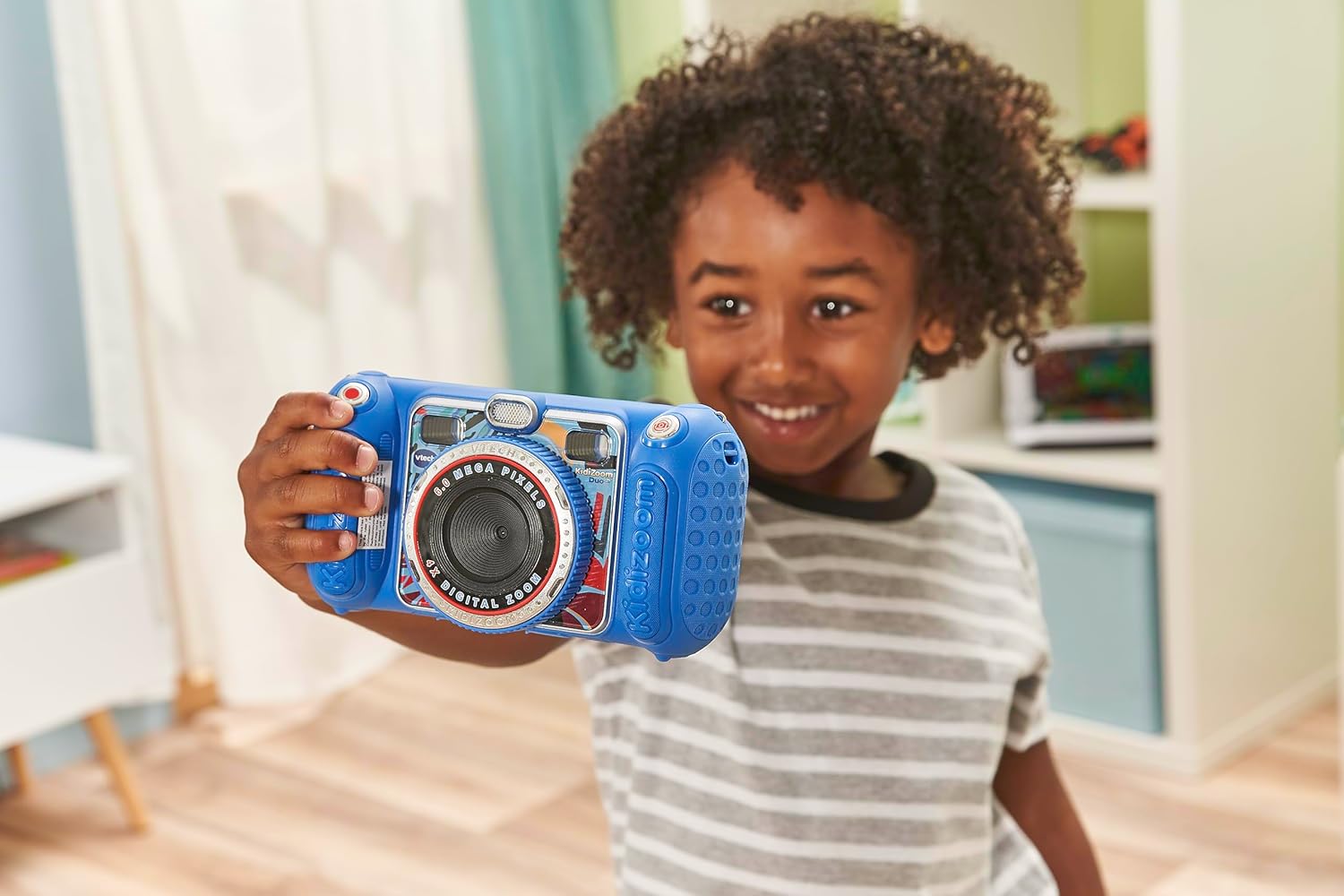
Image: A child holding the VTech Kidizoom Duo Camera 5.0, demonstrating its use for taking a selfie with the front-facing lens.
4. Tomarkirina Vîdyoyan
Select the video recording mode from the main menu. Press the Record button to start and stop recording. The camera will capture both video and audio.
5. Applying Effects and Editing
The camera offers various built-in effects, stamps, and frames to personalize your photos and videos. Access these features through the editing menu. You can also use the auto-portrait feature for automatic photo capture.

Wêne: Pêşandaneke kolajêasing various fun effects, stamps, and frames that can be added to photos using the VTech Kidizoom Duo Camera 5.0, demonstrating creative possibilities.
6. Tomarkirina Deng
Navigate to the voice recorder function to record your voice. You can then apply funny effects to the recorded audio.
7. Playing Games
The Kidizoom Duo Camera includes several pre-loaded learning games. Select the Games icon from the main menu to access and play them.
Lênerrînî
1. Paqijkirina Kamerayê
- Ji bo paqijkirina laşê kamerayê qumaşek nerm û hişk bikar bînin.
- For the screen and lenses, use a microfiber cloth specifically designed for electronics. Do not use abrasive cleaners or solvents.
- Ji ketina nav devê şilbûnê dûr bisekinin.
2. Lênêrîna Pîl
- Ger kamera dê ji bo demek dirêj neyê bikar anîn, pîlan derxînin da ku rê li ber rijandinê bigirin.
- Always use fresh, high-quality batteries.
- Ger pîlên şarjkirî têne bikar anîn, berî karanînê pê ewle bin ku ew bi tevahî hatine şarj kirin.
3. Storage
Store the camera in a cool, dry place away from direct sunlight and extreme temperatures. Consider using a protective case to prevent scratches and damage.
Çareserkirina pirsgirêkan
| Pirsegirêk | Sedema gengaz | Çare |
|---|---|---|
| Kamera vênake. | Pîl kêm in an jî bi şaşî hatine sazkirin. | Replace with fresh batteries or ensure correct polarity. |
| Pictures/Videos are blurry. | Lens is dirty; insufficient lighting; subject too close/far. | Clean the lens; ensure adequate lighting; adjust distance to subject. |
| Cannot save more photos/videos. | Internal memory is full; no microSD card inserted or card is full. | Yên kevin jê bibe files; insert a microSD card; transfer files bi komputerê. |
| Kamera diqelişe an jî bêbersiv dibe. | Xeletiya nermalavê. | Ji bo pêkanîna resetkirineke hişk, pîlan derxînin û ji nû ve têxin. |
Specifications
| Taybetî | Hûrî |
|---|---|
| Mezinahiya Hilberê | 1.57 x 4.49 x 3.35 inches |
| Babetê Weight | 7.1 onsan |
| Hejmara Modela Babetê | 80-507103 |
| Manufacturer Pêşniyar Age | 3 sal û jor |
| Batteries | 4 bataryayên AA hewce ne (tevî) |
| Dîroka berdanê | 31 Cotmeh, 2019 |
| Çêker | Vtech Electronics |
| Teknolojiya Sensora Wêne | MOS |
| Piştgirî kirin File Çap | JPEG, RAW |
| Stabilization Image | Digital |
| Zoom Optîk | 4X |
Garantî û Piştgirî
VTech products are manufactured to high standards and are designed to provide a fun and enriching experience. For information regarding warranty coverage, please refer to the warranty card included with your product or visit the official VTech website.
For technical support, frequently asked questions, or to purchase accessories, please visit the VTech support section on their official website or contact their customer service department. Keep your model number (80-507103) handy when contacting support.
Çavkaniyên Serhêl:
- VTech Official Webmalper: www.vtechkids.com
- Product Support Page: (Check VTech website for specific product support page)
Ask a question about this manual
Ask about setup, troubleshooting, compatibility, parts, safety, or missing instructions. Manuals+ will review the question and use this page’s manual context to help answer it.